Luke from AccountCloud shows home builders how to set up a Work-In-Process account in QuickBooks Online to track construction costs. You create a WIP account under Current Assets, reassign expense codes like concrete to it so costs accumulate there, then move them to the income statement when you sell the home or complete progress invoicing.
Chapters
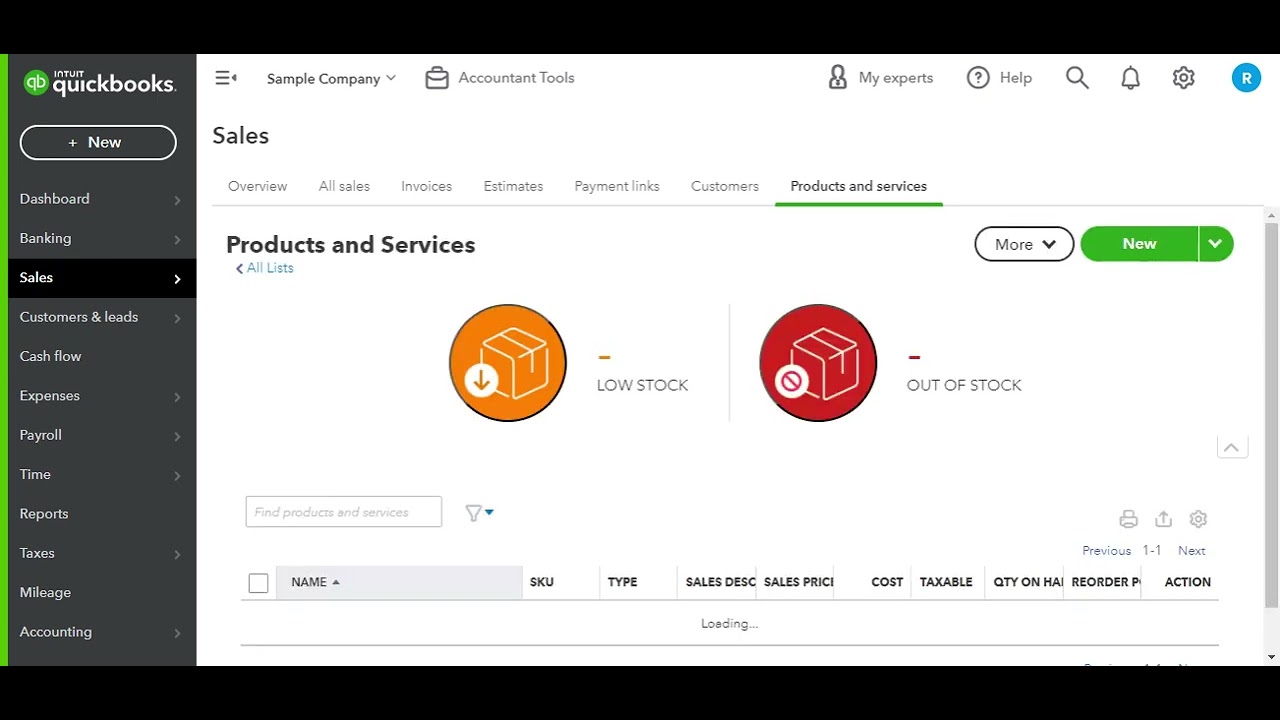
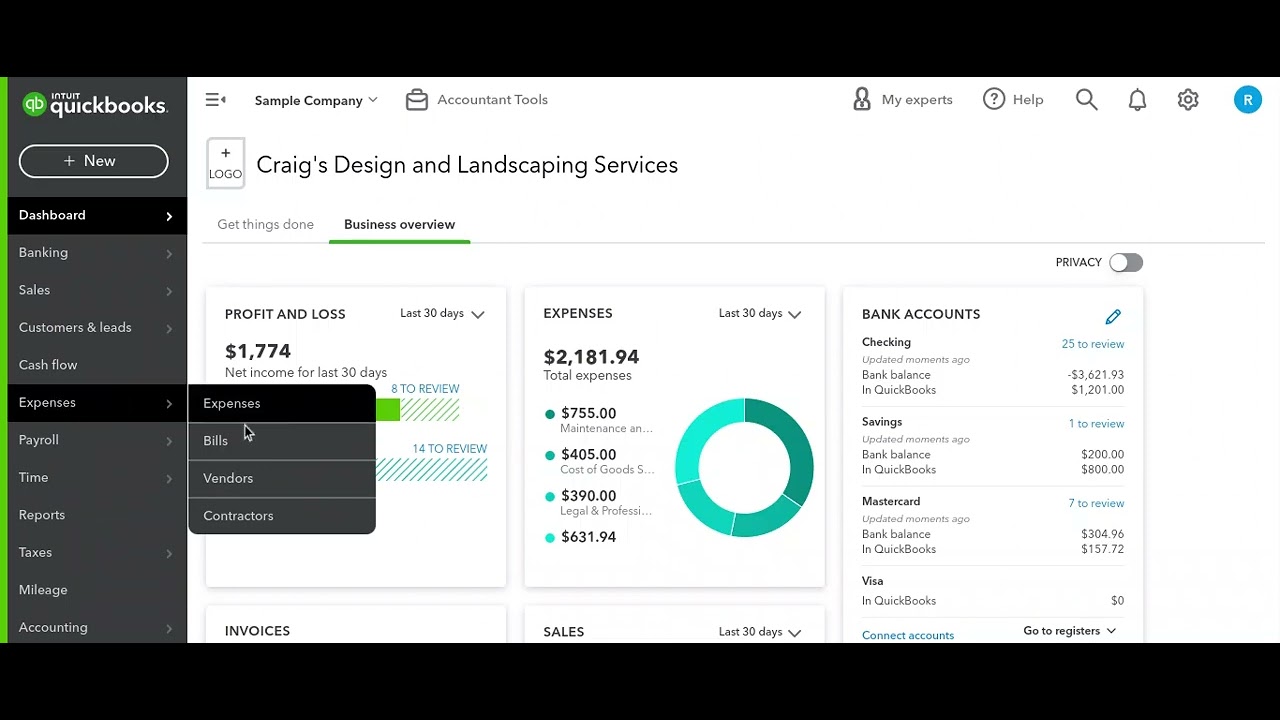
Hey everyone, it's Luke here with AccountCloud bringing you another accounting tip for home builders. So when you're building a new construction home, the costs and revenues associated with the construction of that home need to go into what's called a work in process account. The reason for this is that since the builder has ownership of the home, it's considered an asset and an inventory asset. for that home builder. So, in QuickBooks Online, in order to record that, we'll need to go ahead and set up a work in process account under the current assets section of the balance sheet. So, we'll just go ahead and call this one work in process. You didn't spell it correctly. And then this— what this account will hold is all of the costs that are associated with building the home. So, we'll go ahead and hit save. Now, what we'll want to do is update any of the cost codes under the products and services section of QuickBooks Online, and we want to update the expense account that's associated with those items and add the— The work in process account to that. So, like, for example, concrete, we want to go ahead and edit that, and we want to say the— and we want to say the expense account for that is the new work in process account. And this will push all of those costs that are— all of the concrete costs to that work in process account. Then when the home is sold or when progress invoicing is completed, we'll move a certain percentage or the whole cost of building that home to the income statement.