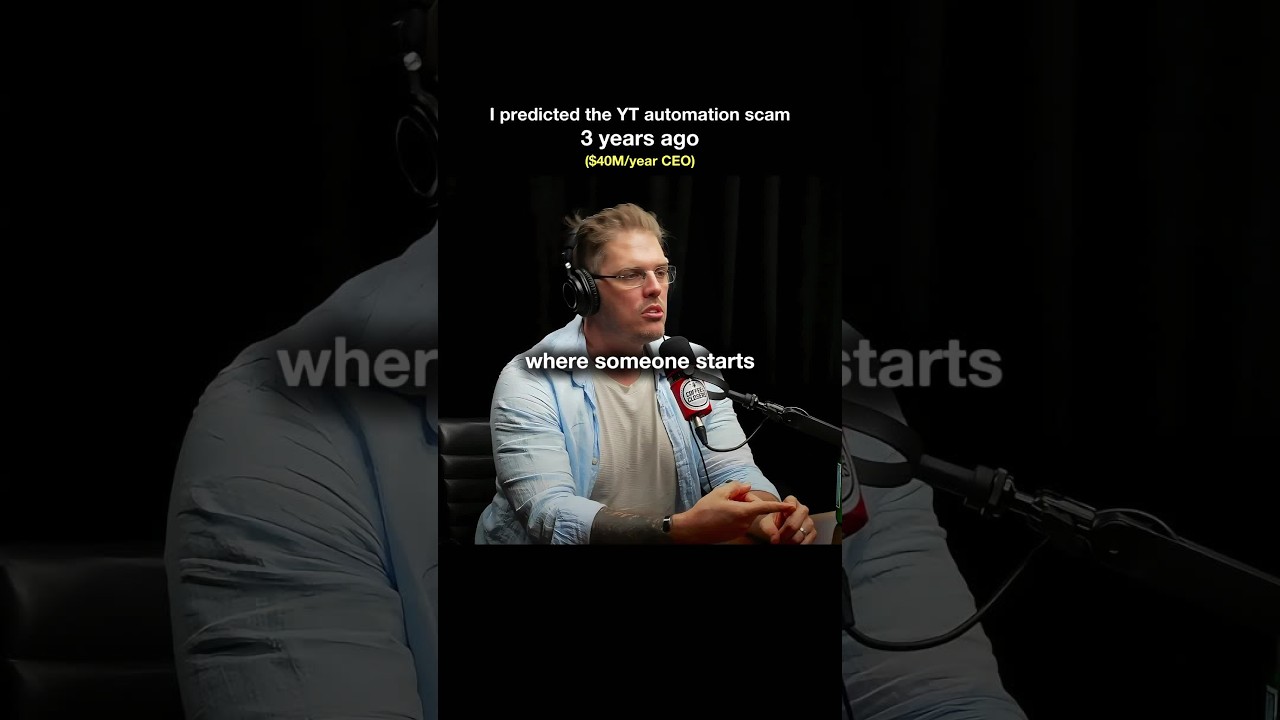
This is a YouTube video titled "How to look and sound good on zoom" created on May 21, 2021. The content features a single speaker providing detailed advice on optimizing audio and video setup for Zoom sales calls, including microphone choice, camera placement, and background setup to appear professional and minimize distractions.
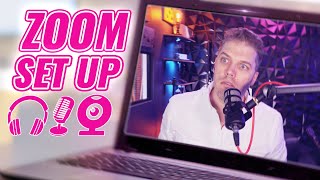
Hey, guys, what's up, Matt? Here. And let's just do the tip. Just the tip. Just for a minute. Let's see how it feels. All right, guys, today what we're going to talk about is a zoom setup. So selling over zoom, okay? So one of the things that I think a lot of salespeople neglect is the audio quality of their zoom. Okay? This, for example, this is a rode pod mic, is a very, very good mic for selling or for podcasting. It's very directional as I'll show you now. Uh, so if I'm in a loud environment, if I'm selling from home, okay, And I have kids or I have people in my house and I'm in my room or my office, I need to have a microphone that is not going to pick up much ambient noise, okay? It's very, very important. If you have like a yeti blue mic, right? If you have the yeti mic, that mic can be directional. It can be unidirectional. A lot of people actually have it facing the wrong way. So you have to know which way the microphone is facing. So it's actually facing. Okay. But also it's, it's designed to kind of pick up all the noise in a room. It's not really designed to be like a really, really directional mic. Okay? So you need to have an audio setup that's going to match your environment, not just one that you've seen other people have. Okay? I could have whatever mic I wanted in here because this room is sound treated. I have mics up there, I have a mic there, and I have a mic here. All of which are recording at the moment. And then I pull them all together. We pick the best piece of audio. Generally speaking, it's this one right here. Because it is such a good microphone, it's only about 150 bucks. Okay? So you need to make sure that you're matching that. If you need to listen back to your calls, if you have lots of wall slap, if it sounds reverb or echoey in the slightest, it's very difficult for that person to understand you correctly. And with sales you want it, you need to get rid of all distractions. If the person's constantly thinking about how you sound or the reverb, like, that's a very, very important thing that you need to get right. Otherwise you're going to cost yourself at least one sale and that's just not worth it. This microphone is probably, you know, one tenth of your commission. So, like, come on guys, let's get into it. Okay? Another one is camera. Now, you don't need a camera like I've got, okay? But you do want a good quality webcam, not a shitty one. Also, the placement of it, don't have it down below looking like this, right up someone's nose. It's not a very attractive look, okay? It's a come across as professional. So have it slightly above you, slightly facing down. Not like this, where it's an unnatural angle, but just normally right out in front of you so you can maintain some eye contact or look at them somewhat normally during the sales call. And the next one is your background. Those wall panels behind me, they're all from Amazon 3D wall panels. You can get them. They're super cheap. Okay? And you can just get someone put some behind you. You can get white ones, gray ones, black ones, whatever ones you want. But you can create a nice background for yourself that's not going to be distracting. That's going to present yourself in a professional way, okay? And we are selling over zoom, all right? So that's just the way the world is these days. I don't like green screen backgrounds. I think they look stupid. Okay? It also like, what's that person hiding? So I think that automatically puts a psychological, like, what's the person hiding? Right. And also it kind of emanates a little bit of success. When you have a nice background, you put effort into your surroundings. All right, guys, I know that was a heck of a lot longer than two minutes, but that is my tips on how to have a zoom setup that's going to work for someone. All right, guys, Buddy.