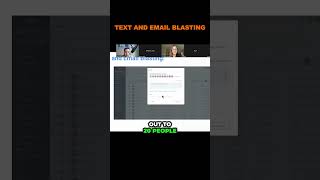
A product demo by Nate Tilley showing how to use a "text and email blasting" feature to message many customers at once. The speaker explains filtering customers via tags, selecting leads/deals, composing personalized messages using tokens (e.g., first name), scheduling sends and repeat cadence (example: 25 every 30 minutes), and monitoring incoming responses in a live panel shortly after sending.
Chapters
Text and email blasting. Remember how I said you guys can have all your sold customers in here? You can have any kind of customers, you can filter these customers out in the tagging system and you can go through here and you can have all your deals that are open and you can send them all a blast text message on demand. You come in here, you check the leads you want to send a message to, and then you go through and you send a message like this. You just type it in. This is going to be a text message we're sending out to 20 people at once. Okay. So you type in the message and you can also make it personalized. You can put their name, contact, first name. So it automatically says, hey, Nate, you know, and then you can set the date and time you want to do it at, when you want to repeat it after. So we're going to send out 25 every 30 minutes and then you can set the time that you want to do it in. So you can always be dripping out to leads. Then you send the message and it's going to run here on the side and you're going to start getting responses. So check this out, guys. This was just shortly after we sent that out. You're going to start getting responses like this. We already had gotten some responses just minutes after. Look at all these responses over here on the left. It's sending to all these different people and they're responding just like that.