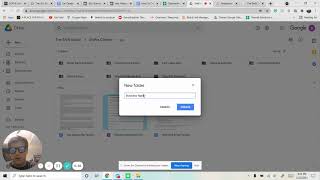
Walk through creating a Google Drive folder for a new client in Shift Social's Drive. Check the client sheet to see if they're a Shift or white-label account, make a folder with the business name, then add three subfolders: Reports, Drafts, and Creatives.
Chapters
Okay, so here is how to create a Google Drive folder for reports, creatives, address for new clients. We're going to go to the Google Drive folder and under the Shift Social and either it's going to be a Shift client or shift white label client. You'll figure that out in the Google Drive sheet that was in the one before. So here we're going to go to new new folder and you're going to label it the business name, whatever the business name is. Create. Click on that. And then we're creating new folders. So you're just repeating the process. You're going to create it, label them, reports, create new folder, add drafts, create and creatives. Great. And then you are all done.