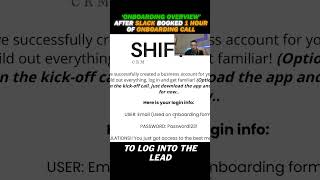
Nate Tilley walks through what happens after a client books an onboarding call on Slack. Get them into the Slack channel, have them log into the lead management portal with their email and password, then show them the CRM basics during the kickoff call.
Chapters
You're going to make sure that they're in the Slack first and foremost. Okay. And then after that you're going to want to book the kickoff call or onboard, which will be about an hour long. Now, when we go to the calendar, they are going to be able to choose a time and it'll send appointment notifications to the rest of the team members and then after that it's going to send them to the next step. This is a page we have to help them join the Slack channel. It's just right here, Slack channel. It just gives a brief overview of Slack has the Apple and Android app download. This just opens up the browser or into the app if they have it downloaded on their desktop. So next up in process, they're going to go here to log into the lead management portal. So this is same thing as the Slack we have the Apple, the Android download and then logging in on desktop. So it has their email, it's got their password and they can literally go in, click here. It's going to open up the login portal and then they're going to be able to sign in right there. So it's. You can send them there so that they can log in. From there they have all the links and everything to the CRM. After that we've got a little onboarding process overview of me showing them how to use the CRM. This is how onboarding is set up.