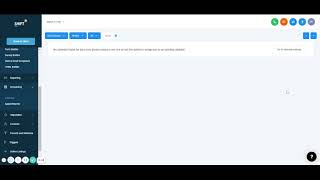
This is a short training segment (from a YouTube video) explaining the Scheduling tab in Shift CRM. It describes that the Scheduling tab displays the user’s full calendar (with optional Google Calendar sync), lets users view appointment details (requested time, requester, assigned employee), and manage appointments (confirm, deny, mark no-show).
Chapters
All right. The next one we're going to go through is scheduling. This is very simple, easy calendar. It's going to show your entire calendar. You could sync it up with Google Calendar. And so it will show all those any appointments that you have, all your settings and whatnot do weekly, all I don't have this one set up. And then appointments it will show anytime you set up an appointment, you could come here and you could if they requested an appointment, you could confirm it, you could deny it, you could even say that it was they never showed up. All that show the name, the requested time, when it was added to whose calendar, who the appointment's going to, if you have employees and all that. And so there's other all appointments or different things could schedule appointments. I need my calendar set up. But that's what that means.