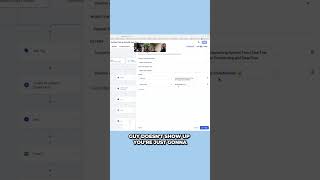
Nate Tilley walks through setting up sales funnels and automations to run on their own. Link your domain, fill in custom fields, and the system sends appointment reminders at three intervals plus handles no-shows by tagging leads and triggering reschedule emails automatically.
Chapters
You have to customize the funnels, you have to link your domain and you have to fill out the custom value fields and then you want to go through everything. You want to understand how this works. But essentially what this is is a really good mousetrap and then a whole back tail end for every stage of the process. So if it's just that they came in and just booked an appointment, then it's going to send all this information, you know, day of, 24 hours before, one hour before, and it's even going to send you an internal notification. Hey guys, just a quick reminder that you have an appointment coming up in one hour. Here are the details. So, yeah, man, it's. We worked a long time on trying to get all this together and it's not perfect. I will say there's probably some things that you'll want to go in and adjust yourself. No show campaigns are set up though, automatically too. This is pipeline stage automation. So like as you take a lead from lead in to book deployment to let's say that guy doesn't show up, you're just going to drag and drop them in the pipeline, drag them into no show and then, then that's going to add him into this stage and that's going to tag the lead. Tag is like a label. It's going to tag him as a no show and then it's going to mark him as a no show and then it's going to send him an automatic email that says, nate, we're sorry that you couldn't make our appointment. Here's the link to schedule and it's going to send back the custom values calendar link. So this whole thing is like pretty much plug and play. We have the same thing for dealerships too.