Two sales leaders discuss streamlining lead tracking by moving your calendar into your CRM so appointments and leads live in one place. They recommend using calendar integration to track no-shows in a dedicated pipeline, generating reports tied to appointment attendance, and increasing scheduling capacity by about one-third to handle demand.
Chapters
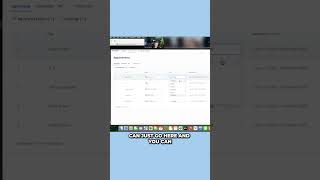
A couple things here. First off, just for your general tracking and overview of all the appointments, we should move the calendar link over to here and run it through this. That way you can have all your appointments in one place and that's the same place that all your leads are going to go. So. Yeah, and then it's really easy. You can have your guy do it, or you can do it through calendars and you can just go here and you can Mark showed, no show canceled. Exactly what I need. Yeah. And we like to do in the opportunities tab, like a no show tab as well. So you can drag and drop them, and then both. Both ways it updates the same thing. And then you'll be able to actually make a report, or we'll make a report for you in the system that'll be linked to how many showed appointments you had, everything like that. So there's a lot of lead opportunity to work out of here. But this thing isn't really bumping the way it needs to be because everybody's just going to the calendly, which is great. But if you guys have capacity, I think you could probably, I want to say double, but just to be on the safe side, like add an extra one third of whatever you're doing.