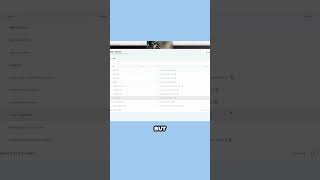
Nate Tilley shows how to set up custom values in client onboarding workflows so agencies can automate messages and email sequences. Once you define a value like agency niche, it automatically populates across your entire system.
Chapters
We also have an onboarding function for you guys in here too. So like you can send a client, you can customize this and send this to your client and then when they fill out this information, you'll have an automation that's like form submitted is onboarding form, trigger action, send me an email, let me know and then add them to the onboarding pipeline and so on and so forth. So this snapshot really gets you pretty far ahead. So custom values is super, super sick. It's like, it's an insane advantage when done right. But it's kind of tricky to get set up. That's why we already have it set. But you're going to go in here. So I just went to settings, it's down in the bottom left settings. And then I went to custom values right here. And so these as I typed this in, like what was one, we had agency niche, for example, at a custom. So I'm going to edit the custom value and I'm going to enter the value as car dealerships. And you could do franchise car dealership, you could use or you could just keep it general. And now anywhere that that custom value is used in those automations, in those text messages and email sequences that are already set up and program and it's just going to boom, update that part. So that way this is like more plug and play where you can put your agency email, you put your agency name.