Short instructional monologue explaining how to use pipeline automations and triggers in a sales CRM to manage sales stages and automate tasks (e.g., tagging, sending emails and texts) when conditions like stage changes or form submissions occur. Emphasizes creating triggers for events (stage change to 'proposal agreement sent', form submitted for discovery calls) and attaching actions (add tag, send email/text).
Chapters
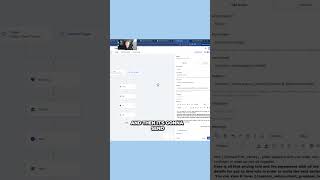
Everything really relates around the pipeline and the sales stages for closing deals. So if I go in here to my automations, for example, I'm going to see this pipeline automation send proposal. What this is, is whenever you have a pipeline stage changed in pipeline to proposal agreement sent, it's going to add this tag. A tag is like a label and then it's going to send this email and this text. Anything you want to automate you do in the same similar fashion. So you can go to add new trigger and there's a bunch, there's probably 40 different triggers that you can standard. Triggers that you're going to have set up is like it's going to be a form. You know you need something to happen when somebody fills out your website form, right? So for that you just go to form submitted, you click whatever form is on your website. So let's say it's discovery call form and then you can save this trigger. And what do you want to happen when they fill out that form? What kind of automation send them a text, hey, welcome to my website, that kind of thing.