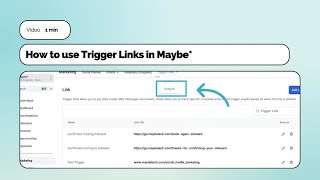
How to use Trigger Links in Maybe*
19 Jan 2024 · 1 min
1:25
Learn how to create and track Trigger Links in Maybe, a feature that lets you monitor clicks on specific URLs in your marketing campaigns. The walkthrough covers finding the tool under Marketing, naming your link, viewing click analytics over any time period, and managing existing links with edit or delete options.
Chapters
More from Polly



youtube.com
SHE BUILT AI THAT WRITES, PLANS & WORKS LIKE A HUMAN| With Polly Barnfield | The Business Spotlight
1y ago

youtube.com
Why Most Founders Are Doing AI Wrong — And What It Really Takes to Scale It Across Your Team
1y ago




youtube.com
Transform Your Business with a Complimentary Digital Growth Bundle for High Street Businesses
2y ago

See all content
