How to Assign Activities in Startup Science
4 Mar 2026 · 1 min
1:06
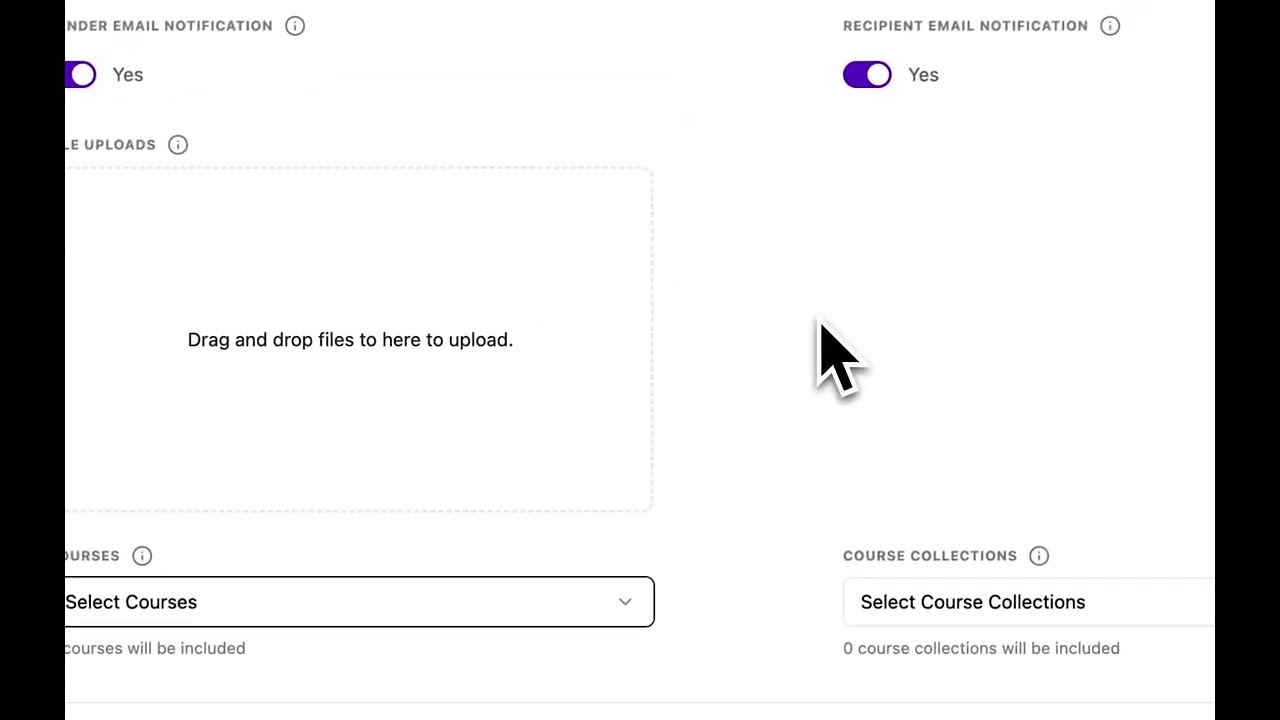
Gregory Shepard shows how to create and assign tasks in Startup Science. You can assign activities manually, by cohort, by tag, or from templates, and configure email notifications and file uploads. Mentors and investors can also assign activities to their startups.
Chapters
More from Gregory



youtube.com
Startup Science Founders Academy Pathway Podcast | Ep 4/16 | You're Building for the Wrong Person
6mo ago

youtube.com
Run Your Business Like an Investor to Operate Better | Tyrus Shivers x Startup Science
6mo ago




See all content