How to create a Knowledgebase
4 Mar 2026 · 1 min
0:58
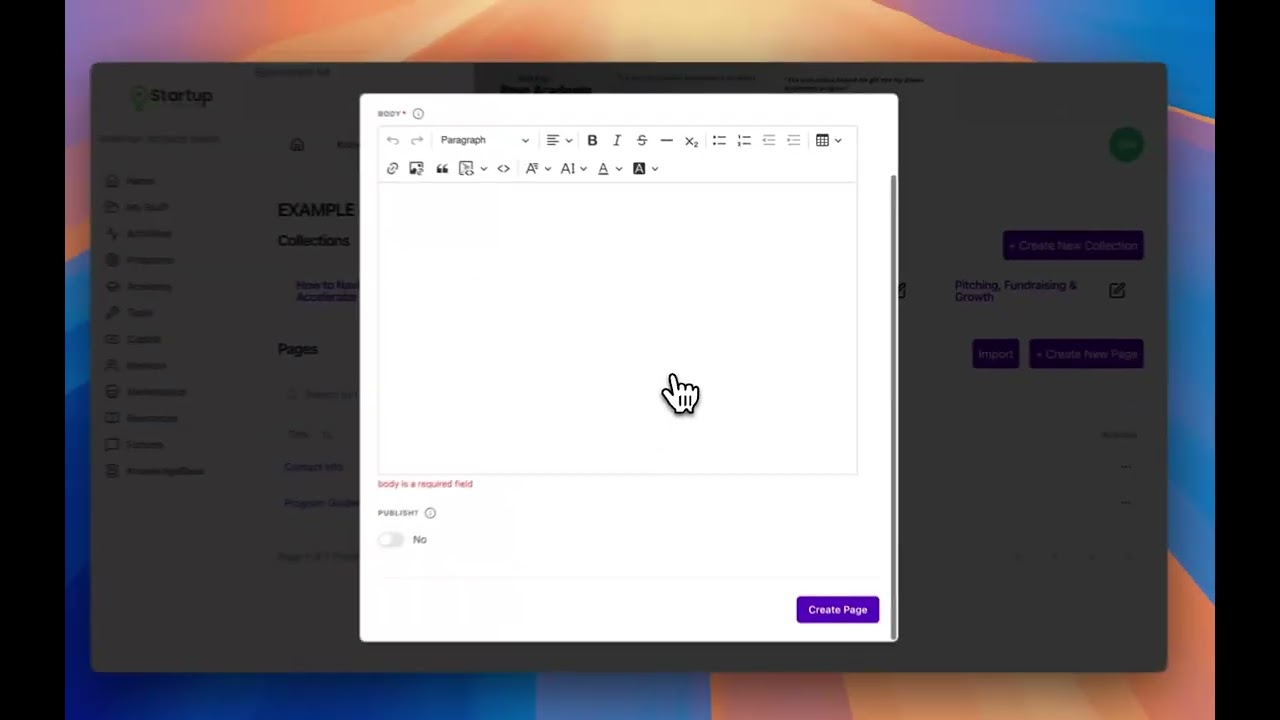
Learn how to build a knowledge base in Startup Science where founders and team members can find program guidelines and best practices independently. Set a title and description, choose who can see it (team members or all portal users), then add pages and organize content into collections.
Chapters
More from Gregory

youtube.com
Startup Science Founders Academy Pathway Podcast | Ep 4/16 | You're Building for the Wrong Person
6mo ago

youtube.com
Run Your Business Like an Investor to Operate Better | Tyrus Shivers x Startup Science
6mo ago




See all content