Gregory Shepard walks through setting up a startup program on Startup Science, from building a custom application form with conditional logic to configuring review stages, evaluation criteria, and cohorts. The platform handles the full lifecycle: applications, scoring, founder placement, and event distribution.
Chapters
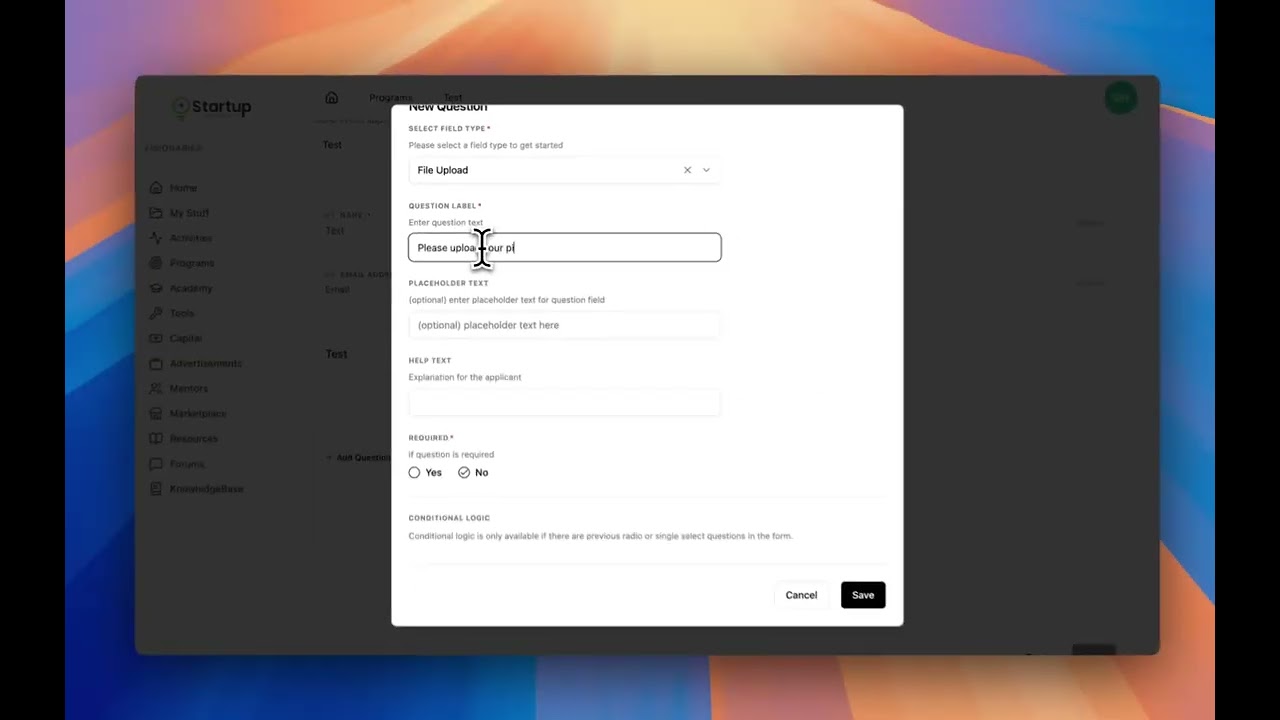
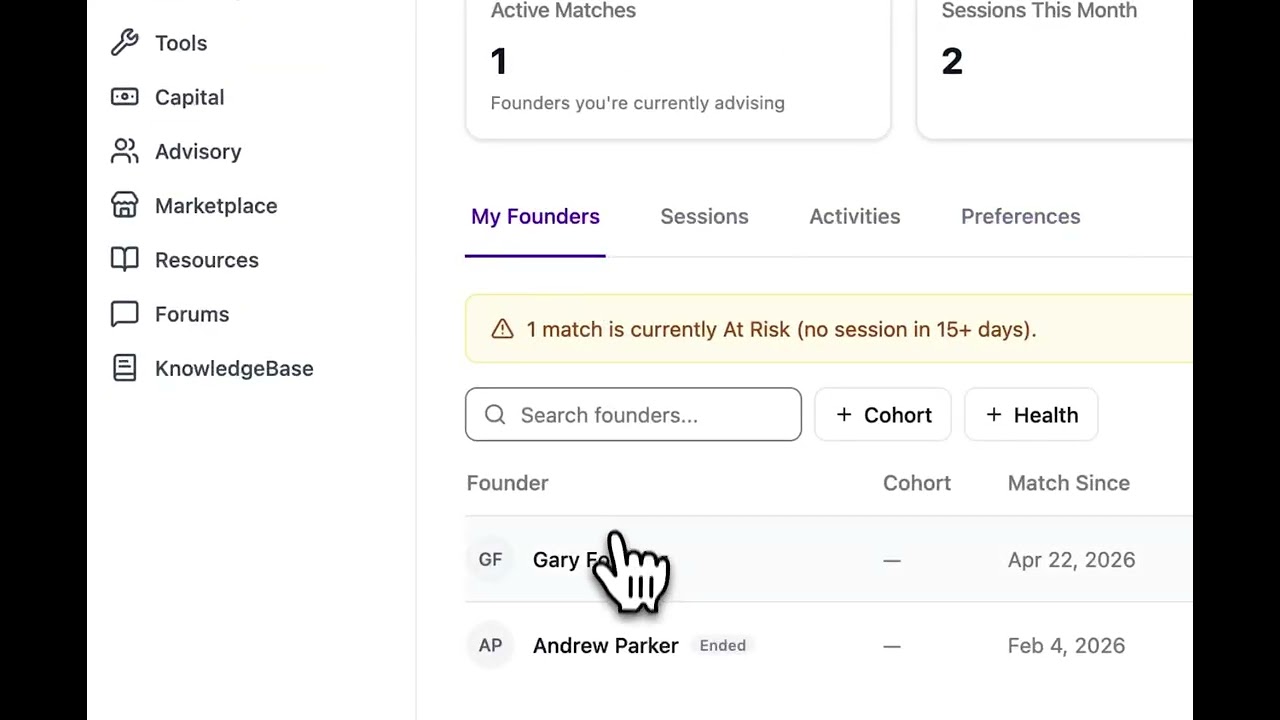
Here's how to create a program in Startup Science. Program management allows you to create custom applications, enable cohorts, distribute event information, and much more so that you can fully manage your entire startup program. First, create a program and fill out all pertinent program information. Next, you will create your custom application. You can create custom sections, You can add additional questions such as file uploads, conditional logic for dropdown items. You can require fields. Once your application is built, you can select your selection pipeline. This is the stages at which applicants will be reviewed and then accepted or denied. You can create your own evaluation criteria where your evaluators will judge your applicants. You can customize the automated email that goes out to all applicants, and you can enable cohorts. After your program has been created, you can view analytics on your program. You can see all applications and push them through your acceptance pipeline. You can assign evaluators to applicants and see what score they give your applicants. You can assign founders to cohorts, and you can manage and create events for your program that will be distributed to your founders.