Summer Chang walks through Luma's Uni-1 API for generating images and videos at scale. She built a complete product website with 12 images and 3 videos using a Google Sheet to automate requests, then reviewed and iterated the assets. The workflow is designed for product sites, campaigns, and client pitches.
Chapters
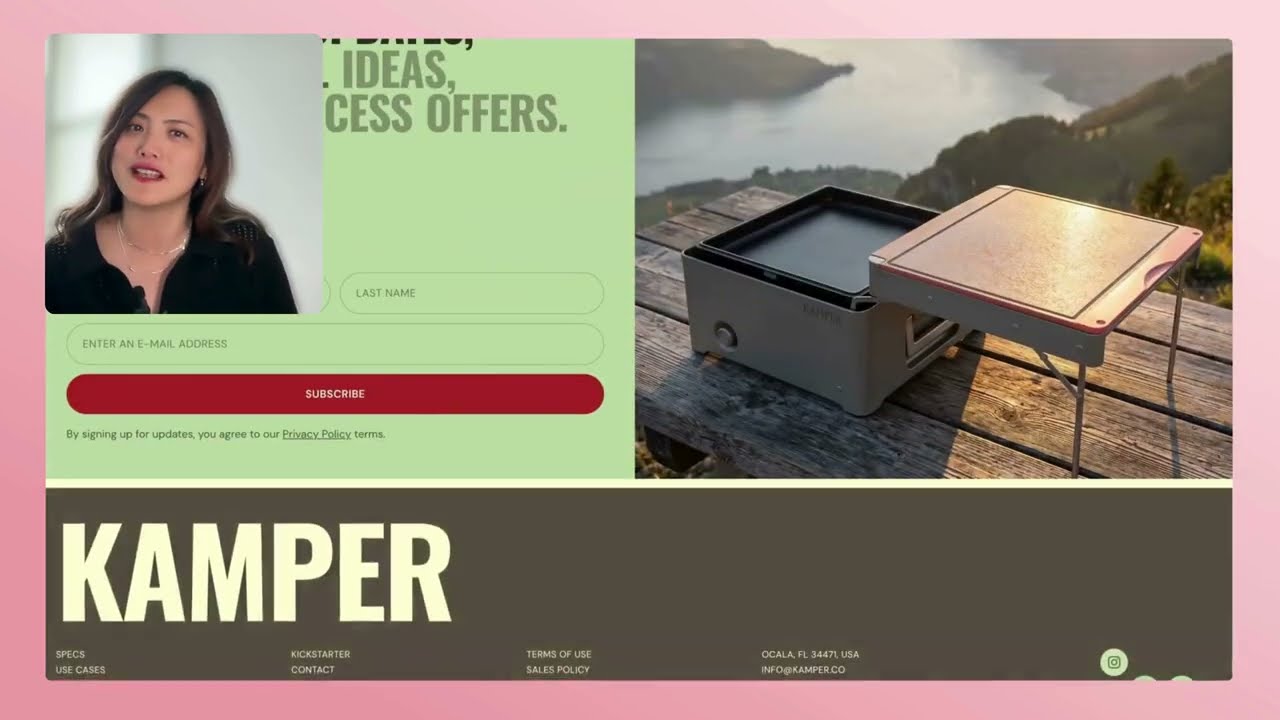
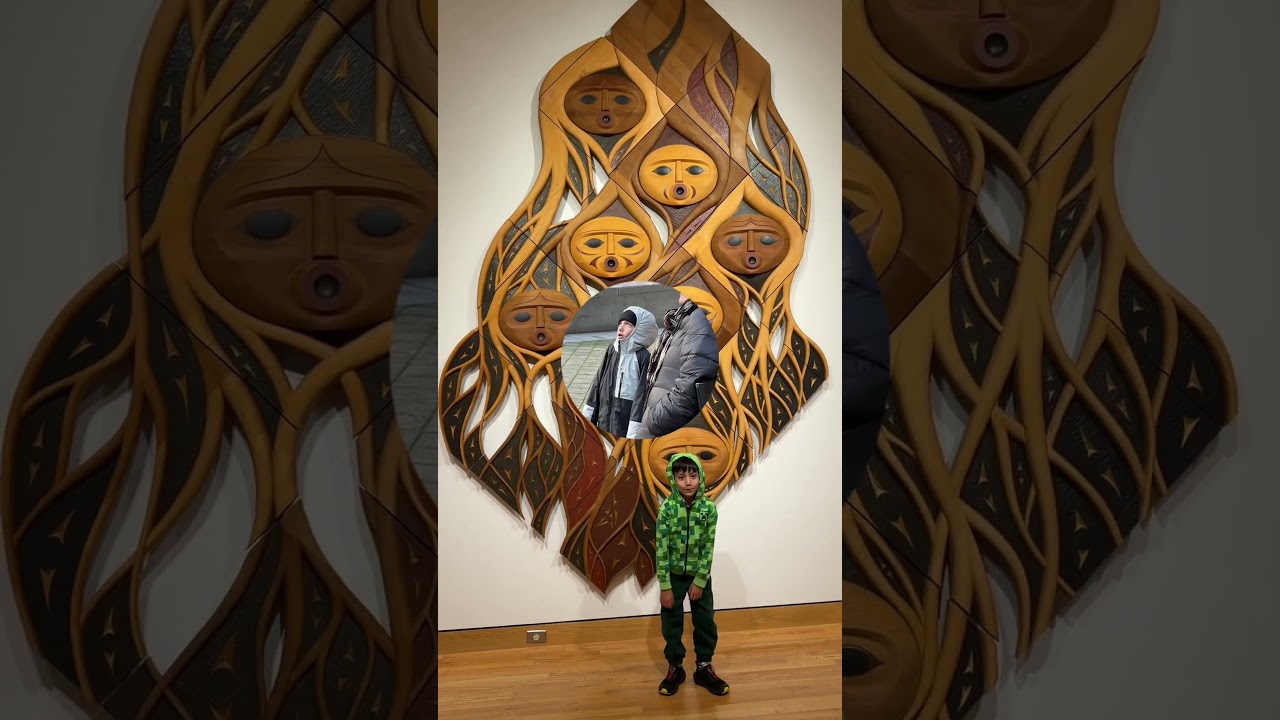
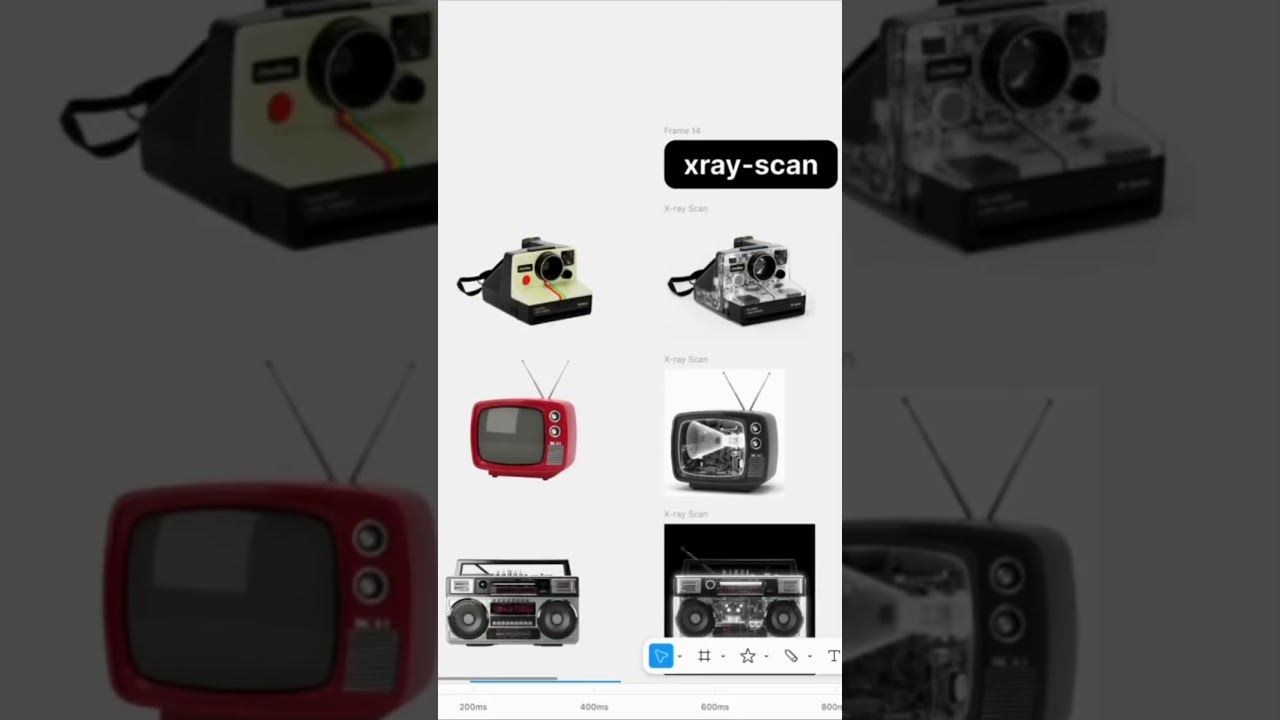
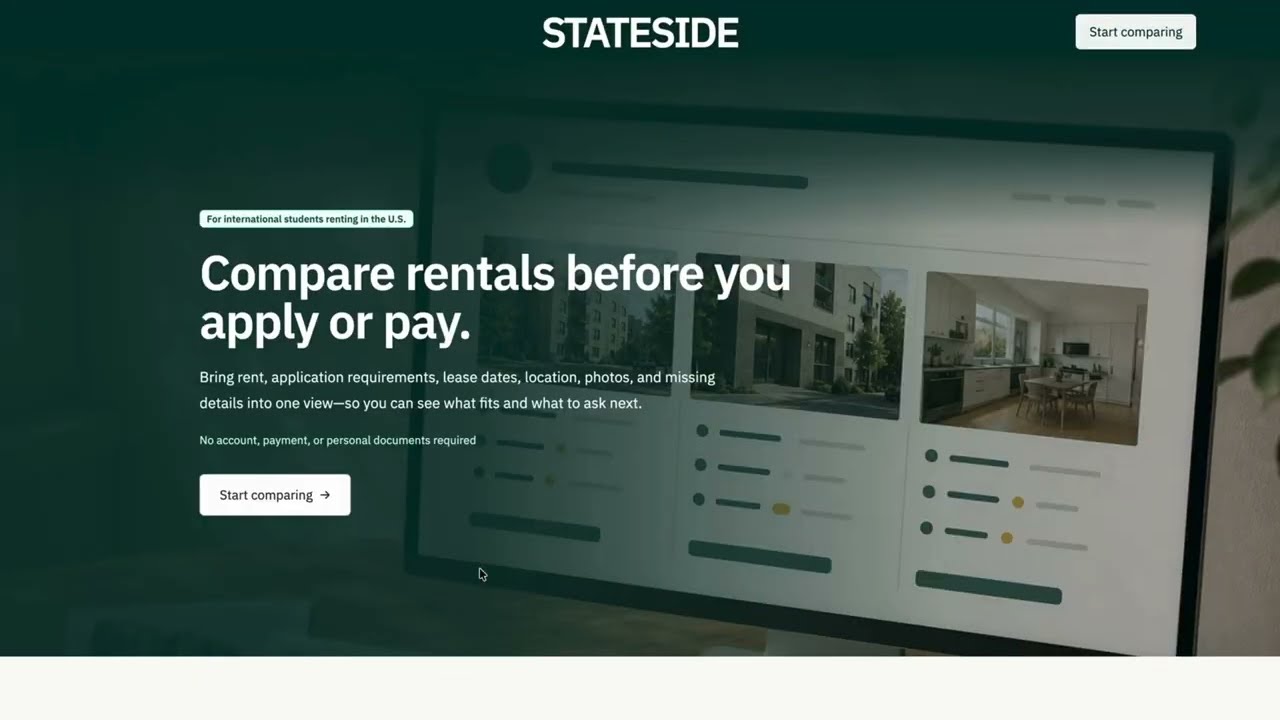
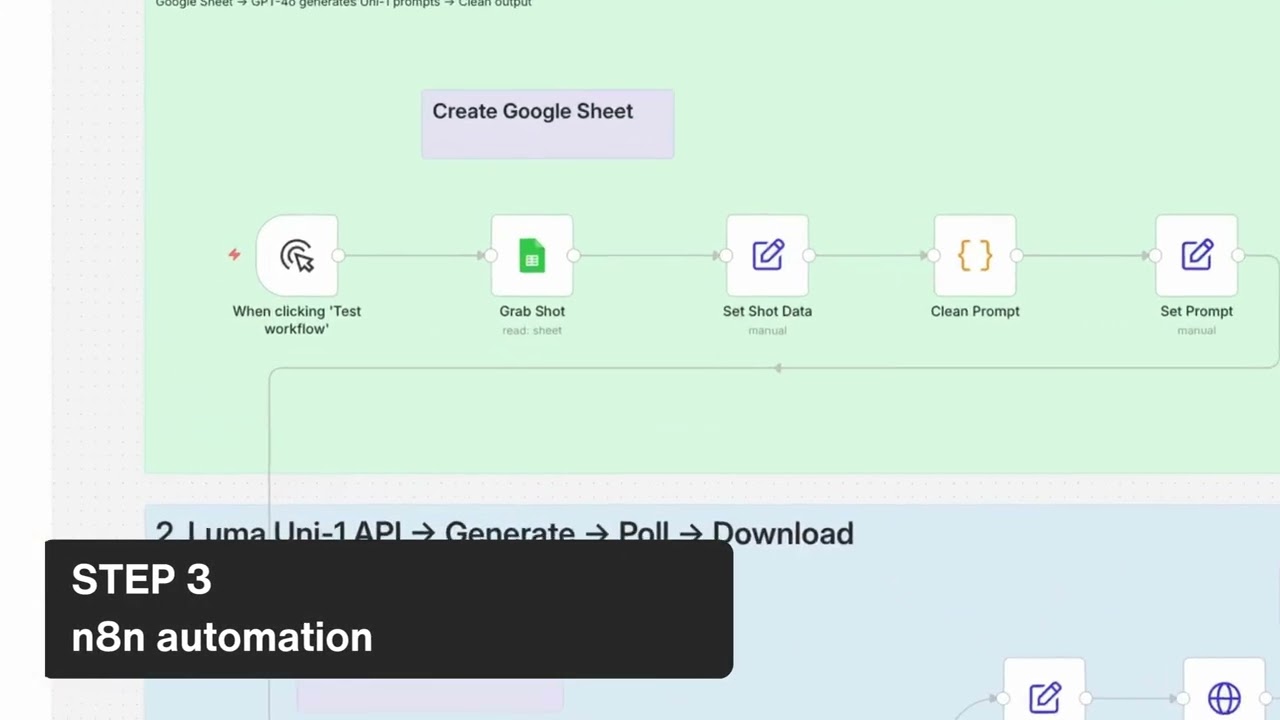
Luma UniOne now is an API, not a playground, not a beta. It's an infrastructure. One API call, anywhere code runs, UniOne can generate. I ran it in production for a few hours last weekend. I was able to generate 12 images, 3 product videos. I built a full product website. I break it down to 4 steps. Step 1, website structure first. Placeholder images in every section so you know exactly what you need before you generate anything. Step 2, Google Sheet as its asset brief. Every images and videos get its own row. Dimensions, a detailed prompt, status, output link. This is the part most people skip. Your sheet, your production brief. Step 3, automate. Connect the sheet, the Google Sheet, to an automation, a no-code tool. I'm showing it here. The workflow reads the next needed row on the Google Sheet, pull the prompt, File the request to the UniOne API and send a notification when it's done. Step 4, review and iterate with precision. Luma UniOne is here if you're building anything that needs visual assets at scale. A product site, a campaign, a client pitch— this is the infrastructure to run it on. A consistent output, save prompts, and repeatable process, you can hand it off. Give it a try, lumalabs.ai/api.