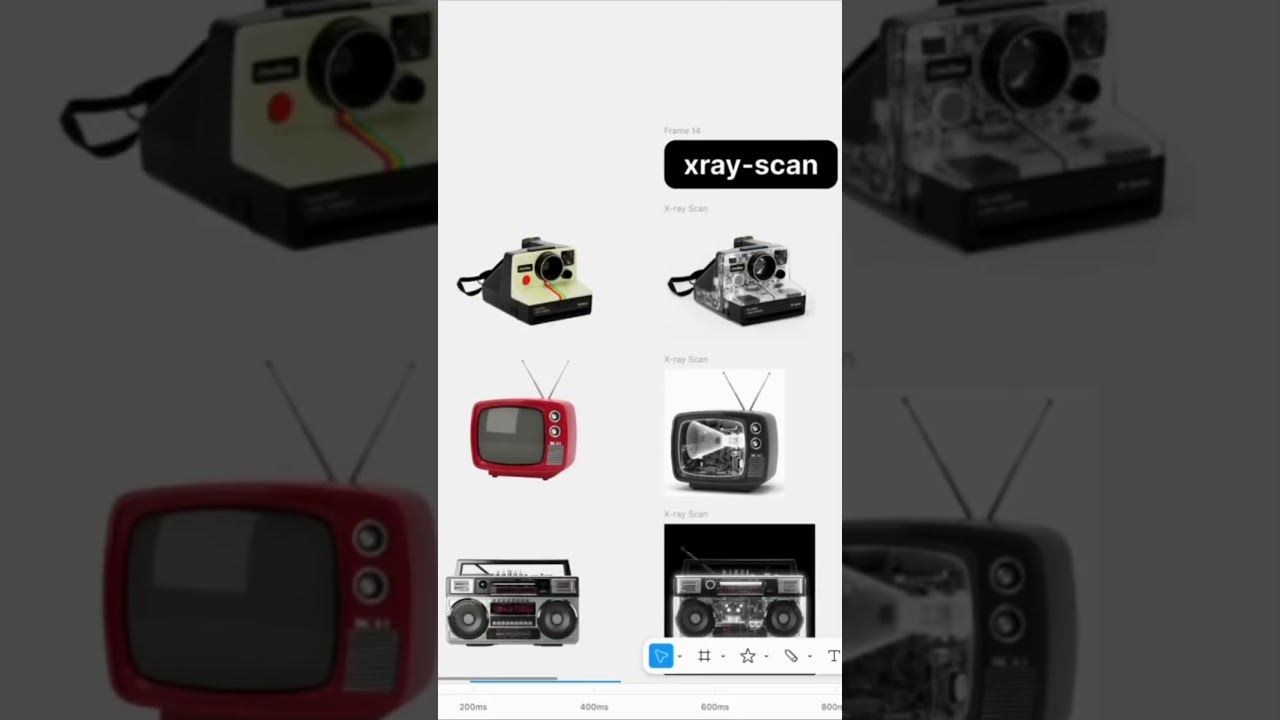
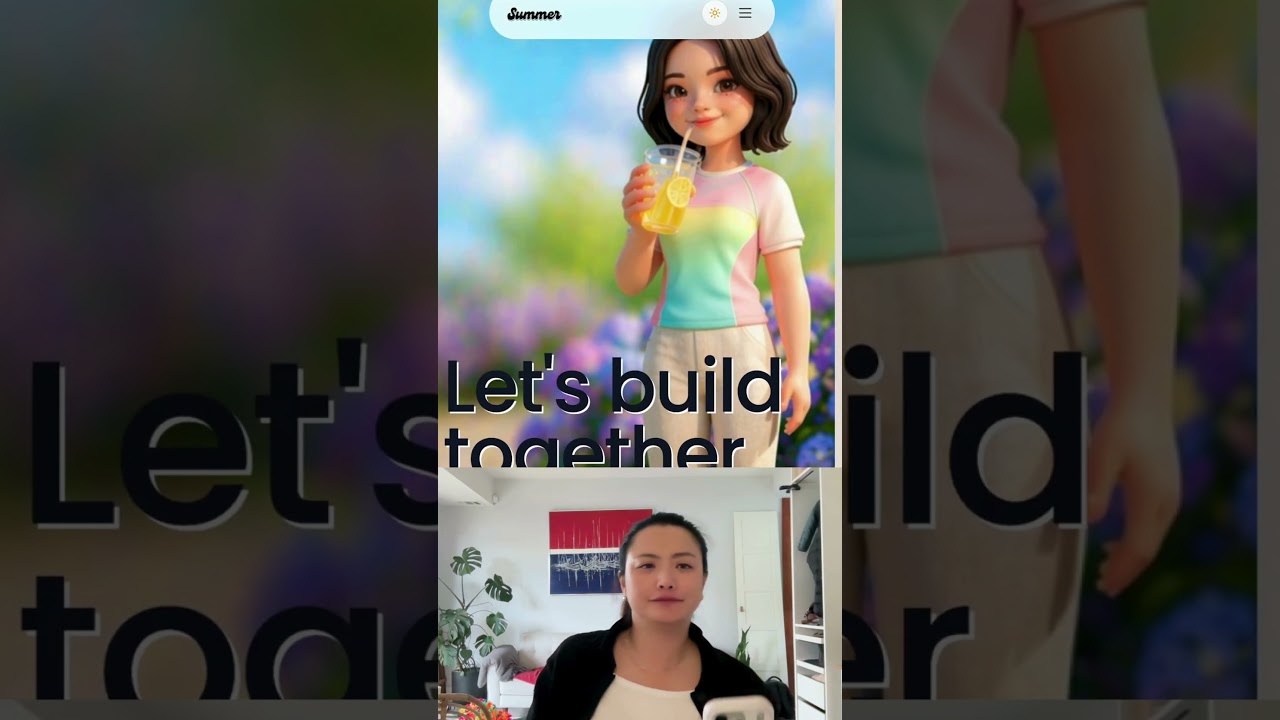
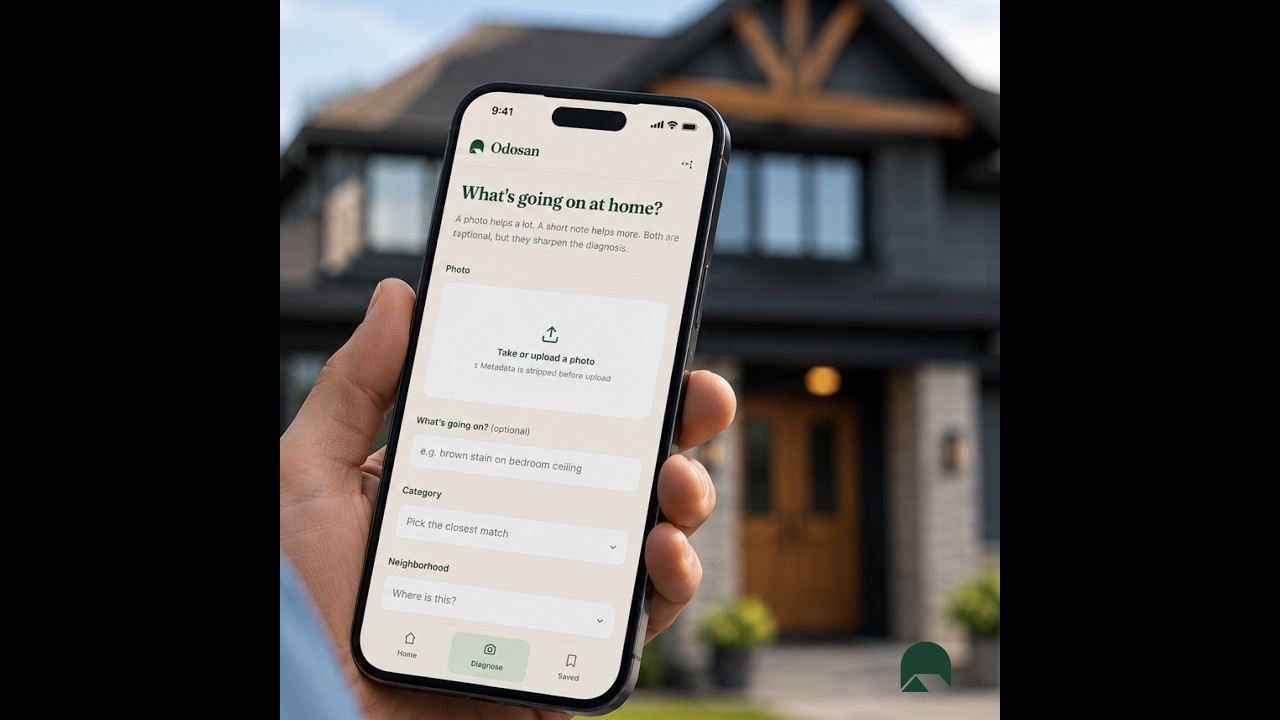
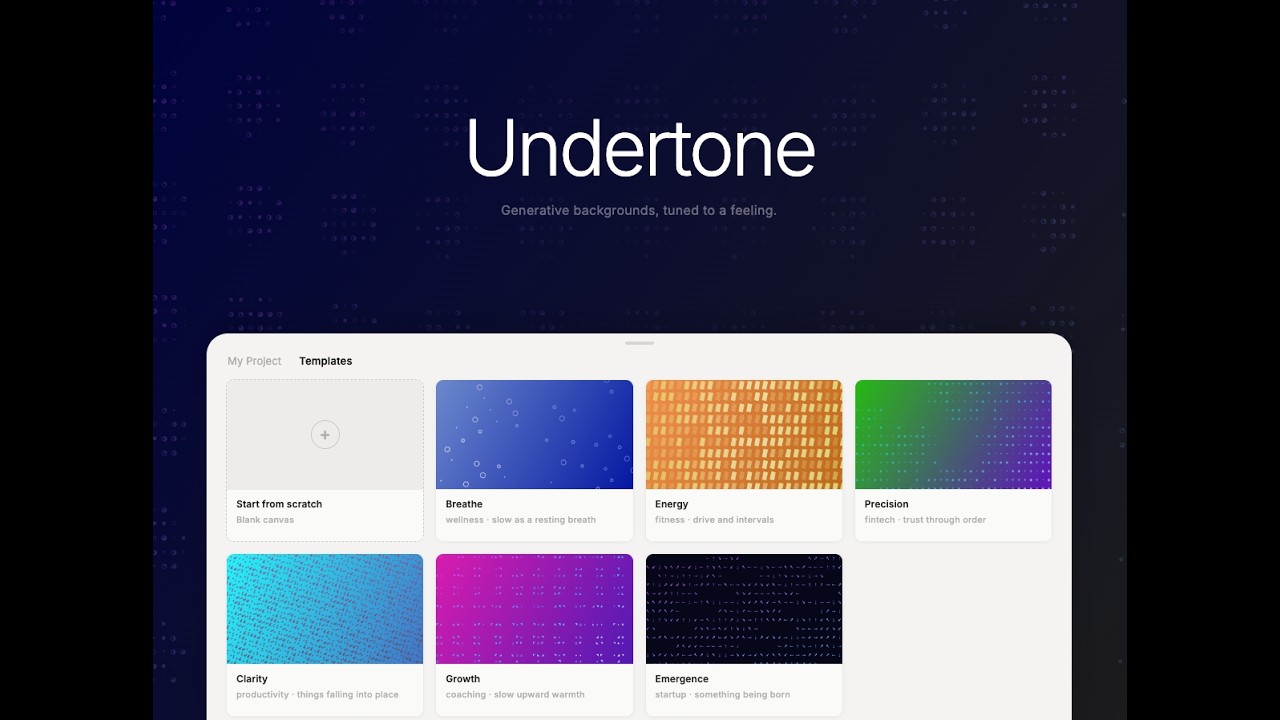
No photo shoot — just old renders and Luma Uni-1
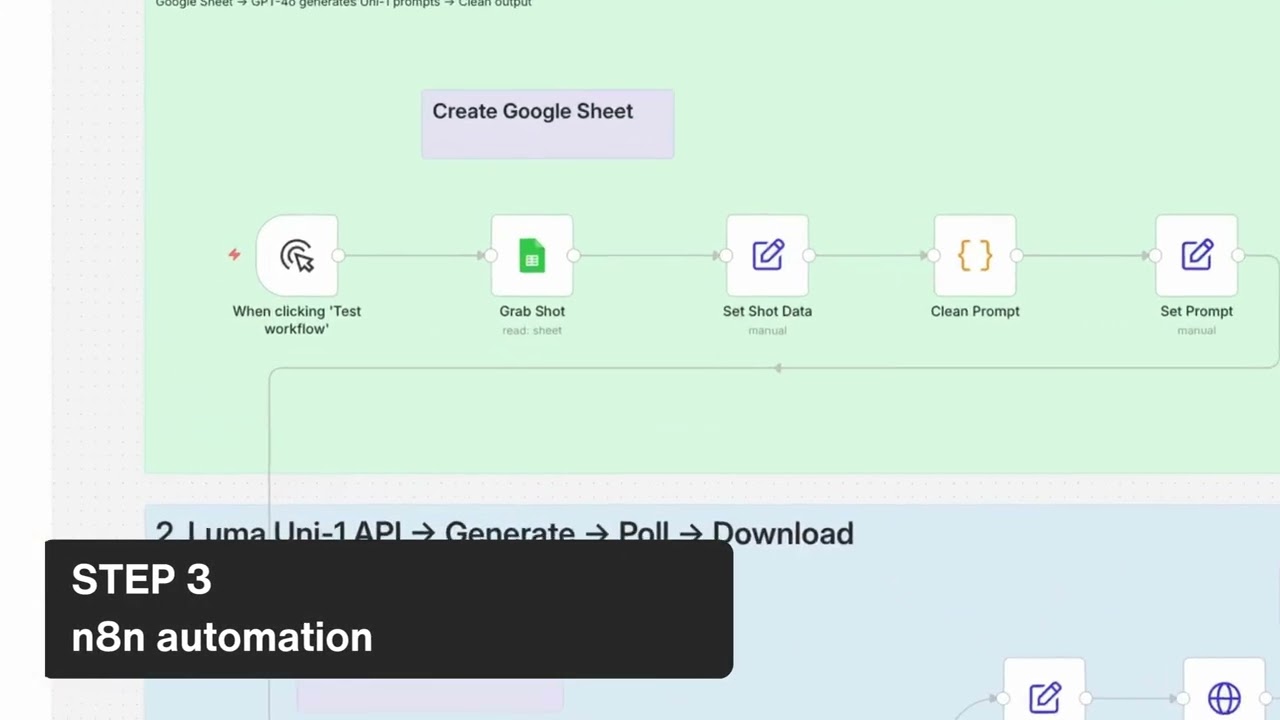
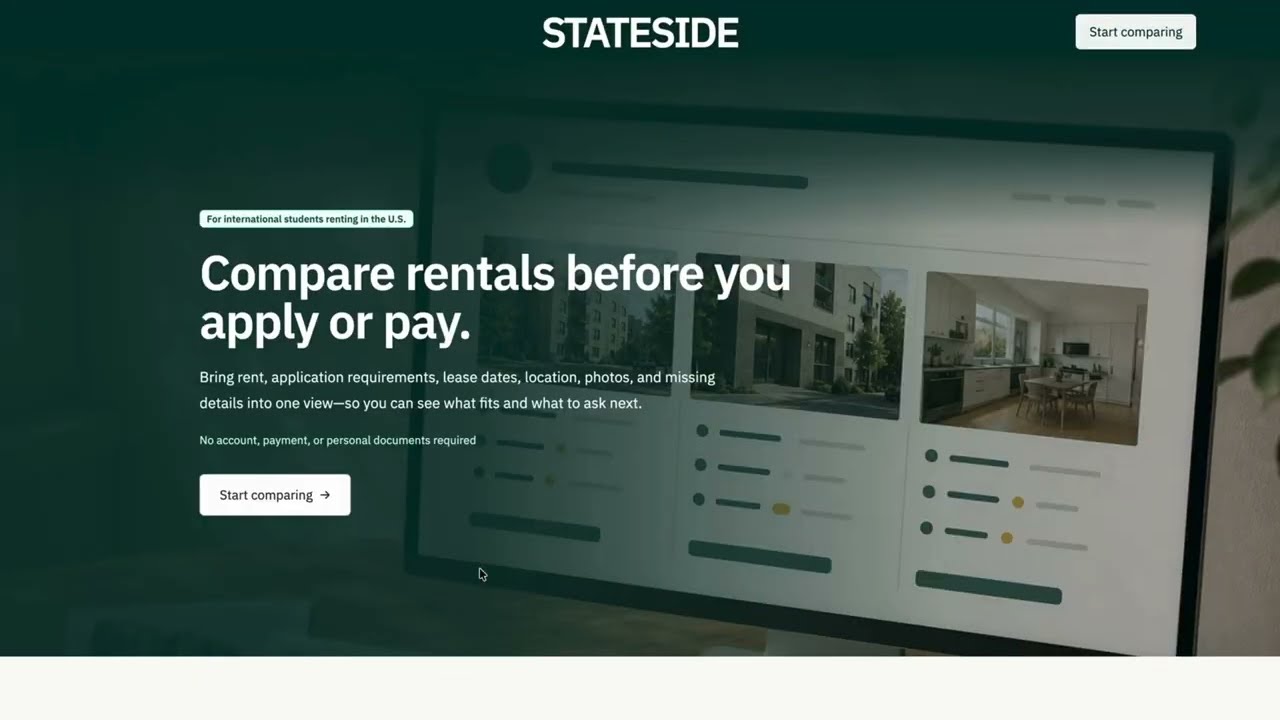
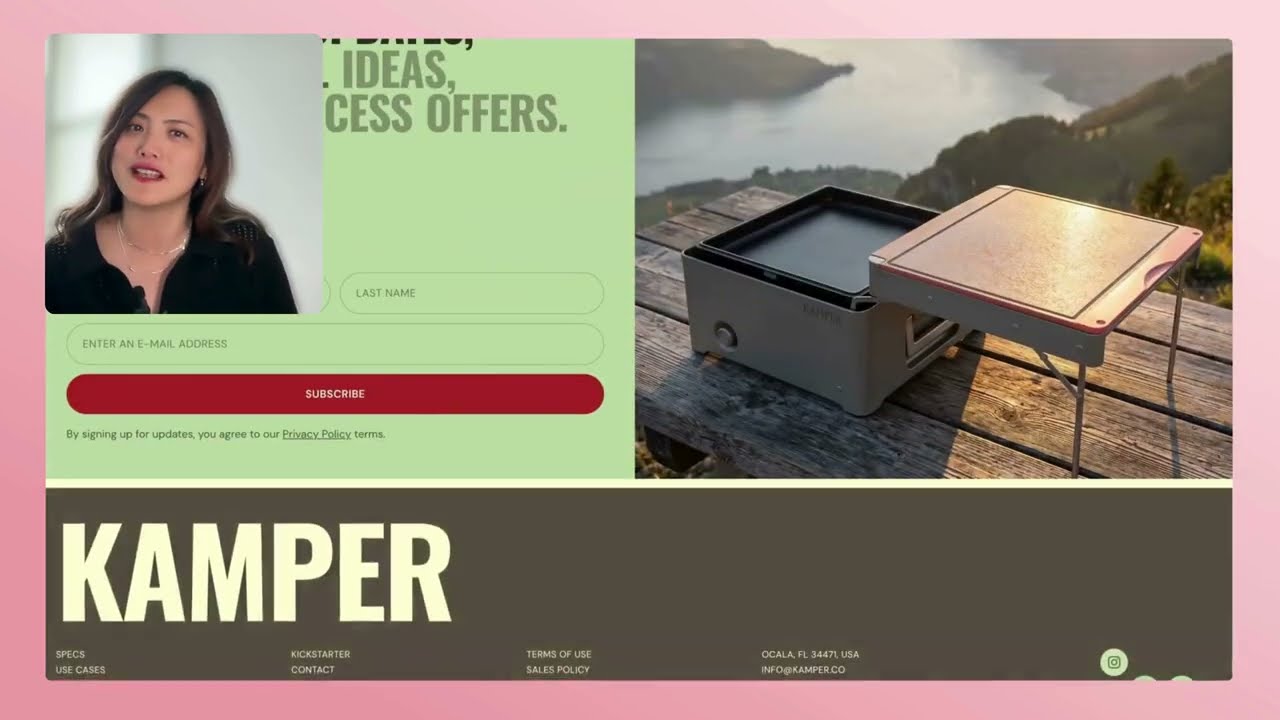
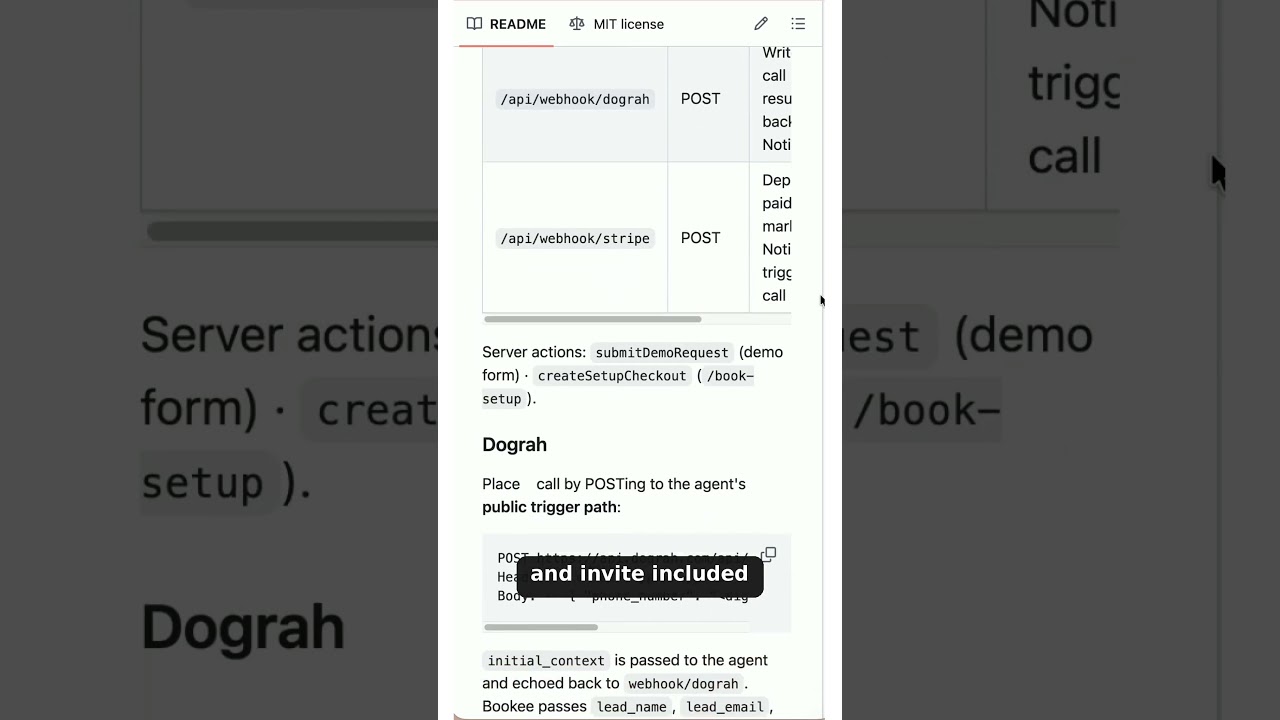
In this tutorial Summer Chang outlines a concise four‑step production pipeline for creating website imagery without traditional photoshoots. First, she advises mapping the website’s layout and inserting placeholder images in every section to clarify exactly what visual assets are needed. Second, she recommends using a Google Sheet as a structured asset brief, assigning each image or video its own row that records dimensions, a detailed prompt, status, and a link to the output. Third, she demonstrates connecting this sheet to an 8N no‑code automation that reads the next 90 rows, sends each prompt to the Luma Uni‑1 API, and notifies the user when generation completes. Finally, she emphasizes reviewing the generated assets and iterating with precision to ensure they meet the design requirements. The workflow focuses on clear planning, systematic asset tracking, automated generation, and controlled quality assurance.