Google Ads Smart Bidding Update [what is REALLY means for you]
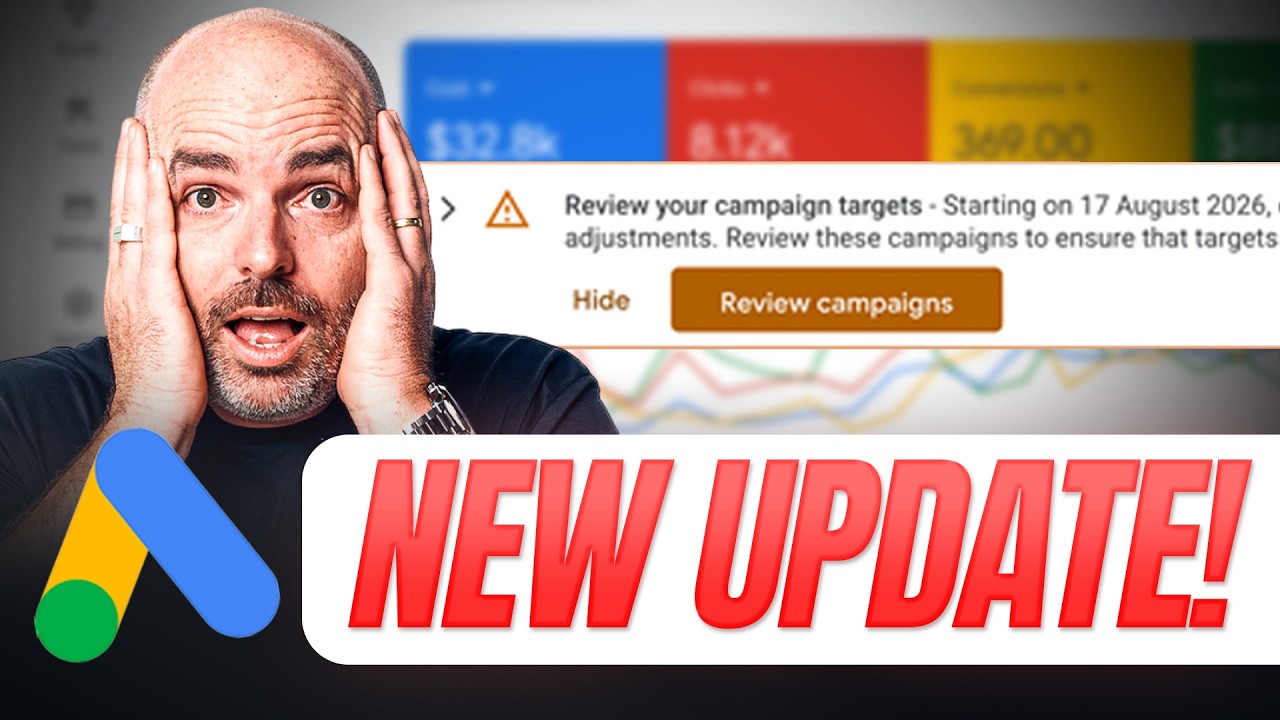
Aaron Young explains Google's August 2026 change to target-based bidding that forces the algorithm to hit your Target CPA or ROAS exactly, which can kill the over-performance many campaigns currently enjoy. If your campaign is budget-limited, it'll cherry-pick only the cheapest conversions to hit that target. You can revert to Maximize Conversions, raise your budget, or adjust your target.
Chapters
From August 17th this year, Google is changing how target-based bidding will operate inside of your campaigns, especially when they are limited by your budget. Now, we all know that when Google makes recommendations and announcements, there are some of them which don't really have much effect to how your campaigns will operate in a real account scenario. And I need to be clear that this is not one of those scenarios. This is an announcement that you do really need to pay attention to, especially if you are running target CPA or Target ROAS-based bidding inside of your campaigns, and any of those campaigns are limited by budget. So in this video, we're not only going to break down what this announcement means, but also what you need to look for inside of your Google Ads campaigns. And to make this as practical as possible, we will be jumping into a live account walkthrough so I can really show you what to look out for and what are the options that you have to make sure that you're not going to see any unusual spikes in performance with your Google Ads campaigns once this change goes live. From the 17th of August, 2026. All right. So let's start with the short version of what is actually changing. Now, what I need to stress here is that this is really going to affect campaigns that have two things in place. One, you are seeing a status warning which is limited by budget. And secondly, you're operating a target CPA or target ROAS. Now, what would happen quite often is that if you were having a limited by budget warning inside of your campaign and say, for example, you had a target CPA of $10, quite often that campaign would perform better. It would perform at a cost per conversion of $5 or somewhere around there. Or if it was a ROAS target, you may have a ROAS goal of 400, but that campaign that is limited by budget may be performing at 500 or 600 ROAS. Now I know internally inside of Define Digital Academy, we've had some cases where we had a target ROAS of 100%, whereas in reality the campaign was performing sometimes for a long 3, 4, 5, 6 month period at 800 or 900% ROAS. So let's firstly start with some really simple mechanics of why this is actually happening. And then as I said, we'll go through the full explanation of what will be changing and what you need to look at for your campaigns. So what essentially is happening is, let's just say you've got a campaign which is limited by budget and you've also got a target ROAS or target CPA in place. Google gets a little bit picky and it becomes a little bit safer to make sure that it's achieving those targets. So essentially what the algorithm is doing is it's cherry picking the cheapest conversions for your business. Now, that may sound like good news, and, and it is, but one of the problems is that a lot of businesses— and we did find this to be true— is that let's just say you've got a target ROAS of 200% and everything, and your accountants are performing at a 300% or 400%, and then once you start to increase your budget, the ROAS goes to that 300% or 400%. So what Google is now doing is that even at an underspending or a limited spending campaign, it will look to achieve that ROAS goal or the target CPA that you've chosen for that individual your campaign. So, and the way that Google has actually said this is that after August 17th, Google will look to aim consistently for your stated target ROAS or target CPA goal. So the core messaging here is that what you do need to be looking out for is that after August 17th, you really need to be looking at what your target CPA or target ROAS is, not what the actual performance is occurring inside of your current campaign. Now I want to stress here that this does not mean that you can just put on the target ROAS or the target CPA that you want to achieve and Google will magically give you those results. That is not what's happening here. You still need to make sure you're achieving your data threshold. So that would be, you know, conversions. So before you're using a target CPA or target ROAS, you want to be having at least 50 conversions a month. And you also want to be having a target goal which lines up with your real account performance over the previous 30 and 60 days. So this doesn't change in the sense that this now becomes a magic wishing well where you can just tell Google what you want to achieve and it'll go through and do that. It still needs to be backed up by data that is happening inside of your account. But what this does mean is that you may need to either lower or increase your target ROAS or target CPA if you do see a mismatch between what your current actual results are and what your current target CPA or target ROAS is. So I know that's a lot of words for me already, and you may be getting a little bit confused. So what we are going to do So we're going to jump over to a screen share so you can really, really see what you need to be looking at and go through the options that you can take in order to see continued performance for your business when it comes to Google Ads. Now, one thing I do also let you know is that the account that we're going to be looking at is one of our current Define Digital Academy On Demand members. And if you're unsure what On Demand is, On Demand is a done-with-you program where we partner alongside you, the business owner or in-house marketing team, so that you can get the best results with your Google Ads campaigns. We passionately believe here at Define Digital Academy that businesses are best placed in order to run their own Google Ads campaigns. But we know that Google Ads isn't your world, so what we want to do is come alongside and partner with you to give you the strategic advice and confidence so that you can profitably not only run but scale your Google Ads campaigns. And specifically designed for businesses who are already spending over $5,000 a month. And you can find out all the information about On Demand in the description below. And if you're just new inside of Google Ads, don't worry, because we do have our Google Ads Mastery Program, who's really aimed at businesses who are starting, and we provide daily support and also weekly live coaching calls so that you can get all of your questions answered so you can see success with Google Ads. If you want all that information, follow that link in the description below. But right now, let's jump into this screen share. All right, so now we're inside of Google Ads, and you'll see through here, this is the notification that you'll start to see, and it's saying what we've already gone through. So starting from 17th of August 2026, campaigns with the bid targets, blah blah blah, it will go— it's giving you a recommendation to go through and check this. Now, there is a tool which they are introducing. It said it was only going to come out on the 7th of August, which is essentially today that I'm recording. So I don't know if this is the actual tool or if it will be slightly different. And then this is the tool which is giving you, and there's really 3 options which you can go through. And this is what I want to make clear, is that one, you can either revert back to maximize conversion value if you're running on an off-target CPA. You can see here it's going to get you to go back to maximize conversions, or you can either apply a budget increase or you can change your current bid target. So there are 3 options that you've got from there. So the first option is, is that you go through and revert back to maximize conversions or maximize conversion value. You adjust your target CPA goal or you adjust your campaign budget. And what I want to show you in through here is that this is the— an account example we want you to go through. Now I've had to go through and just blur out these campaign names. Just for some privacy. But you can see from here with this business, they've got a total of 9 different campaigns running. And this is an e-commerce brand which runs multiple different products across different countries, which is why we've got so many different campaigns. Now I'm going to be giving this as an example as an e-commerce brand, but the same principle applies whether you're dealing with target ROAS or target CPA. You still got those 3 levers which you can do. Let me go through them again. So you've either got to increase your budget, you've either got to move back to maximize conversions or maximize conversion value, or you've either got to adjust your target CPA or target ROAS goal. The big one I want to go through and have a look at here is this one, because if you look at the core metrics, it's limited by budget and there's a target ROAS of 340%, but there is a current conversion value cost, so the actual ROAS is 4.31%. So we're running at a ROAS of about 430%. But with a target ROAS of 340%. So there's quite a bit of a different mix mismatch there. Now, if we did nothing and if we just kept this as its current performance, what would happen is that this actual performance would start to trend down towards 340%. So there's a couple of things that I do want you to take note of here before you go through and make this decision. The first thing I do want you to think about is your actual acquisition window. Inside of Google Ads. It's important to note here, we all know that conversion metrics, and also we also need to know that acquisition windows and all those things are different from what Google Ads reports to what your real business seeing. But obviously we're only looking at the Google Ads side here because this is where Google is pulling the data in. So what's important to note, and is if you go through and just roll over your different conversion values, you can see from here in this campaign, for this date range, this bid strategy is projected to receive another 7 conversions It's also projected to increase more conversion value. So, so what you do need to think about here is as well is that this isn't, it isn't running in real time. So you may also just want to make sure you've got some breathing space in through here. But essentially, let's go through this campaign and really take you through the decision tree that we would be going through and we're currently going through with this business owner. The first thing that what we come back and ask is we're really going through is that current reported value. Inside of this campaign, is that profitable for the business? So let's just say, for example, does this business need to run at a 400% or does it need to run at a 340%? Now I know the answer, and for this brand they need to be running anywhere above 300%. So ideally for this business, what we would do is that we would just drop this target ROAS down to 300%, or if they wanted to, they could keep it at 350%. And then from there we could do two things. We could then also look to increase the budget. So that would be the first thing that you really need to come back and really have an ask about, is really looking at in terms of your business for this individual campaign and the products that it's marketing to the regions that it's marketing, what is the true number that you need for success with Google Ads? Remembering my comment before, is it's the true value of the reported value inside of Google Ads, not the real data inside of your account, because Google is only using this data. So You're only using the data that's inside of your Google Ads dashboard. And that just brings us to an important side note, is that remember, especially for us at Define Digital Academy, when we're talking about your ROAS, your reported ROAS, or your reported cost per conversion inside of Google Ads, we don't take that as that's what's actually happening in your business. We very much use this as an optimization tool to either increase the spend or decrease the spend or put a brake on that spend or look to increase performance. So we're very much talking on that side of it. So For this business, what we're currently talking to is because we know their target ROAS is— the actual target ROAS of what they need for profitability inside of Google Ads to represent inside their business is actually a 300. So what we would be doing, we could do two things here. One, we could drop that target ROAS down to 300, or the other thing was what we're probably going to lean to is that we will just remove the target ROAS goal and move over to maximize conversion value. Now the reason for why we'd feel comfortable doing that is because we know this account is already performing well above the target ROAS goal. So if you've got the case where you've got some long-term history in the account where it's performing above what your target ROAS goal— for me, in most cases, we just look to revert back to maximize conversion value. And then if we needed to, then we could reintroduce a target ROAS if we needed to down the track. So now let's look at another option. You can see with this one in through here is that we're running pretty close. So we've got a target ROAS of 375 and an actual of 385. So In this case, purely what we'd look to do is we wouldn't change the target ROAS at all, but what we would potentially look to doing is if we wanted to, we could actually start scaling that campaign. Now, one of the things that I do need to stress is because quite often there is a little bit of difference between what Google announces and what should happen in theory as to what happens in a real-world scenario. So what we would do here is we'd firstly look to increase the budget by 20% and then really look to see whether these scaling metrics hold true. So Please don't hear from this, like I said earlier in the video, that this means that things are going to be a lot more secure with scaling. I don't see that changing at all. You still need to do it in increments of about 20% every 5 to 7 days, and just to make sure that everything stays in check. And then let's look at this third case, and this is the case where the target ROAS of 350 is actually much higher than the actual performance. So, so far I've shown you examples where the the actual account performance is performing better than the target ROAS. And in those cases, you've got two options. You can either increase the budget or go back to maximize conversion value, or if you wanted to, just to adjust the target ROAS to what is actually happening in the account. That first example, if it was 430 and your actual target ROAS was 340, I'd probably look to set it at about that 400%, knowing that for that business they're happy with anything above 300%. But for this scenario where the target ROAS is significantly higher than the actual conversion value cost, What I would look to do here is that from here is that we would use what we call our ladder method. So you'd look to— because we can't just revert this back to maximize conversion value because the actual underlying data has got that at best at a 200% ROAS. In the case of the other scenario where the actual campaign, uh, conversion value cost or actual ROAS was higher than the targeted goal, I would feel comfortable moving it back to maximize conversion value. But in this case, because the, the goal that this business wants to achieve of 350 target ROAS is higher than the conversion value cost, which is only at 200, or 188 to be precise, what we would look to do here is to actually move this target ROAS back to about 200% and then look to slowly step at that target ROAS as we completed other rounds of optimizations. And the way that you do that, in the sense, the same way that you increase your budget, you— once we get enough data at, say, for example, 200, and we've, we've got some really good data for about 3 or 4 weeks that we're achieving at a 200 ROAS, I would look to maybe increase that target ROAS by, by increase that target between 10 to 20%. So that would take us in that case probably a step up to about 220, see how the campaign performs, and then look to increase it further and further down the track. So that is my update with what is changing with the target bidding strategies. I'd love to hear your take on what you're looking at, how you're going to go through with this change. But the main thing to remember is that these changes will come into effect from the 17th of August. So please make sure that you're watching for any anomalies or any changes in your accounts, because sometimes these changes can happen pretty quickly once Google pushes that data live from their side of things. All right, thanks for joining me. My name is Aaron Young from Define Digital Academy. It's been an absolute pleasure having you here. And remember, if you are a business owner or an in-house team optimizing and running your Google Ads campaigns for your business or brand, and you need some more strategic help, why don't you follow that link in the description below. Where you can find out more about our on-demand program if you're spending over $5,000 a month, or if you're just starting your journey or just working your way up to that $5,000 spend. When you're in the link in the description below, you can find out more about our Google Ads Mastery program. Thank you for joining me. If you want to stay on YouTube and learn more, why don't you go through and watch this video right here where it takes you through my expert tips on how to get more sales and conversions with your business right now in 2026. Thanks for joining me. See you next time.








