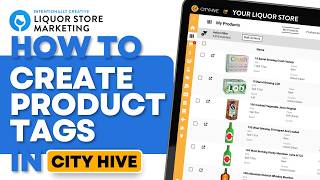
This is a YouTube video titled "How to Create Product Tags in City Hive" created in March 2025. It features a tutorial by Poch from Intention Creative, a liquor store niche marketing agency, explaining how to locate, add, and delete product tags within the City Hive dashboard to help liquor stores manage their online inventory effectively.
Not sure where your product tags are or how to add and delete those product tags. I'm poch from Intention Creative, the industry's leading liquor store niche marketing agency. So from the dashboard all we want to do is locate the inventory menu and we're gonna go to My Products. On the My Products screen, you will see all of the products on your website. Now, you'll notice that you can't find the tags anywhere. That's because you have to go up here to the top right and click the Show Tags button. So once you click that, voila, you can see all of the tags that are attached to that product. And you can delete the tags by clicking X or add the tags by clicking in the box and just typing a tag or searching a tag. And once you're done, you can either just hide tags and and that'll be it. If you want to see more CityHive tips and tricks, join our newsletter in the link below. If you're a liquor store looking to grow your in store or online sales quickly, visit our website at intentionallycreative. Com.