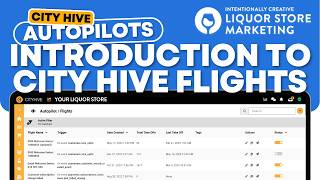
POCH and a speaker from Intentionally Creative walk through CityHive's autopilot feature for marketing automation at liquor stores. Learn how to set up automated emails and notifications triggered by customer actions.
Today, let's talk about autopilots. I'm poch.
From Intentionally Creative, the industry's leading liquor store niche marketing agency.
This CityHive feature automatically lets you send emails, push notifications, or text based on customer actions. You can send a welcome email for new signups or even an abandoned cart reminder. It's available on CityHive's Pro and Expert plans. So let's start here from the dashboard and and if you want to find the Autopilot menu, just go here on the left side to the Autopilot icon or the plane icon. And when you click on this screen, you'll see all of the autopilots you already have available. Now if you're doing this for the first time, this will just be a blank screen and if you want to start, all you have to do is click on the top right and click on the plus icon. You can see here Create Flight, which is you create your own autopilot, or you can create one from a template, which is really cool because not everyone uses these templates. Now we're going to dive into this a bit more further in the next few videos, so stick with us. And for more.
City Hive tips and tricks, join our newsletter in the link below. If you're a liquor store looking to grow your online or in store sales quickly, visit us@intentionally creative.com.