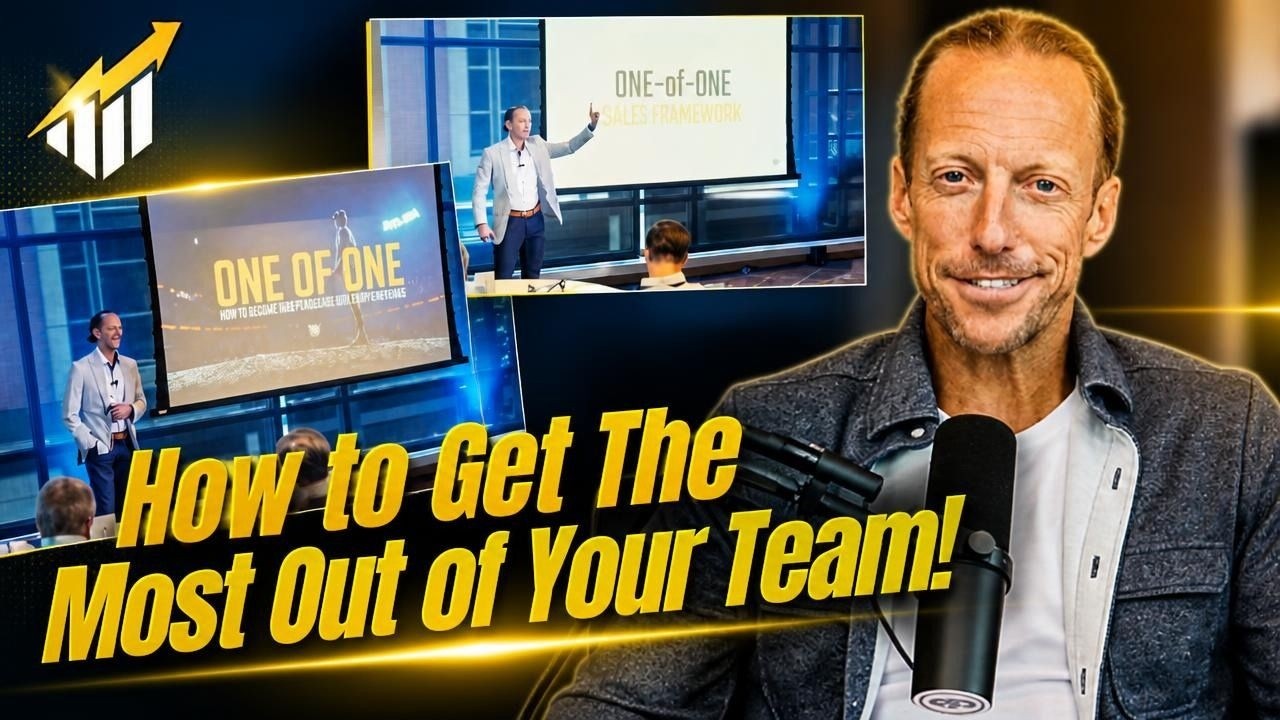
Why You Need A Banner In Your LinkedIn Profile
23 Jan 2024 · 1 min

0:41
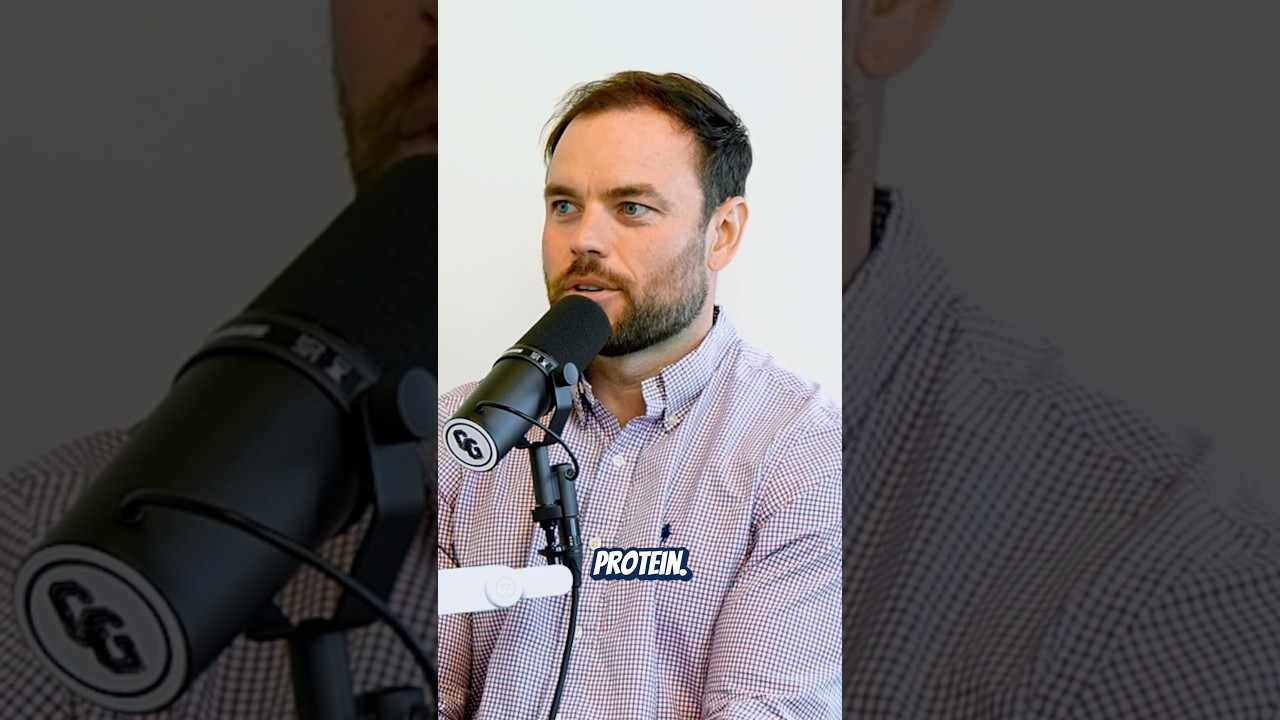
Andy Neary explains why your LinkedIn banner matters. He calls it an "electronic billboard" and suggests using it to show your office, company logo, or contact info. Canva's free tier works for making one.
Chapters
More from Andy
youtube.com
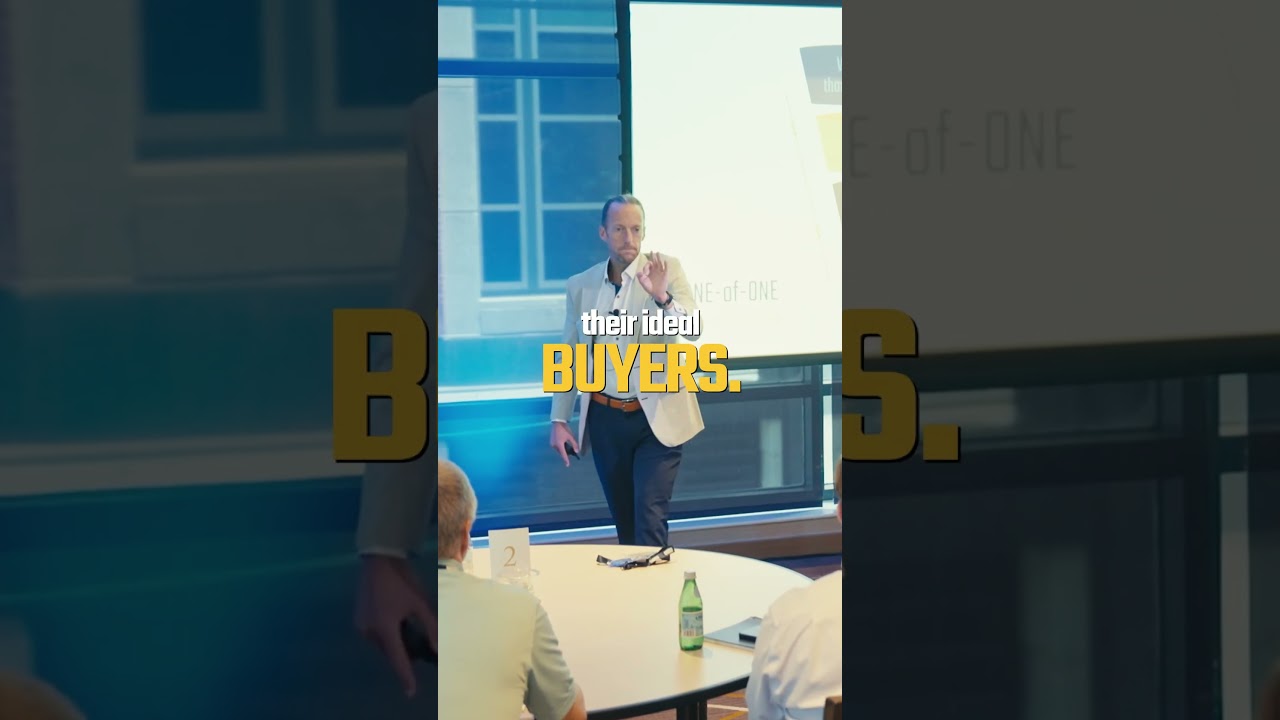
If you want producers to succeed faster, help them create a sales message that creates confidence.
1d ago
youtube.com
Sales isn't a zero-sum game! You can have tough competition and still grab a beer after
1d ago

youtube.com
Option 1: Meditation, a fast walk, a podcast, and protein. The ultimate morning routine!
2d ago
youtube.com
How you do one thing is how you do everything. Ill elite producers fuel their body.
2d ago
See all content