0:39

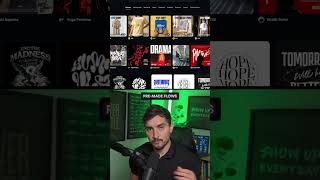
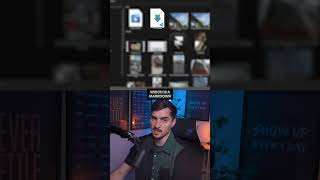
In this tutorial, Jeremy Mura shows how to create an entire brand identity—from logo to mockups, product shots, ads, and animated motion—starting with a single image using the Kittl platform. He walks through uploading a logo at kittl.com, leveraging Kittl's node‑based system and pre‑made flows (or a custom workflow) to generate various brand assets, customizing every element such as paths, vectors, backgrounds, colors, and text. He then switches to video mode, selects the Cling 3.0 effect to add motion to the assets, and invites viewers to comment the word “flow” to receive a free trial link.

Chapters

More from Jeremy

15:06
youtube.com

My Favorite Free Generative Tools

1mo ago
6:12
youtube.com

How I Design Logos for Industrial Brand

2mo ago
7:53
youtube.com

I Make My Own Design Tools with Claude

2mo ago
0:44
youtube.com

Finally, Editable AI Images with Layers #luma

2mo ago
0:38
youtube.com

Fable 5 and Framer is a Deadly Combo

2mo ago
0:41
youtube.com

My client got her dream job

2mo ago
0:33
youtube.com

When you client says "Make the brand move"

2mo ago
5:11
youtube.com

Fable 5 Designs Whatever You Want

2mo ago
youtube.com

Check Your AEO Score Before It's Too Late #shorts

3mo ago
youtube.com

Your Website isn't Findable Without This

3mo ago
youtube.com

Framer Agents does the work #design #ai #productivity

3mo ago
See all content