Jeremy Mura shows Framer Agents, an AI tool built into the design canvas that takes natural language commands. He asks it to build a services section with hover effects, then connects a Markdown file and portfolio images to automatically populate a CMS with project entries, copy, and galleries.
Chapters
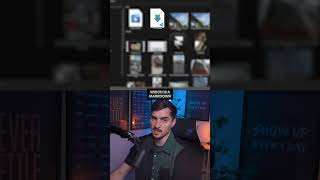
Framer Agents are finally here, right within the canvas in Framer, and it understands the context completely. What I'm gonna do is I'm going to drag this reference image right into the chat. Create a services section. 3 core services for our design studio. And I also wanna add a hover effect so I can hover my mouse over and it's got that nice image and we can change out those images later, but it's got a nice hover effect. Now I want to go a step further and I want to connect this to a CMS. Now I'm going to drop in an MD file, which is a Markdown text file, and then I'm going to load in all these portfolio images for 3 separate projects. So I'm going to say create a CMS for these 3 projects. It's done and it tells you what it did. It populated the existing Work CMS with the projects, added all provided copy, added the thumbnails, gallery images. It's basically added all that content in. Order 2, Antler, short description, summary. It's uploaded the images, which is great. Preview that and we can see on our— comment the word agent and I'll send you the link to the full video.