0:48

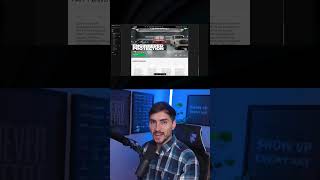
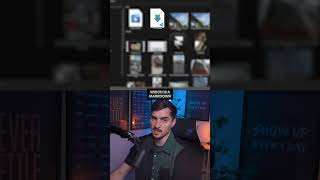
Jeremy Mura shows how to use Illustrator's Mockup tool to place a logo onto an image in seconds. Select your logo and image, go Object → Mockup → Create Mockup, and the tool auto-fits and warps it to the surface. Size your logo to scale first.

Questions this video answers

Object → Mockup → Create Mockup.

Ensure the logo or object is the right size (scaled to the object) before creating the mockup; otherwise it may distort or not work properly.

Chapters

More from Jeremy

15:06
youtube.com

My Favorite Free Generative Tools

1mo ago
6:12
youtube.com

How I Design Logos for Industrial Brand

2mo ago
7:53
youtube.com

I Make My Own Design Tools with Claude

2mo ago
0:44
youtube.com

Finally, Editable AI Images with Layers #luma

2mo ago
0:38
youtube.com

Fable 5 and Framer is a Deadly Combo

2mo ago
0:41
youtube.com

My client got her dream job

2mo ago
0:33
youtube.com

When you client says "Make the brand move"

2mo ago
5:11
youtube.com

Fable 5 Designs Whatever You Want

2mo ago
youtube.com

Check Your AEO Score Before It's Too Late #shorts

3mo ago
youtube.com

Your Website isn't Findable Without This

3mo ago
youtube.com

Framer Agents does the work #design #ai #productivity

3mo ago
See all content