 eCommerce, point-of-sale (POS), ERP and Data Analytics platform for retail and restaurant businesses
How to change/update the pick up time of an order
11 Sept 2017
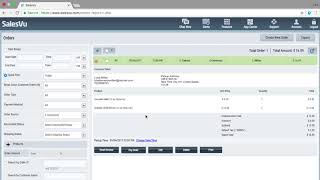
A short SalesVu Technical Support video demonstrating how to change an order's pickup time in the Orders report. The speaker walks through navigating to Features → Orders, filtering for E‑Commerce submitted orders, opening an order, clicking Change date and time, adjusting the time (example: add one hour), and confirming the update succeeded.










