 eCommerce, point-of-sale (POS), ERP and Data Analytics platform for retail and restaurant businesses
How to delete a product from an order in SalesVu
10 Dec 2013
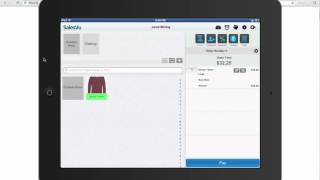
A short SalesVu Technical Support tutorial (YouTube video, Dec 10, 2013) demonstrating how to delete a product from an order in the SalesVu 3.0 app. The speaker shows the product on an order, instructs the user to swipe right-to-left to reveal and tap the Delete button, and provides contact details (phone and email) for further support.
Questions this video answers
Swipe your finger from right to left on the product, then touch the Delete button.
888-900-5819.
supportsalesvu.com (spoken in the video).
SalesVu 3.0.
December 10, 2013.










