 eCommerce, point-of-sale (POS), ERP and Data Analytics platform for retail and restaurant businesses
How to use Zapper Mobile Pay in SalesVu iPad POS
20 Jun 2015 · 2 min
1:44
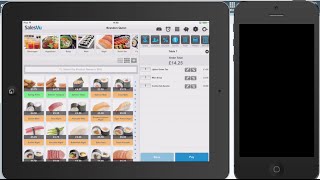
How to process Zapper mobile payments in SalesVu POS. Find an open order, print the bill with a QR code, and let customers scan it in the Zapper app to pay, split the bill, or add tip. Customers get an automatic £3 discount on their first Zapper purchase, and the payment syncs automatically to close the order.
Questions this video answers
supportsalesv.com
0800-368-8968
9am to midnight
£3 off the bill
At the bottom of the printed bill or visible in the SalesVu app (iPhone/iPad).










