 eCommerce, point-of-sale (POS), ERP and Data Analytics platform for retail and restaurant businesses
New Additions - AI Product Recommendation on the Website Builder
2 Apr 2020
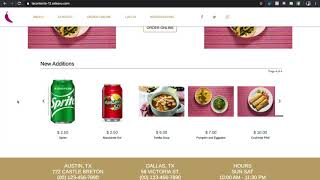
This short tutorial (video transcript) explains how to enable and configure the "New Additions" product recommendation feature in the SalesVu platform and how to add the New Additions widget to a site using the Website Builder. It covers default behavior (new items appear in a New section and remain there by default for 7 days or a custom duration), enabling recommendations in Settings → Recommendation Settings, and dragging the widget into the Website Builder then saving and publishing.
Questions this video answers
7 days
Login → Settings → (drop-down) → Recommendation Settings
Use the Website Builder right-side menu to drag-and-drop the "New Additions" widget, position it, then Save and Publish.










