 eCommerce, point-of-sale (POS), ERP and Data Analytics platform for retail and restaurant businesses
Option to add customer image in CRM through web portal
12 Sept 2017
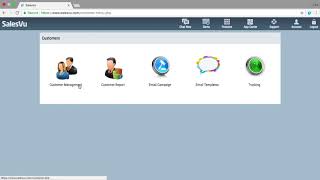
Short SalesVu Technical Support YouTube tutorial demonstrating how to add a customer image to a CRM via the web portal. The speaker provides a concise, step-by-step walkthrough: go to Features → Customers → Customer management → find the customer → click View/Edit → upload/select image, then confirm the picture. Video closes with a thank-you and invitation for further questions.










