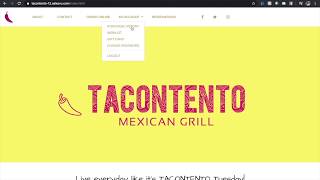
SalesVu's Website Builder automatically recommends products based on what customers bought in the last 30 days and what items sell together. The video shows how to turn it on: Settings → Recommendation Settings → enable past purchase recommendations.
Hi in this video we will cover how past purchases recommendation will work on the website builder. Users must login with email and password or with Facebook. This way salesvu remembers the past purchase history of customers. Product Recommendation is populated automatically based on the customer's purchase history from the last 30 days. Our system will scan the purchase products and it will recommend the products that are frequently bought together with the products that the customer has recently purchased. For example, a customer has previously purchased a taco from your restaurant and during their next visit our software will recommend a variety of items such as fries, salad or drinks that customer has bought along with the taco. To enable pass purchase recommendation on Website Builder, sign into your account on salesvu.com, click on settings and in the drop down find Recommendation Settings. From here you can enable recommendations for past purchases. Lastly, save your changes. Thanks for watching. Let us know if you have any questions.
 eCommerce, point-of-sale (POS), ERP and Data Analytics platform for retail and restaurant businesses