 eCommerce, point-of-sale (POS), ERP and Data Analytics platform for retail and restaurant businesses
SalesVu POS - Auto Close Out
2 Apr 2020 · 2 min
1:39
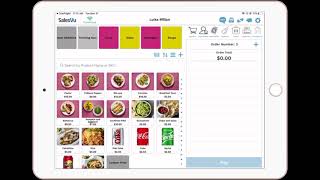
How to set up Auto Close Shift in SalesVu POS. The feature automatically closes your shift at a set time, resets shift data, and syncs across devices. Configure it in Settings > General Settings, add your shift times, and make sure staff handle starting cash and deposits before the close happens.
Questions this video answers
The Piggy bank icon.
11:15am.
Sign into salesvue.com → Settings → General Settings, then enable Auto Close Shift on POS and configure shift timings.
Click the plus (+) icon to add more times.
Click Save and Sync the POS app.










