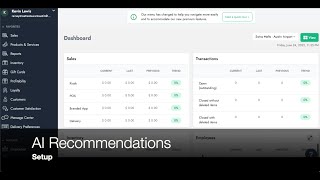
Walk through enabling AI product recommendations in SalesVu. Go to Location Settings, toggle on recommendation types like New Additions, Trending Now, and Best Sellers, then set how many days to show new items and how many products appear in each category.
Welcome. In today's video, I'm gonna walk you through how to set up the AI recommendations. The first step is enabling the recommendations. They will be found on the backend on the Location Setting page. This is located next to the name of the account's owner. In here you have to click on Location Settings and then go to the arrow that's on the top right corner. Scroll down and click on Recommendation Settings. In here the first thing you need to do is go to the drop down menu and select the location in which you want to have all these AI recommendations enabled. Then we look for Order of App and E Commerce settings and enable the ones we want to be displayed. If we also want to have this enabled for the pos, we can also enable them in the POS app settings. In this example, we are going to enable the first three new additions, trending now and Best Sellers by default. The recommendation of New Additions will be shown for seven days, but you can change this number to any number of days you prefer. You can also change the quantity sold until the product appears under Best Sellers and you can also change how many products should be displayed under the categories of Best Sellers and trending Now. Thank you for watching this video. Please let us know if you have any questions.
 eCommerce, point-of-sale (POS), ERP and Data Analytics platform for retail and restaurant businesses