 eCommerce, point-of-sale (POS), ERP and Data Analytics platform for retail and restaurant businesses
Similar Products - AI Product Recommendation on the POS
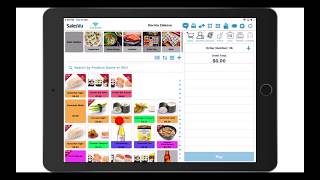
A SalesVu Technical Support how-to video demonstrating the "Similar Products" AI product recommendation feature in the SalesVu POS app. The speaker explains that similarity is determined by product tags, shows how to create tag groups and tags in the SalesVu management portal (Products and Services -> Manage Categories -> Edit -> Tag Groups), how to assign tags to products, and how to turn the POS product-recommendation feature on or off via Settings -> Recommendation Settings -> Point of Sale App Settings.
Questions this video answers
April 2, 2020.
Sign in to salesvu.com → Products and Services → Manage Categories → Edit → Tag Groups.
Go to Products in the management portal and assign the previously created tags to each product.
In the Sales View Management Portal: Settings → (three dots) → Recommendation Settings → Point of Sale App Settings (toggle on/off), then Save.










