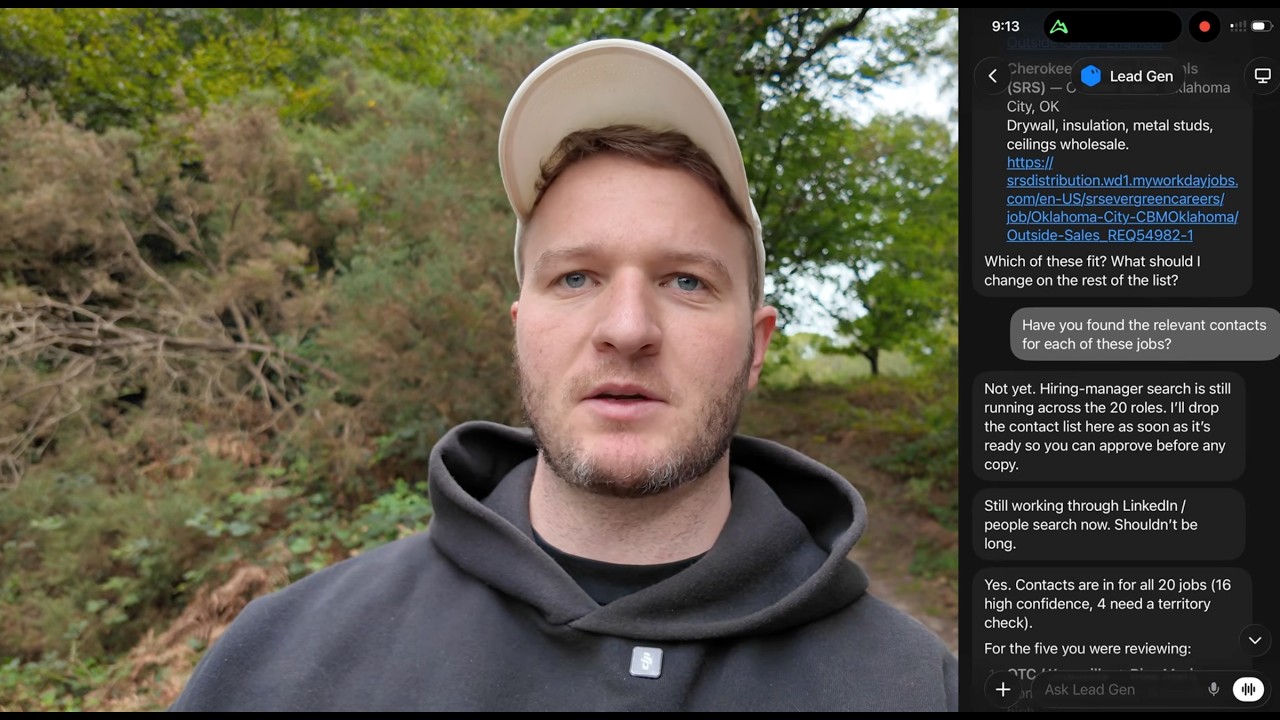
In this YouTube tutorial, George Foley demonstrates how to build an AI agent using GroqBot entirely on his phone while walking, with the goal of generating high‑volume static Meta ads. He first creates a GroqBot "Ads" agent, connects it to Higgsfield (an AI image‑generation marketplace) and Supabase (a cloud database). He instructs the agent to pull previous ad examples from Supabase, and to ingest playbooks from YouTube creators Jeremy Haynes, Mark Builds Brands, and Barry Holt, storing them as SOPs for future reference. George then feeds the agent a creative brief for a chalkboard‑style ad targeting business owners, asking it to generate concise, high‑impact copy using the Scott Adams business writing method and to produce matching images via Higgsfield. After an initial low‑quality output, he iteratively refines the prompts—adding color, visual cues, and specific imagery (Whoop rings, X‑ray, football scoreboard)—and re‑generates the ads until the visuals and copy meet his standards. He adds a clear call‑to‑action, reviews the SOPs for compliance, and showcases how the entire workflow—from idea to ad assets—can be completed on an iPhone while on a walk. George concludes by offering his services to help businesses scale similar AI‑driven ad pipelines and invites viewers to reach out for custom workflow assistance.
Chapters
George Foley here. Today we're going to be building an AI agent in GroqBot, 100% on my phone while I'm out on my walk. We're going to be building one that helps create ads, Meta ads, specifically static ads that I can then push to Meta. We need really high volume these days, so we're going to want it to create lots of creative. We're going to use a tool called Higgsfield to generate the images, and we're going to get it linked all into GroqBot. For those of you that don't know who I am, I've helped over 500 6 and 7 figure agencies to help scale, improve their business, automate and simplify using AI. First thing I'm going to do here is set up the bot. I'm going to call this Ads and then hit Create on that. The power of GrokBot is that it's got a computer running behind it, so it's not just like having ChatGPT or Claude on my phone. It's actually able to control a server that Basically anything a human can do at a desk at a computer, GrokBot's able to do as well. It's given us some suggestions. What should I dig into first? Meta ads, YouTube ads, et cetera. We're gonna do Meta ads today. So now I'm just gonna give it the first prompt explaining the workflow and what we wanna do. You are gonna be an agent that creates Meta ads using Higgsfield. So the workflow will be, I have an idea for some creative, I feed it into this chat, You need to look at previous ads we've ran on our Supabase database and get that style and get an SOP so the ads follow a similar format and structure. And then effectively I drop the idea in here and then you log into Higgsfield and generate the copy using AI. Cool, so we can see it's connected to Higgsfield already. It understood the prompt straight away. It said Higgsfield is connected, it's got 950 credits. So you'll need to have Higgsfield. If you don't know what Higgsfield is, it's almost like a marketplace or it aggregates all of the different AI tools for images. So you can produce images way faster than if you're using like ChatGPT. It's quite a bit more expensive. Usually rack up anywhere from $300 to $500 a month on these, but obviously when it's something for ad creative, it's worth it. So definitely recommend checking it out. Sweet. So it's saying Supabase has no meta ads creative. Yeah, it's asking about setting it up. Build the foundational table out in a personal brand. So create a table that has ads, and then we can put like drafts, we can swipe ads that we like as well. I can give you the ideas and then you can attach the image, and then we can also track it once it goes live as well. But for now we're just focusing on creating and storing. You don't need to worry about the tracking as of yet. Great, so it's built out a Supabase foundation. So it's got the personal brands, it stores the creative, the ad swipes, all of the different information. What I wanna do is give it some training on ads because I feel like it's not gonna understand that and I don't wanna have to explain a lot of the basics. So I'm gonna give it some people to go pull transcripts from, load that into the Supabase and create the SOP around that. So you need to go to the YouTube channels for Jeremy Haynes, Mark Builds Brands, and pull their latest videos on YouTube ads. And, uh, also, um, I think Barry Holt, if you can see his channel as well, just try find whatever the latest playbook is for ads across those 3 people so we know we're compliant and using the right strategy. And you can save that into Supabase knowledge so you have that as a reference moving forward, but also create an SOP around it so we don't need to repeat it every time. So we can see it's come back with a bunch of information that's really relevant from these 3 guys who have really good info on their channels. So we'll work with that. Now I've got an idea for the creative angle that I want to go with, so I'm going to plug this in and see. See what copywriting it can do. The ad I want to create is a chalkboard ad where it's just black chalkboard with text. Well, you know, chalk-written text on it. And the angle is effectively— the avatar is business owners, so it should call out business owners directly. And then it should say, Come up with different concepts or ideas around needing a Whoop band for your business or needing your blood work for your business. Because the offer is going to be tracking, we'll help them track their business. And so, um, we should lean into the fitness angle, like an X-ray of a body, uh, blood vitals, and then the 3, 3 bands from the, like, Whoop app. It should look a bit like that. If you could nail the copywriting first, and then I'll approve for the AI image generation. Cool, so we can see some of the copywriting here that it's got. You wear a band to see if your body's recovered. Needs to be way sharper than that, so apply the Scott Adams business writing method, and then also just imagine every word costs $500. The ad needs to stop the scroll. It needs to be high impact, as few words as possible, lean heavily into one angle. You shouldn't need to explain anything. It should be as simple as saying something along the lines of like, get blood work for your business, or get your vitals done for your business, or want a Whoop band for your business. And then it should be like a simple call to action, like click to get started or something like that. Cool. So one angle can be biz owners. Get a health score for your business. And then another one can be, biz owners, get your blood work for your business. And then another one can be, biz owners, get a scoreboard for your business. And that can be like a football scoreboard. Create those 3 angles now using Higgsfield GPT Image 2.5. And generate 3 for each concept that I've just given you. So it generated them, but in a weird ratio, 9 by 16. Well, I think actually I should look up to see what the latest ad meta is because maybe that's useful, but I just want to see them in 1 by 1, so I've told it 1 by 1. It says they're generated, so I'm just going to ask to see them here. Show me the images here so I can approve. So it's brought back the ads. Really basic, like just the text. I mean, the chalkboard looks good, so the AI tool's doing its job, but we need to get it to share the prompt so then we can tweak it. These are underwhelming. There's no color, no mechanism or visual cue or emotion in these. So can you show me the prompt that you sent to Higgsfield? Anytime you do something with AI, just expect the first iteration to be bad, just to set expectations, because A lot of the time people get frustrated is they try something once and they go, okay, it didn't work. Like, let's have a look at this. Yeah, so it said pure black chalkboard. This prompt here doesn't have like any visual cue, so it's actually a really like solvable problem. As you can see here, each one needs color, a big callout at the top, underline. Like imagine It needs to be eye-catching, stop the scroll, something that gets them to stop and look. And then each one needs a visual component. So the first one should be the Whoop rings, the 3 rings. I think they're like blue, green, yellow. Look up Whoop rings on images if you don't know what they look like. And then the next one should be an X-ray. Like a cartoonish looking x-ray. And then the third one should be a scoreboard, like an actual football scoreboard. But they should all look like polished, well-produced ads. Let's see what it can do this time. Sweet. So we can see the ads it's created. These are better, but they've lost the chalkboard design. But this is good in terms of how we want it to look with the copy and the image. These look great. The visuals are perfect and the copywriting and the fonts are the right size. The key thing is now it needs to be like it's been drawn on a chalkboard. So it needs to look like an actual chalkboard with these same images. So adjust the prompts and resend. All right, we're starting to get what we want here. You can see these 3 look really good in terms of what I've asked for. I should preface this and say like, I'm by no means an expert when it comes to ads. I've had a few ads do well that I've helped create or generated. I know webinars inside and out, landing pages, VSLs, but ads is probably the one that's a bit uncharted territory. I will be running these, so I'll see how they go. But you can see how quickly we've generated. I think the last thing this needs is probably just a call to action. So let's see. Review your notes from Jeremy Mark and see if these need a clear call to action, like click to get started or get started for free or find out for free, something along those lines. Just do some digging and then if it should be on there, then add it to the image. But these look like they're pretty much ready to go. So you can see how quickly and easily we can set this up from an iPhone. From an iPhone, we're able to generate ads just while out walking. So if you're looking to set this up for your business, Obviously, I've shown you how to do it here for one person on your phone. You can replicate this, but if you're wondering how to implement this into a, you know, a business with 10, 20, 30 people, maybe more, it's a totally different game. You need someone to help you do that, and that's, that's what I help businesses do. So you'll find my links in the, in the description below. If you need help building out any other workflows, get in touch or drop a comment with things that you're struggling in, in the YouTube comments here, and I'll, I'll catch you in the next one. Thanks, George.