George walks through setting up GrokBot on iPhone, from downloading the app to creating a bot that sends a daily morning report. He builds a simple bot that pulls contact data from Superbase CRM and schedules it to send at 9 AM, showing how to automate repetitive tasks like tracking sheets or email digests.
Chapters
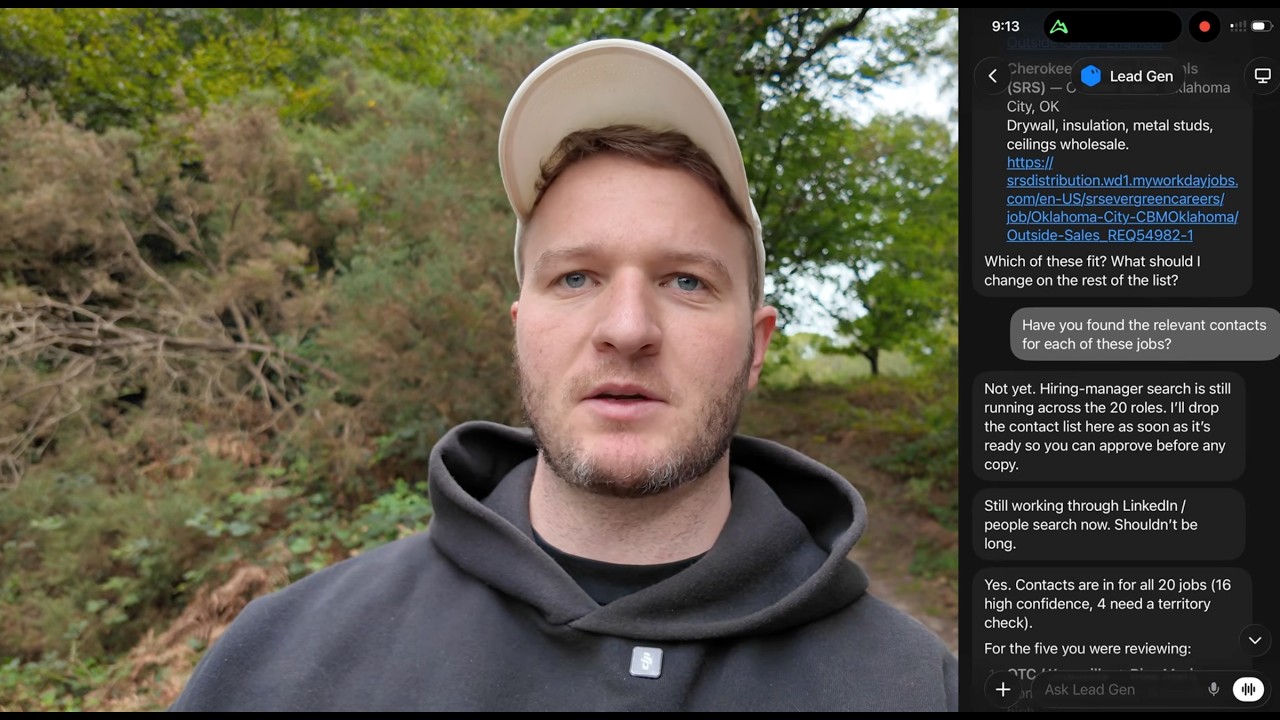
Hey everyone, George here. This is going to be a quick 3-minute walkthrough of how you can get GrokBot on your phone and start creating AI agents as a busy business owner, agency owner. So GrokBot is a lot less intimidating than the other AI agent platforms. This one you can literally get started just by downloading it on your iPhone. So that's what we're going to do here. First thing we're going to do is jump into the App Store and then you're going to search for GrokBot. Make sure you don't download the usual Grok. You might already have some form of Grok on your phone. You need the one that says GrokBot, like the icon I've got here. Now you can see I've already got it downloaded, but I can just click open and it's going to take me here. You'll need to sign up and create account, get the Pro Plan to start off with, and then you should see the home screen like I'm looking at here on my phone. First thing you want to do to get started is just click the plus icon and then new bot. Cool. So for deciding your first bot, I would just pick something super simple that you do daily that's a little bit tedious. I find tracking is a really underrated use for AI. So you could start by just, you know, connecting Google Sheets, for instance, and that one sheet you log into each day and check manually, you can have GrokBot send this to you each morning. So So I'm going to call this one Morning Report, and then we're going to hit Create. So we can see it's created the first bot or agent, and it's asked me what I should— what it wants to pull first. So these are some good examples. You've got Calendar, Health. I would recommend you connect your CRM, ATS, or Google Sheets. I've already got mine connected. Mine's called Superbase. You're going to create a daily report where you send me each morning the number of contacts that have been added to Superbase. So log into Superbase, check how many contacts there are, and create a daily schedule to send me this every morning at 9 AM. So we can see it's creating it here. It's found CRM contacts. Now I've just linked it into like a demonstration Superbase, so I don't imagine it'll have much. Yeah, see, it's pulled 23 contacts and it will now send me a daily report, 8:52 AM in London time for that report. So this is like your first bot or agent setup. It's literally that simple doing it on your phone. From there, just start thinking about like what things you're doing each morning manually. Maybe it's something your EA has to go pull, or you've got a virtual assistant doing it. Just speak into the phone, tell it what you're looking to connect to. So which tool, it could be your emails, it could be Google Sheets, CRM, even your Slack channel. And then just, just tell it exactly what you want sent to you each morning. I'll keep it short, but there's plenty more tutorials coming on this channel. If there's something you want built, just let me know in the comments below.