Summer Chang shows how to build a Notion form that screens clients by budget, timeline, and needs, then automatically emails qualified leads a calendar link if they meet your $1,000 minimum. The form feeds new clients straight into your Notion CRM.
Chapters
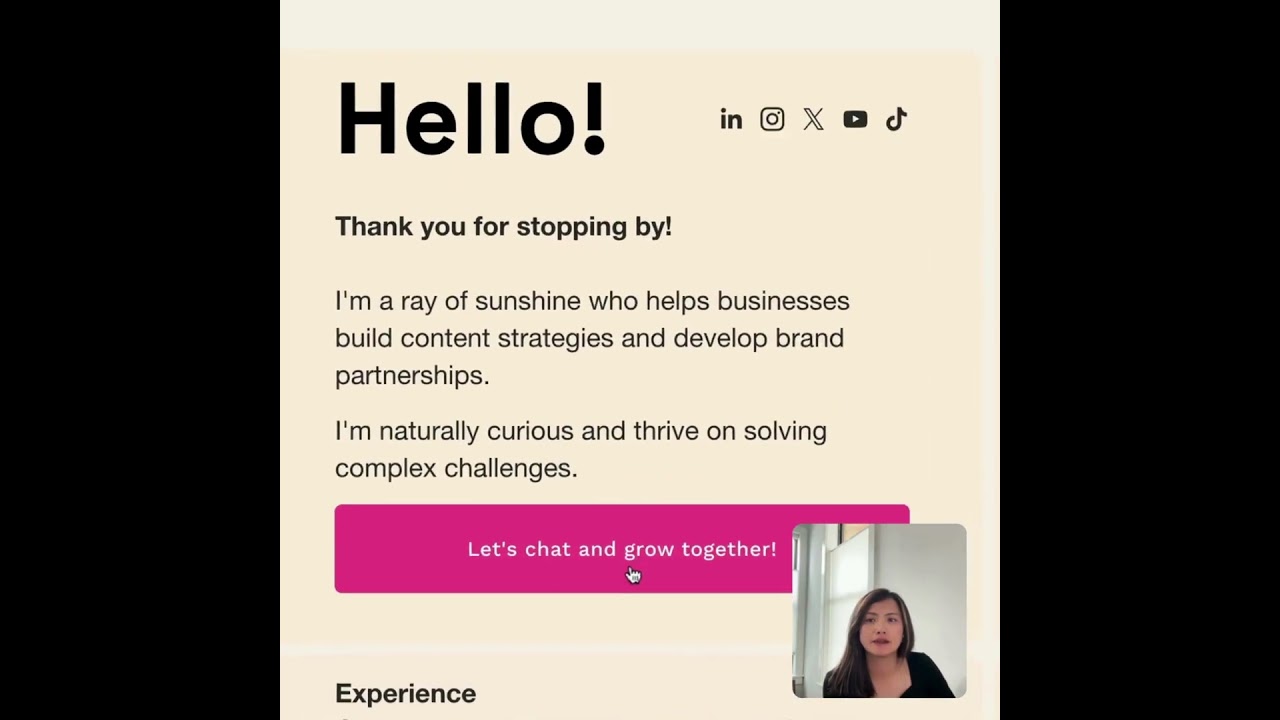
I want to show you how I build a Notion form to filter out the good match clients based on the budget, timeline, and product requirement document. Then I set up an email automation. If it's a good match, we will trigger the personalized follow-up email with a direct booking link, calendar link, any calendar booking link. You can set it up and save it into the automation. So then it will add, add the qualified lead directly into a Notion database. Here's how I do it. So you created a Notion form. And but also I can embed this form to my website. Just copy the code here. Here's the automation we set up here. So what's the budget range? If it's under $1,000, it's not gonna be a good match. When all the qualifications match, it will send out the trigger email from my email address. And then we can customize a personalized email from like the trigger, their name, thanks them. And based on what they share, we will have a 25-minute Quick call. Here is a link, and I will add another action. Add a page to my CRM. See my website summerchan.co, and then here this chat and grow together is the form connected with a Notion form. So fill out a form. Tell me about your business. I embedded this from Notion form. So let's just try it. Emily, I like the name. Email xumichan@gmail.com. LinkedIn. Okay, let's just get my LinkedIn link. If it's not a link, you're gonna get an error. So I'm just gonna put my LinkedIn link. Project range over $1,000. When I want to start, as soon as possible, 1 to 3 months. I already very ready. I have finalized my project requirement. So what's the service interests you? The newsletter setup and strategy. The biggest challenge, you can fill it up. It's not required. And submit the form. And I got notifications here coming to my email. I receive email. Hi, Emily. Thank you for filling out the form. I probably need to change my email address to my name, but the title is there. So it looks like a good fit. So it's the calendar link. You can book a time to chat with me. So it works. It's really simple to set up using Notion Form. You can embed Notion Form code on your website and set an automation through just, you know, nurturing the lead and then keep the lead warm. You sending me an email, I know what to do next step. And then yeah, get them excited. Get them to stay interested in your service. If you are someone who is currently building your startup company, use the link in the description box below. You get 3 months of Notion Business, access to Notion AI, no credit card required, but you must have a business email address to use the link. Happy building, happy automating.