Ahorra Tiempo Usando los Audio Effect Racks
5 Feb 2016 · 2 min
2:07
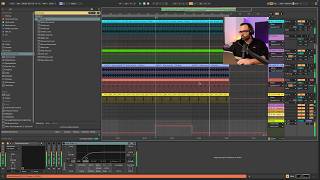
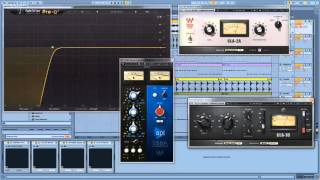
Spanish-language YouTube quick-tip by John Hertz explaining how to save time using Audio Effect Racks in music production software. He defines racks as grouped effects (native and third-party), then demonstrates creating a rack from four plugins (Pro Q, CLA, API 550, CLA 76) by selecting the first and last, grouping (Ctrl+G on PC, Cmd+G on Mac), and saving the preset (clicking the floppy/disk icon) as “Rack Vocal”. He explains that dragging this saved rack onto another track restores all plugins and settings, speeding workflow.
Questions this video answers
Pro Q; CLA; API 550; CLA 76.
Control+G.
Command+G.
"Rack Vocal".
Track 1.