Learn how to chop breakbeats like Aphex Twin using a sustained note, zero-length clip, and start parameter automation. The tutorial covers loop settings, artifact removal, and texture variations with warp algorithms and bit reduction.
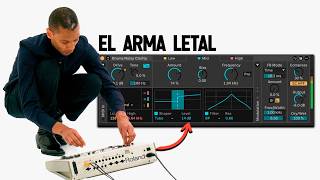
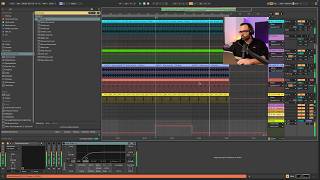
Today I'm going to show you how you can recreate that characteristic effect found in IDM music, which you may recognize from artists like Affix, Twin, Audiker and others. And it's super easy to do. But first, if you like music production, don't forget to like this video. And follow me, because that's all we're going to talk about here. Let's get started. We're going to start by choosing a breakbit sample and taking it to an audio track where we'll have a simpler like this one here. Go to the MIDI track and create an empty audio clip and give it a sustained Note here at C3. To do this, simply press this legato button and. Magic. And now comes the important part. Don't miss any details because we're going to do two things. First of all, we're going to activate the loop. And second, we're going to lower the length to zero. Look what happens now. It's complicated. To fix this mess, we simply go here to the start parameter, right click and create an automation. And we're going to make it last as long as the clip itself. Now we're going to get creative with just the pencil and. Come on. Since we're done here, I'm going to give you two more tricks. You can activate the warp and change the algorithm to get different textures, or you can select the bits, put this little arrow and lower the envelope to make it sound even more choppy. Or you can even play around with the duration and the look.