Cómo Crear un PATRÓN RÍTMICO de DRUMS con PUSH 2
26 Dec 2021
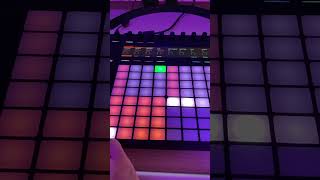
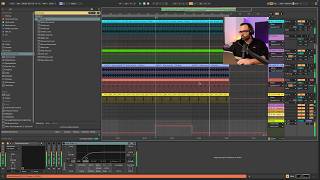
Video tutorial (Spanish) demonstrating how to create a rhythmic percussion pattern using Ableton Push 2 and an Ableton drum rack. The speaker shows loading a MIDI click, selecting a drum rack (e.g., 909 Core X), using at least 16 sounds mapped to Push, and editing the MIDI clip length (default 4 bars; can be shortened to 2 bars).
Questions this video answers
Ableton Push 2
909 Core X
At least 16 sounds
Four bars (the clip initially shows four lights/steps)
Two bars (by selecting the first and second light/step)