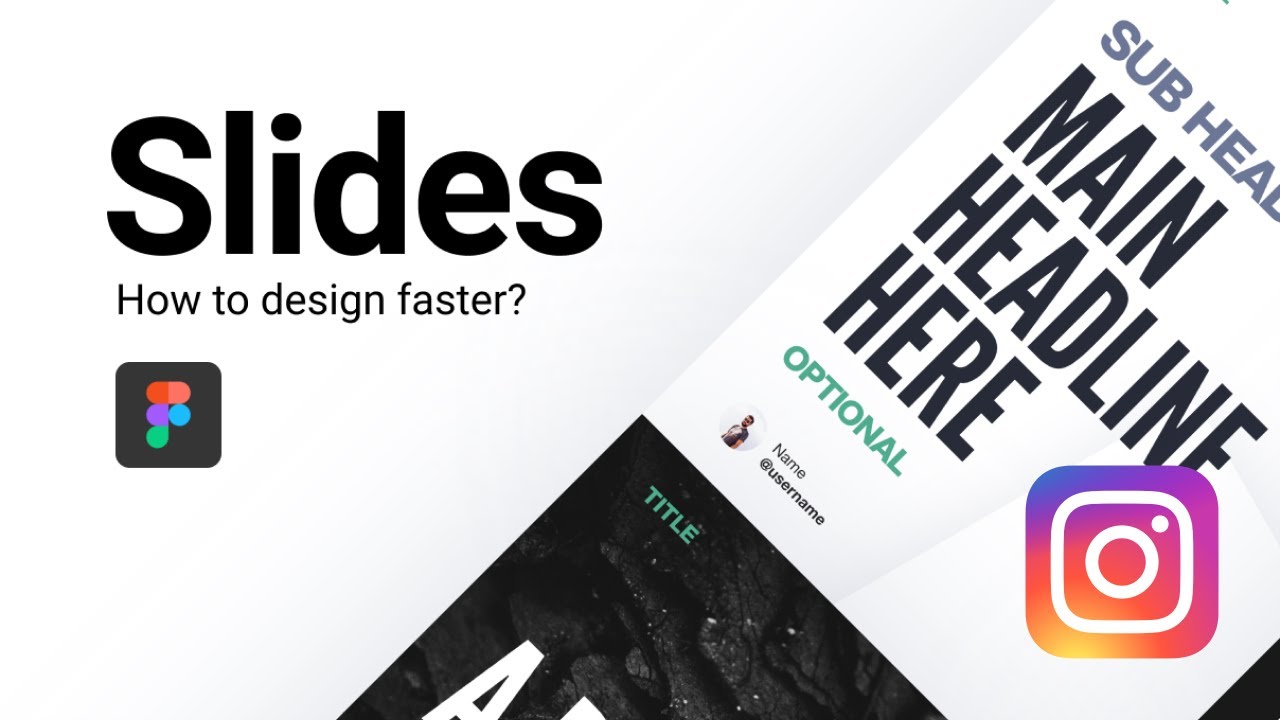
In this concise tutorial, Charles explains how to accelerate the creation of Instagram carousel posts using Figma. He outlines a workflow that centers on three core strategies: (1) building and maintaining reusable carousel templates to focus on content rather than layout; (2) employing a simple content‑creation helper that forces headline‑style, bite‑size copy for each slide, reducing word count and clarifying value; and (3) working in bulk—producing multiple carousels in a single focused session—to build momentum and decrease per‑carousel time. Charles also advises periodic template reviews, quick color/photo tweaks, and emphasizes the importance of staying in a consistent creative rhythm. The video concludes with a call‑to‑action for a free Instagram carousel template available in the description.
Chapters
Hey everyone, Charles here for another video. I'm going to tell you real quick in this video how to speed up your process when you design Instagram carousels. It can be quite exhausting if you create— for me, like for example, I create usually 5 posts every Monday, like right there for my Instagram, and it can be quite exhausting to create all of them, come up with different things, different ideas all the time, and it can be also difficult to speed up the process when you already have like 3 posts done and you kind of start to get tired about it. My first tip is to have templates. Templates is right there. You can see usually my 3 templates that I use are right there. They help me to really focus myself on the content and not the container. That's what really matters actually, is to focus yourself on the value you give to people, not especially on how it looks like. It's going to matter, right? That's why I spend time working on my own templates. But once the templates are done, don't go back on them every day to create a new one, to try to fix them up. Try to maybe, I don't know, like have a habit of every 2 weeks or every month you review your templates and you try to come up with new ones. But once you have them, try creating a couple of carousels with them, and then you can learn from them, trying to understand, okay, at this point, I feel like something is missing or maybe I don't give enough value to people at this part of the carousel. So it's really important. Another thing I use is actually this little content creation helper where if I don't really know what I want to talk about, I can decide off a subject. Like for example, how to improve your carousel speed. And I will have the headline here and then I will try to come up with different very small text in each of these slides. Why? Because when you have a little text, you don't think in terms of a big amount of text. You need to think in terms of headline. When you think in terms of headlines, then you have to— you are forced to reduce the amount of words you put in there, which is very important because people don't want to read too much. They want some value, but they don't want too much value, and it can become very frustrating for them to you know, have all of this amount of content and not being able to get the idea for each slide you put. So make sure to, you know, it's not really a big deal if you have to create 3 slides to talk about one specific thing. It's actually pretty good for your content creation because then you can speed up the process like I do sometimes where, for example, here I talk about the same thing, how to design this website here, and it's usually the same process. So basically what I need to know is just what I need to do is just fix some of these things right there, change the colors, change some of the photos and effects, and I'm— the same thing is here, so it's all done, which is great. After a while, it's going to take some time for you to, you know, get you used to each template and the process of thinking, but after 5 carousels or 10 carousels, you're going to go much, much faster. Another tip I would advise you to follow if you want to get faster at creating your slides, at creating your carousels is to work in bulk. As I talked about just before, I usually create 5 slides in a couple of hours, usually 2 hours I create 5 slides, and it helps me to stay in the momentum, you know, because if I just create one slide, stop, and then 2 days later I create another slide, I don't have this consistency I want to have. And the more you will repeat the process, the better you will know it. And so It takes a lot of time, kind of, to create the first one, and it takes less time to create the second one, and even less time for the third one, and et cetera, et cetera. So I really advise you to work in bulk. Every design I create gets faster and faster and more efficient. This is the goal. This is what I'm trying to achieve, to reach. You keep your mind in there because stopping halfway through or stopping after one slide is going to really break your motivation and create this feeling of like, okay, I need to create one more tomorrow. I need to create another one 3 days from now. But if you just work once and you bulk, it's just like, okay, I have 2 hours to create 5 slides. So it becomes way more challenging and way more interesting and entertaining in a way for your brain to develop that. And so that's all for this video. I really hope you liked it. Make sure to get my free Instagram template. The link is right below in the description, right under the video. You can get it for free and you will have all the basics you need to, you know, start creating carousels on Instagram with Figma. I hope you liked it and I'll see you for the next one.