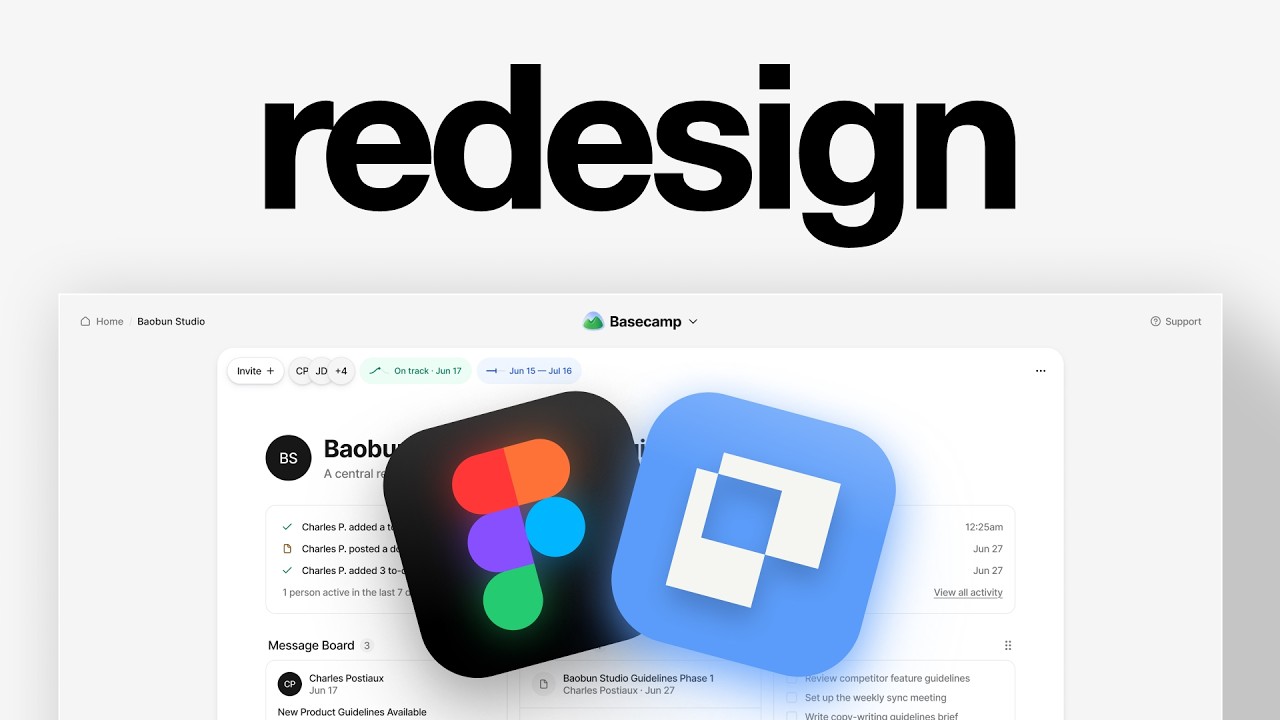
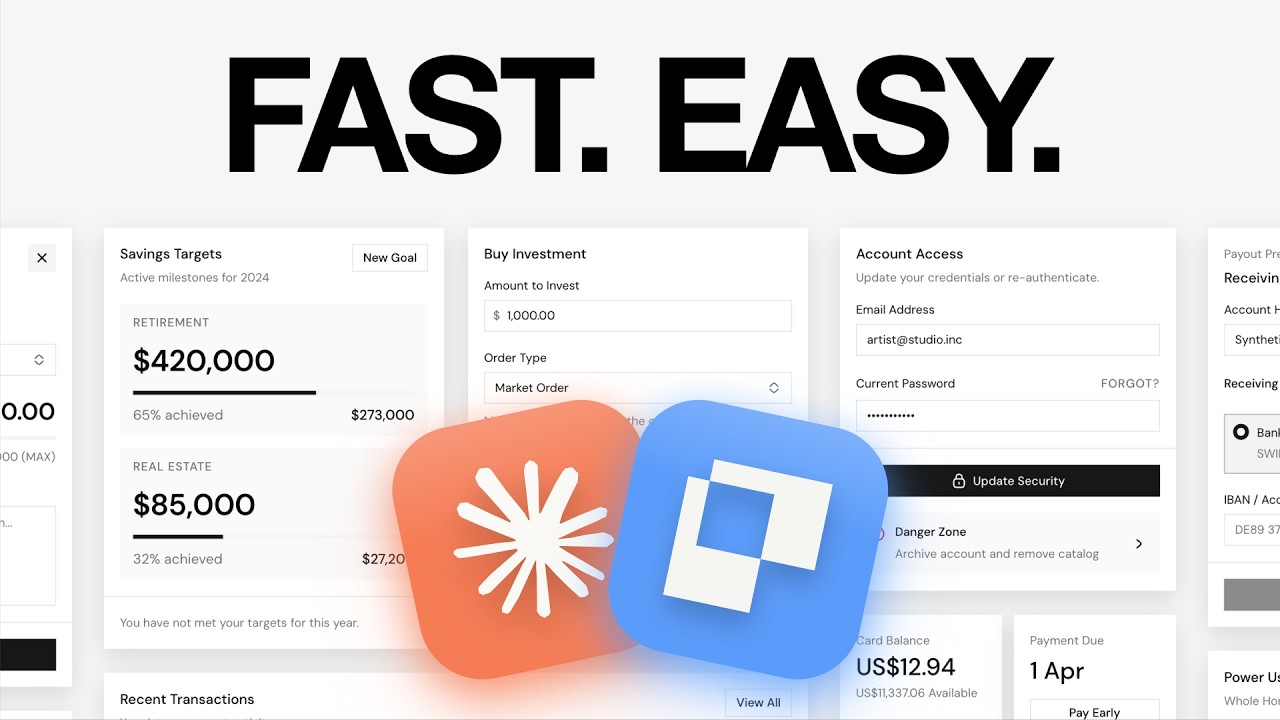
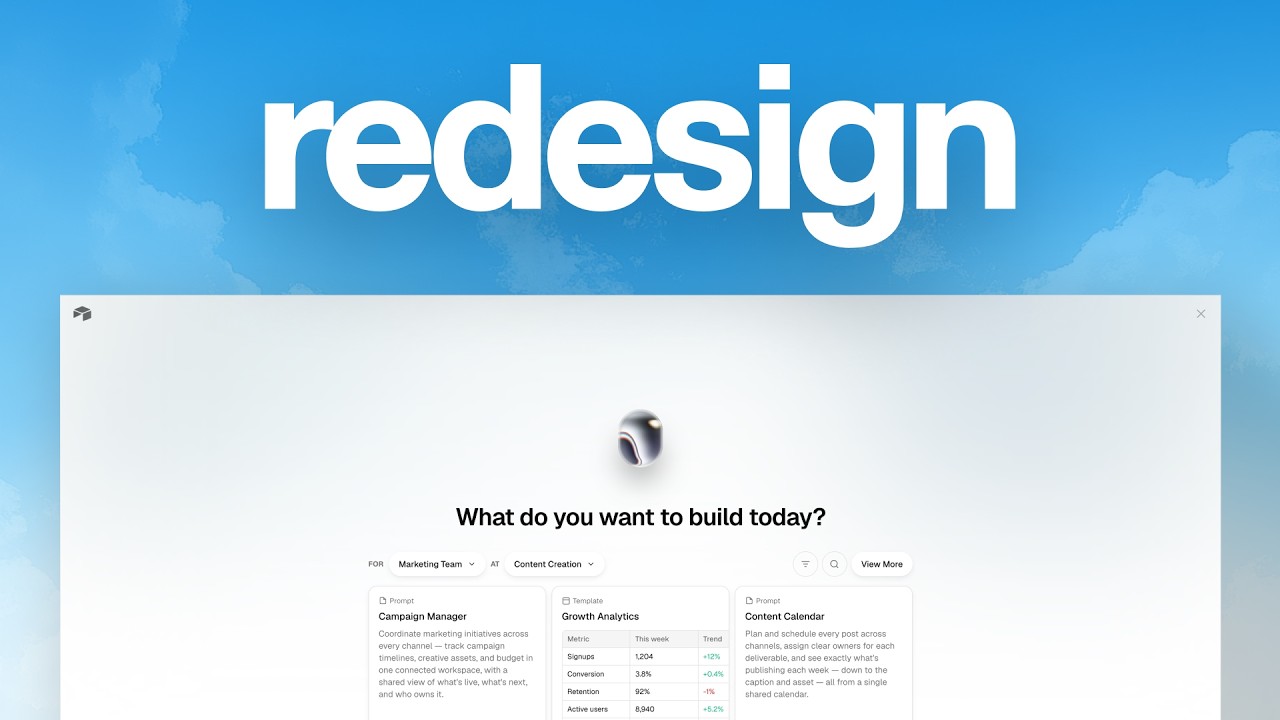
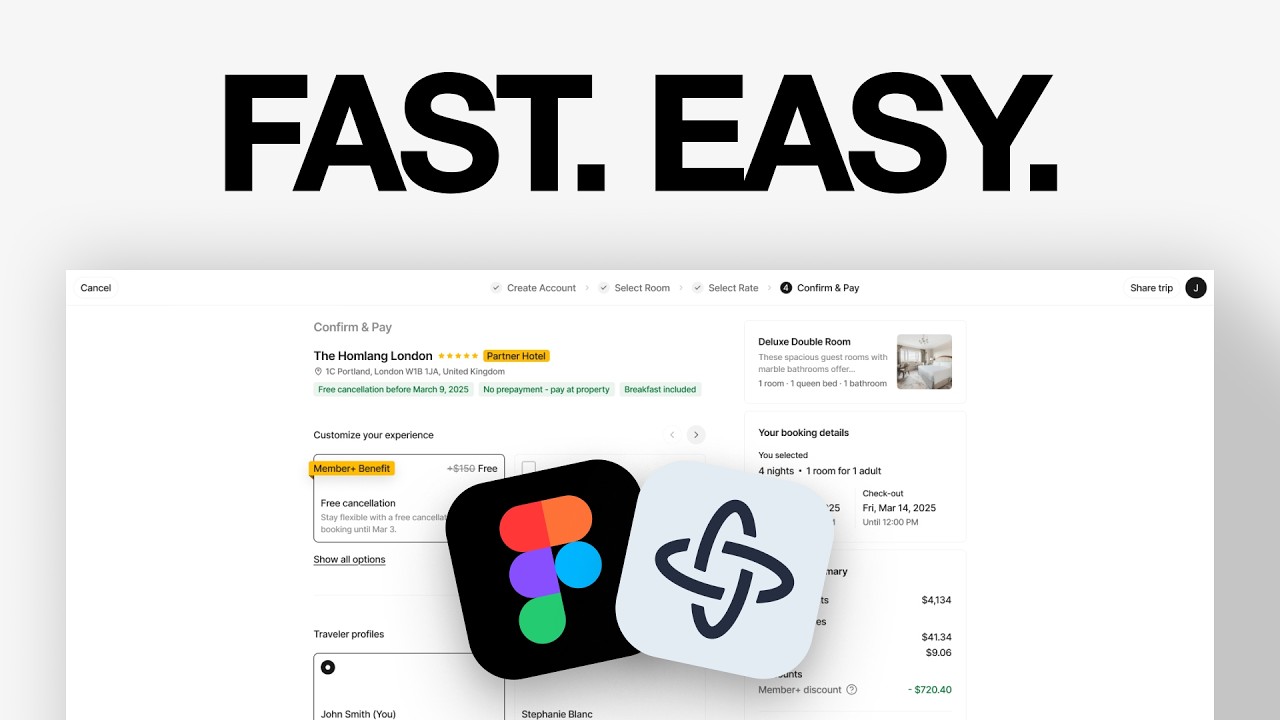
How To Make $2,000/Month As A Product Designer

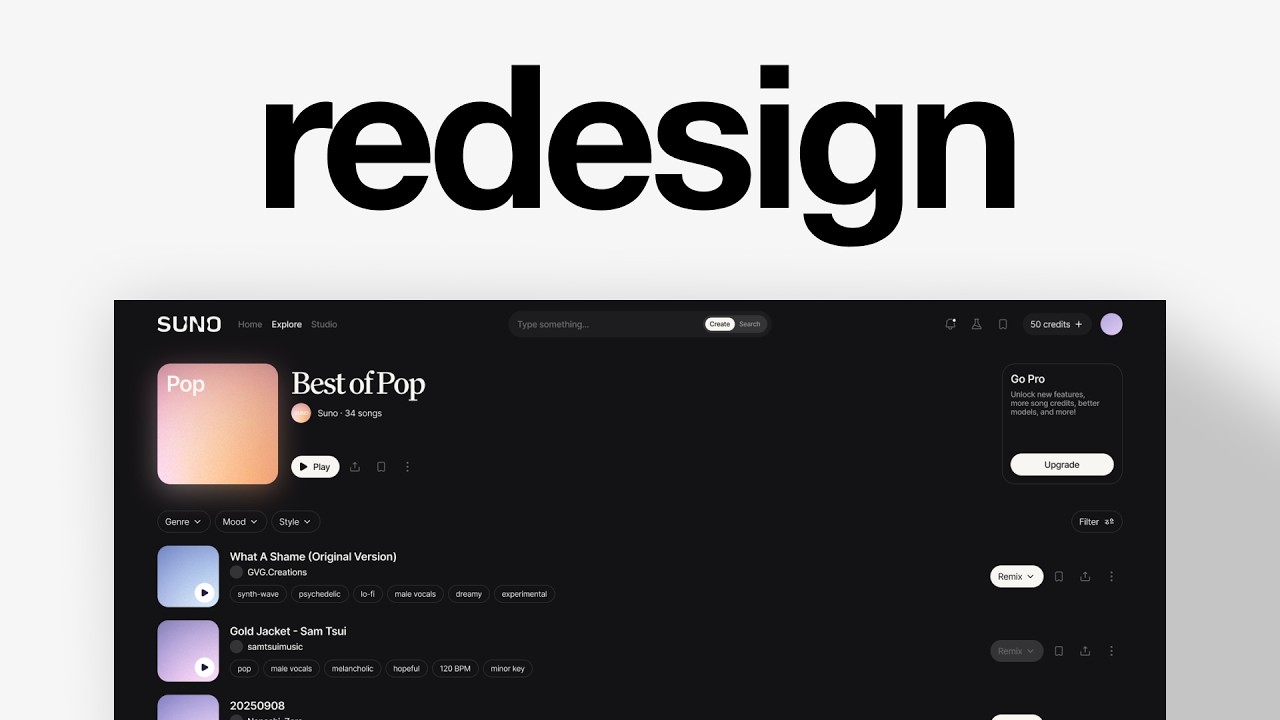
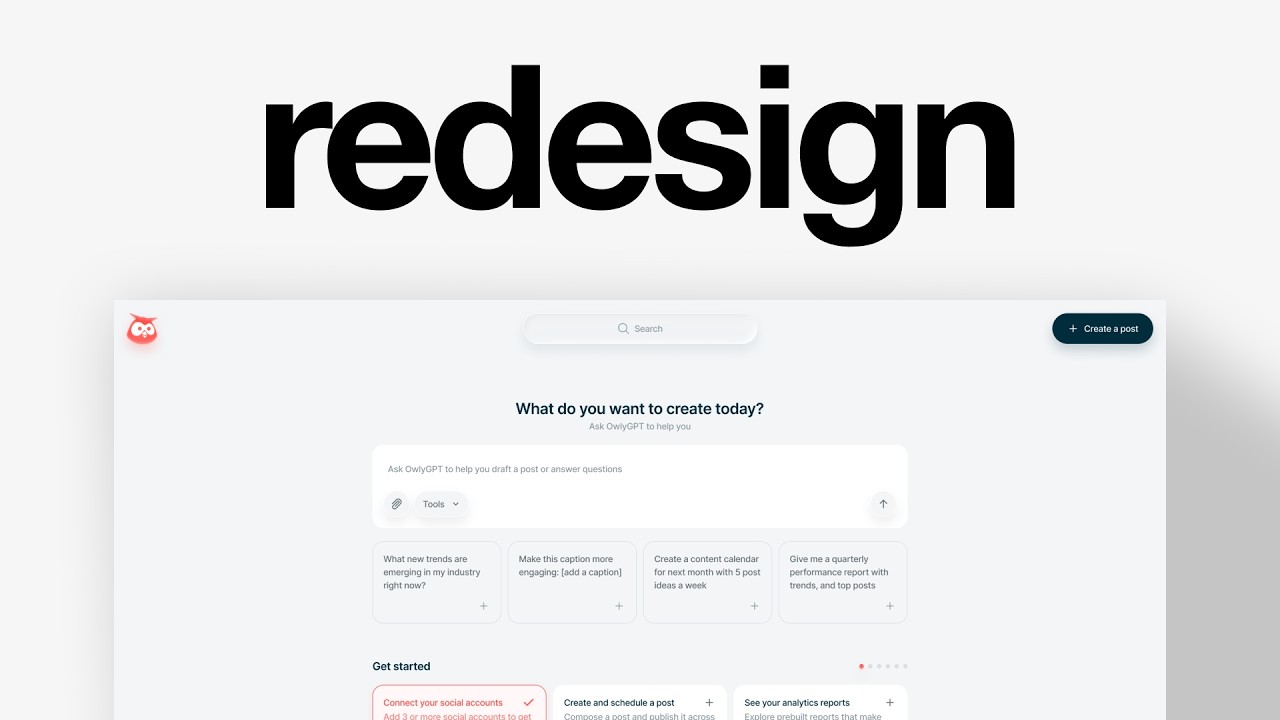
Charles Postiaux, who made $100,000 by 23, shows junior designers how to hit $2,000/month by mastering strategy, design, prototyping, and storytelling. He breaks down Figma workflows: 4-pixel grids, auto-layout, components with variants. Spend 10-15% of your time marketing yourself on one platform for 3-6 months, then double down on what actually brings clients.
Chapters
I made my first $100,000 at 23 years old when I first opened my design studio, Baobab Studio, where I've worked with companies worth over $160 billion, from startups that have raised a few millions to Fortune 500 and publicly traded companies. In this video, I'm going to cover everything that I've learned in my journey and teach you exactly how you can make $2,000 a month as a designer. And so that's perfect if you want to work less, make more money, or if you're just starting out. So first, the skills required to become a great designer. You don't have to be the top 10% or the top 1% here. We're not trying to be the best of the best. We're just trying to be good enough to make some money, start getting that momentum, start getting those like good positive feedback on, okay, I'm actually, you know, becoming a good designer. I can finally make some money. I can finally live by myself. I can invest in my knowledge. It's just like the first step to show you that it's possible is that you can do it. And so to do that, you don't have to be the best. You just have to be good enough and you have to be great at a lot of different things. If you can do those things, and you keep practicing and improving on them, the growth is going to be exponential. Like, you might be making $2,000 the first year and then go to $6,000, $8,000, $10,000. Obviously, it's not going to be instant overnight. And what I'm saying is giving advice. I'm not saying like it's going to happen 100%. I'm not guaranteeing anything, but that's pretty much how I've been able to grow as a designer. Like, looking back at my career and the growth that I've had as a designer, like, the more I've been able to learn and do and practice, The more money I've been able to make in a shorter amount of time. In my opinion, 2 things will be required for you to get in that top 50% and then keep going up. The first one is going to be your design taste. Just being able to surround yourself with good quality design. Mobbin.com might be one option for you. There are other ones like cosmos.com. It's like a Pinterest but for designers. And so it's really, really good. And I use a lot this platform nowadays to like get inspiration, get some visuals because it's a lot more focused on design and and artistic visuals. You could also use like landboo.com, for example. I think that's a great resource as well to have. Curated.design, also really good. Allwords.com is also a pretty nice one. I think they have some really good visuals, and I think it's a great way to see like how much you can push as a— especially here, it's more like web design, which I think some of you might be like web designers. So I think it's still a really good reference to have, but just surround yourself with quality products, with great work, even if it doesn't actually have to be product, it doesn't have to be like your core specialty, even if it's not product designer. If you're watching this, just having beautiful visuals around you, beautiful aesthetic quality work is going to really refine your taste as a designer. And even if you're not there yet in terms of skills, if you have higher standards, you're going to have to push yourself to be better. And just that by itself is already going to help you get into that 50% and Beyond that. And then the next thing is obviously putting in the work. Like, one of the best ways I've been able to improve as a designer was just to work more. That's it. Like, you have to put in the work, you have to put in the reps and just do the work that almost nobody is willing to do. You have to like just be willing to sacrifice 3, 6, 12 months of your life and just say, okay, I'm just going to do that. That's it. I'm not going to do anything else. You just basically crunch 4 years of work experience into like one year. You have to have senior designers around you to know like how to have the design systems, how to have components, how to have auto layouts, how to work with engineers, how to do responsive design, all of that stuff. I'm here to still teach you some of that stuff. Obviously I can only do so much and I have only so much time, but I'm still trying my best to give you some of those things. So, you know, if you like that stuff, just make sure to subscribe. And so besides that, there are some fundamentals that I think are extremely good to improve on and to have. And so if you have like a pen and paper, if you can write on your computer, if you have like a note-taker or something, just make sure to write those down so that you can have that checklist and work on them one by one. Because if you have those things and you work hard and you have good design taste, I'm not going to guarantee it to you for legal reasons, but I, you know, pretty close to guarantee you're going to make it 100%. Well, I'm going to break it down into 2 steps. Okay. Or categories. The first one is going to be the 4 fundamentals that are essential as a designer to have in your toolkit. And then I'm going to give you a few more that are more like day-to-day skills that are helpful for like the actual work. And so the fundamentals are going to be strategy, design, prototyping, and storytelling/marketing. I'm going to talk about prototyping again later because that's— it's a fundamental. It's also like a skill, practically speaking, that you need to have. And so first of all, the fundamental strategy, why did you make this decision? Why did you make that design specifically this way? I think that the easiest answer would be because it looks good, right? Like if you are more of a visual designer, you're going to say something like that. It just looks better. It looks good, which I think is relevant and still makes sense, but it's not really strategic. It's very, it's more like a gut feeling or personal opinion, which I think makes sense because again, like your design taste is something very important as a designer, but it might not win over other designers working on the project, might not win over a manager, you might not win over clients and stakeholders. And so that's one way to see it. And on the other hand, it would be designers who are more like technical, very analytical. And they would say something more like, well, it makes sense because of X, Y, and Z, like because of those experiences, because of those users, this is the most rational design. And I think in some ways they have better winning chances at winning over multiple people in the team or in the project. Even if the decisions are not right or not super good, the rationality is already a big part of it. And so if you're able to mix design sense with rationality and strategy, you're already winning. So make sure even if it's not the best rational explanation ever, just having some thinking about it, some in-depth strategy around why those design decisions, why is the flow this way, why those steps, Why is the layout like that? Like the goal of the designer is to remove as many gray areas as possible because there are so many ways, like you have to know everything, all of the product, all of the features, all of the flows, all of the reasoning. You have to know all of that because you are almost creating a kind of like a reference Bible, reference guide for everybody else, for the marketing team to market the product, for the engineers to actually make the product something real. All of the things are organized based on what the designers define and what the designers think is the best option for everybody. In my opinion, that's why so many designers cannot really make it. It's because they focus on that specific screen, they focus on that specific portfolio case study example. They don't think in depth about the whole product, the whole experience, the specific features, and why is it this way, not that way. So I think that strategy is incredibly important. Next is The design. I mean, you kind of guess already what this is based on the video and everything, but can you design at a high level? That's already one thing. And based on your high design, like, can you have good design taste? Can you back it up with your skills and actually being able to design really good experiences, really good products? And a twist to it, or like the next level of that, would be, can you keep that same quality and that same aesthetic and that same high standard with speed? And I think that's the next really step. And that's why you can figure out who's a Kind of almost junior or mid-designer versus who's like a senior lead. It's just the time it takes to get that screen, get that flow, get that, to get those explorations in. And then another question or another way to think about it is, can you design a bird's eye view of the product or the flow? And can you also be extremely granular and precise in those refinements, in those little details? And if you're able to really have that wide range, that wide spectrum, it's like an actor, you know, can the actor only do comedy or can they do comedy and drama and action? Right? Like, can you have that wide range, that wide spectrum of design depth? And if you can do all of those things in terms of design, you are very versatile. You're very flexible in the designs, in the project, in the scopes. And that's an amazing skill to have. And I think it's also a mindset and almost like a personality trait in a way. I don't think a lot of designers can do that. Then prototyping. Prototyping is that skill that I didn't really spend too much time on in other projects in the beginning as a designer. And I was always using it as a, like, something extra that I could spend my time on that I think was interesting to have, or even to help drive the story further. But actually, now that I'm working on bigger projects, I realized that it's almost essential. Because first of all, in terms of handoff, it's amazing because designers can easily communicate with other, like, other parts of the team. They can communicate with managers. They can also just use them to pitch for stakeholders, for the client, but they can also just deliver that for the client. That could go a long way. Actually, prototyping can help in many ways. It can help again, like, for handoff. It can also help to sell something. And that's what I'm going to talk about for the last fundamental. But it can also help for your portfolio, for showing stuff online. I'm going to let— that's the part 2 pretty much about Static designs are great, but prototype design tells a story. And that's the last fundamental part, is storytelling in marketing is not just advertisement, right? Can you find valid ways to pitch whatever you're designing? Can you pitch your ideas? Can you pitch your vision to the team, to the manager, to the engineers, to the client? Can you pitch those? Can you sell them the idea? Usually a team inside of a big company is going to hire you, and so They have to sell that to higher-ups. They have to sell that to other teams as well. You can imagine that a static design can only do so much, right? But the prototype design really helped to drive that story forward. If you're able to tell that story, explain the rationale, have that high-level taste as a designer, and also at the same time use prototypes to combine everything together, to connect all of those together and create that, like that amazing story you want to tell and the vision you want to bring to the product, to the team. If you have those things as a designer, you are above market level, you're above that 50% that's not as good as you, you should be able to make that much money easily. Now, obviously there is knowing and doing, and so you might be able to know all of that. You might be able to have that standard for all of that, but can you do all of those first of all? And can you keep doing all of those for an extended period of time, for multiple days, weeks, months while keeping that consistency? You can only be so good if you're able to keep those up no matter how rough it gets, because design is extremely chaotic. And projects usually never go as planned. There is always something coming up. There's always a shift. There's always a change. And so you need to be able to keep high-level skills and this process in place, no matter how shaky it gets. Cool. And now I'm going to talk about the kind of skills that I think are extremely good, extremely valuable, and that you need to work on. And that is a bit less high-level. This is kind of like high-level, like, oh, you need to do strategy. You need to do design. Like, sure, cool. Like, that's cool for knowing about it, but What do I improve right now? What's what's missing? Like I feel like that's kind of lacking, so I'm going to do that now. All right, so I'm on Figma right now, and I'm going to walk you through some of the key fundamentals or knowledge to have when you design so that you can design better and faster. And so the first one is sizes. My go-to usually for sizes is four pixel systems, so pretty much multiples of four like that. Pretty simple, pretty easy. And then you also have multiples of 8, so 8 pixel systems, which works, but you can see it's a bit less granular. And so usually I would rely on 4 pixel systems in most cases when I work on projects, but it can also just be directions, right? Like if it's a product that is just about concept direction, 8 pixels might be just enough for that. And so it's really good because it's beneficial for you, it's beneficial for all the designers if you work with them to stay super consistent with the product, stay consistent with the features, the flows, everything looks similar, organized. Clean, but it's actually also really good for engineers because they won't have to guess which pixel, like how many pixels is that? What's the spacing here? They won't have to redo a ton of components. They have to code everything, but it will be a lot faster because it's very predictable. And probably they're going to also not do pixels, probably rem, but rem is based on 16 pixels. And so you can see it's a multiple of 4, it's a multiple of 8. And so it's completely fine as well. It's very adaptable to that. The other one is auto layouts. You can see this screen here, for example, that I designed is auto laid out. And so no matter the screen size, the dimensions, it's responsive. And I think that's kind of like what we want to do as a designer. Because I feel like a lot of, again, engineers complain that designers don't think about responsiveness and all that, but that's not true. And I really think that we need to be extremely mindful of making designs that are responsive because Obviously we have this ideal case scenario. I'm going to talk about it right after that. But that's like my go-to screen, for example. It's 1920 by 1200. It's when I want to create design, when I have concepts in mind, when I want to explore stuff and not just stay locked on a very small screen. The only problem is that you have a lot of space. Like that's the benefit and the kind of price to pay is you have a lot of space. So you tend to oversize a little bit the text and the design components. And so the other screen size that I really like to have, and it's more for, again, like handoff and engineers, it's 1280 by 832, which is almost the smallest desktop width. The smallest breakpoint is at 1200. And so we're pretty close to that, but it still kind of has some room for, for the design to breathe a little bit. But you can see here, it's a little small. Like the text is a bit too big. So it takes a bit too much space and it feels very cramped. And so then what I would do is change the text size probably to like 12, multiples of 4. And that would most probably solve it. And then for mobile, this one is the best, like 390 pixels of width is I think the smallest or pretty close to the smallest for mobile, which is really good for handoff and for edge cases. It's really bad and stressful for designers because you have to fit so many things inside a tiny little screen. So if It's very challenging, but like that's just work that has to be done. I think that's the lesson here is just like I mentioned before, you are almost the source of truth for the design, for the project, the product. And so you, if you don't know what it's going to look like on mobile, nobody else will. And so you have to do the work because the more you do the work and the hard stuff, the easier it's going to get. And so then components and variants, at least for me, it was a very challenging and difficult thing to learn because I was very afraid of it. It seemed very complex and difficult of, oh, how does it work? Components, variants, design systems, it's very confusing. It's actually, it's not that confusing. And this design I made, that could be like a component. And so that's what I have right here. And so for example, those could be variants, right? Like this is the cell that we have, and then we could have a variant that's like a link, and we could have another variant here that is like the cell. I don't know how to call that, the column name, column cell. It could be something like this, and it would have again multiple states. It could have the active states with the little filtering system icon here, or it could have the default one like this thing that kind of grayed out a little bit. Then we could have like a link, for example. And something else that we could do, and that's amazing because right now the problem is that none of them are connected to any components. And so if I wanted to update the text, I would have to probably update manually all of them by selecting each of them one by one. Another trick, if you actually have this situation, is to create a new page. Then you're going to copy paste this screen inside of that new page, and then you can do Command and slash and then select with the same property. You select this one and then you do that. And what it's going to do is it's going to select all of them with the same text sizes and text dimensions, pretty much all of them on the screen, and then you can bulk update. So it's really good for one screen or for like a flow, for example. But once you get into multiple flows, once you get to like even components and prototypes, it's just extremely confusing. You don't know which one you updated, which one is still missing, if there is one that you changed, and it's just— that's why you need variants. And so that's one way to do it. But imagine that you have again many, many variants. What you can do instead is have a source component. It could be named many things, but I like source because it's very easy to differentiate. And what it's going to do is you're going to use the source as the components of the variants. And so instead of updating this one, you can just update this one. It's going to change all of them. And here it's very easy to understand it, but you can imagine the impact you can have on everything. And especially on buttons when you can have so many different types and kinds of buttons. Like you have 3 different sizes of buttons and then each of them has, I don't know, 4 or 5 states. That's a ton of buttons. And so instead of changing them all one by one, you can just have the the source of truth on most of buttons, just update the text or just update the size. That's kind of like how components and variants work. And then what you can do, I worked on this project here with prototypes and components. They're really good for prototyping. Like if you want to prototype really well and have that story and that like being able to pitch those design ideas and those visions that you have for the product, you need to know how to prototype and you need to know how to use components and variants because they are essential for designing simply because what happens is Figma's prototyping recognizes the layers' names and the kind of elements through different screens and through different like sequence. And so here it knows that first one here, that's first card, and then it's going to move somewhere else, the tile 1 and then tile 2 and then tile 3. And so it's easy then to do like, okay, actually tile 2 is going to be in the front and tile 1 is going to be in the back. And that's how you kind of connect everything together. But you can also have it for just simple You know, hover. Like maybe on hover, it can just be a slightly changed color. And then it can just be again like navigation. Instead of having to change the navigation of every single button, every single screen and flows, you could just have the navigation component and each button goes to like a specific page that's also a component, right? Everything is componentized and so it's a lot easier to update everything. But, and that's the big like thing that I want to make sure you understand is you only do that at the end, right? Like, you do not do that when you're still exploring and iterating because you're still not sure what the design is going to be. Like, all of those have been used because they are the final designs. So make sure to keep that in mind. I still do components and variants whenever I'm sure, and with other designers I work with or managers, we are sure that a specific component is not going to be changed in a long time, or it's like pretty locked in. So like a button, for example, maybe the button, we keep it blue like here, and we know that it's not going to change at all for the rest of the project, or likely like very small subtle changes. Then we make that a component so we don't have to change it over and over again, and everybody stays aligned on that. Here is an example, like a simplified example, but again, if you had all of those table cells as a component What you could do then is drag that little thing, do while hovering, and then what's a good one that I like is smart animate, ease in and out to make it subtle and very organic, and then 320, multiples of 4 again. And the trick when it's like hundreds, you just remove the 0 and it's the same as what we saw before. And that usually gives like this pretty quick but understandable and noticeable animation. And you create this one here, it's like prop— it should be Not property, but like state, for example, and it could be hover. And so then you would have to create more other properties right here. You would have to create variants. You could have booleans, like especially right here for the filtering arrows. And that's just how you step by step kind of improve the design. And so it's very iterative. I don't just, you know, out of nowhere create a whole component library and it's more like iterative. It's like, okay, we've agreed on, I don't know, navigation. So it's going to be like that forever or not forever, but We think that it's unlikely to change in the project or in the sprint that we do. So we're just going to lock it in and make that a component, different variants. Everybody can stay aligned and that's it. But the rest, still not sure. So we're not going to componentize that yet. And then there are 2 of them that are almost related, which is collaborating and communicating. That's how you build your reputation. So whether it's talking with a manager, working with a client, reporting to a stakeholder, or just collaborating with other designers. You need to communicate well. You need to always show up on time on like calls, for example, if you want to sync with the team. You want, you need to be ready, like you know what you're going to talk about or present today. Explain some rationale, like we said, with the strategy. You know how to work with other designers, you know, like how to communicate with them, how to like, if you have different design, how to align together. Like, do you need to work extra together or not? Do you need to align a bit more? Ultimately, when you design on a project, the product cannot be 2 different ways, right? Like if you have 2 designers, 3 designers, it cannot be a different way per designer. It needs to be one singular product that looks like it was made by the same designer. And so you need to be extremely aligned. And that's why, again, like using the sizes to be multiples of 4, using components on specific elements, having the same screen sizes, having auto layouts, all of that is essential if you want to work in a team. And that might be what's holding you back. Maybe you're amazing at design, maybe you have very good standards, maybe you know how to prototype, but Maybe you just don't know how to collaborate with other people. And at the same time, you need to almost act as a manager sometimes in a way, even if it's not really right to say it this way, but that's how it can feel. It's just, you need to be able to lead. You need to be able to manage. You need to be able to find that balance with other people. And it mostly comes with practice, honestly. You need to be aware of that. That's why I'm telling you that. And I think that if you end up working with more people, hopefully you're going to remember those things and be like, okay, I need to be mindful of this and that. But it comes with practice and with experience and being able to notice what other people did, for example, like what's good, what's bad, and just communicate it as well. Communicating is like what you've been working on, being very transparent with the team, like even your inspiration or your process. I think it's really good to do that because again, like you're literally a team, you work together, and if you cannot trust each other, if you do not work well together, nothing good is going to come out of it. The last element of that is the handoff. So handoff varies a lot depending on projects, depending on The scope, depending on the deliverables you agreed on. And sometimes it also depends on the client and how the project shifts, because there are some moments in projects that I've worked on where we agreed on some deliverables and then along the way we realized that those deliverables don't quite make sense for the client's goal or are not quite right. And so we just shift those. And my tip on that, because I realized that some people might say, well, it's easy to say that, but you know, I'm not being paid a lot. And so being flexible is really bad because the client can do anything and control you. My rule is usually I'm very strict when The budget is small. So the smaller the budget, the stricter I am on that. And the more rigid I will be with the deliverables. Like you agreed on that, you paid for it. That's what you're going to get. And the more they pay me, the bigger the budget is, the more flexible I am. And basically you just reward people who are willing to invest more in you. But no matter what happens, and you can see a bit here, I'm not going to show more than that, but you can see that everything is organized. Everything is named. The prototypes are clean. Everything has been reviewed and passed multiple times. You just show like high quality work throughout the whole project. You organized everything, you organized the flows correctly, you name things correctly, you organize the components, you name them well, you double check all the prototypes, make sure everything is right, nothing is laggy or not working as expected. It's not just because they pay me or that the design is done that suddenly it's like, I don't care anymore. I just like everything until the very last moment, everything is going to be at the top level. That's just how it is. And that leaves a great impression on clients, and that's why they come back, that's why they refer people. You just over-delivered pretty much. So the part 2, it's like, okay, now you have kind of like— once you have those skills or you already know what you have, once you've started working on them and you are already improving yourself, then you still need that one key pillar in your design career, which is to get found or to get noticed. And the way I like to think about it is just like any business. It's like you are a business, even if you're just a designer, even if you're legally not A business entity, you should still see yourself as a business, and any good business has good marketing. And that's just how it is. You need to market yourself because a business without marketing is pretty much dead. Like think of the biggest brand that comes up in your mind. There are businesses that do a lot of marketing, right? I'm not saying any brand, but you already think of brands and they do marketing. That's why they're in your mind. And so you need to also do that, obviously to some very different extent. Probably not the same marketing budget as well, but it's just to say that you have to do it anyway. And so you have to spend time and money to market yourself and to let people know that you exist, that you have a service, that you have skills, that you're valuable as a designer. And so I would advise you to spend at least 10 to 15% of your day marketing yourself, whether it's creating content, whether it's sharing designs, showing prototypes, which is why I think it's really good to know how to prototype. So if you have any design projects that you think have potential to be better, I would just take them, redesign them, and that's already one step. You can already post, you can share those, you can share the process, what you've done, why you've done it, right? Strategy, storytelling. You can reuse that to market yourself. And then the next step could be prototyping. You could prototype the redesign to show how it would work, how elements would move around, how to go through the whole flow. Just sharing all of those things is already an amazing step forward in terms of marketing yourself. If you're not sure, I'm going to share with you like the marketing kind of channels that I've tried and what I think could be interesting or good to try. And so try any that you think could be good and just stick to one. If you're not really sure what to try, what to do, just try all of them that you think could be good for you and stick to them for 3 to 6 months to try. And if it's just not working, it's either because it's like not the right fit or you're doing the same thing that's not working instead of shifting it. So for example, maybe you do the same format over and over again in your content and it's not working. Instead of hoping for a different outcome, Just change what you're doing. If you do like a talking head video on TikTok and it's not working, you're getting 200 views, 500 views, try something else. Try different formats. Don't be afraid to try stuff. That's how you can unlock that next level. It's just again, step by step. And that's why you should only do one, because it takes a lot of time and a lot of understanding and efforts to actually unlock that formula that's right for you. Where it's like you do something that's fun for you, that's fun for people to watch, and that's easy for you. I mean, easy to do. and that gives you the most return. And by return, I don't mean necessarily views or likes. I mean leads and business and money. That's what matters. It doesn't matter if you make a million views on a video because if you get no leads, no business— really focus on that. Focus on the channel that can give you the most money. That's it. Nobody will do the work for you. Nobody's going to tell you like, this is the way, because they don't know. People tell me, I'm lost, maybe I'm going to get like a coach. The coach is not going to give you the answer either. Only you can decide, and you delegating that decision is not going to do any good. So that's why I'm just— try something, stick to it, build that momentum, get that first win. The longer you wait, the longer it's going to take. That's just— it takes time already, and so if you just wait, it's going to delay it even more. And I've done that mistake. I've tried paying people to tell me what was the right answer, but anything could be right. It just depends on you and what you like. And so it's your job to figure it out. It's your job to try stuff, and don't expect someone else to make the decision for you.