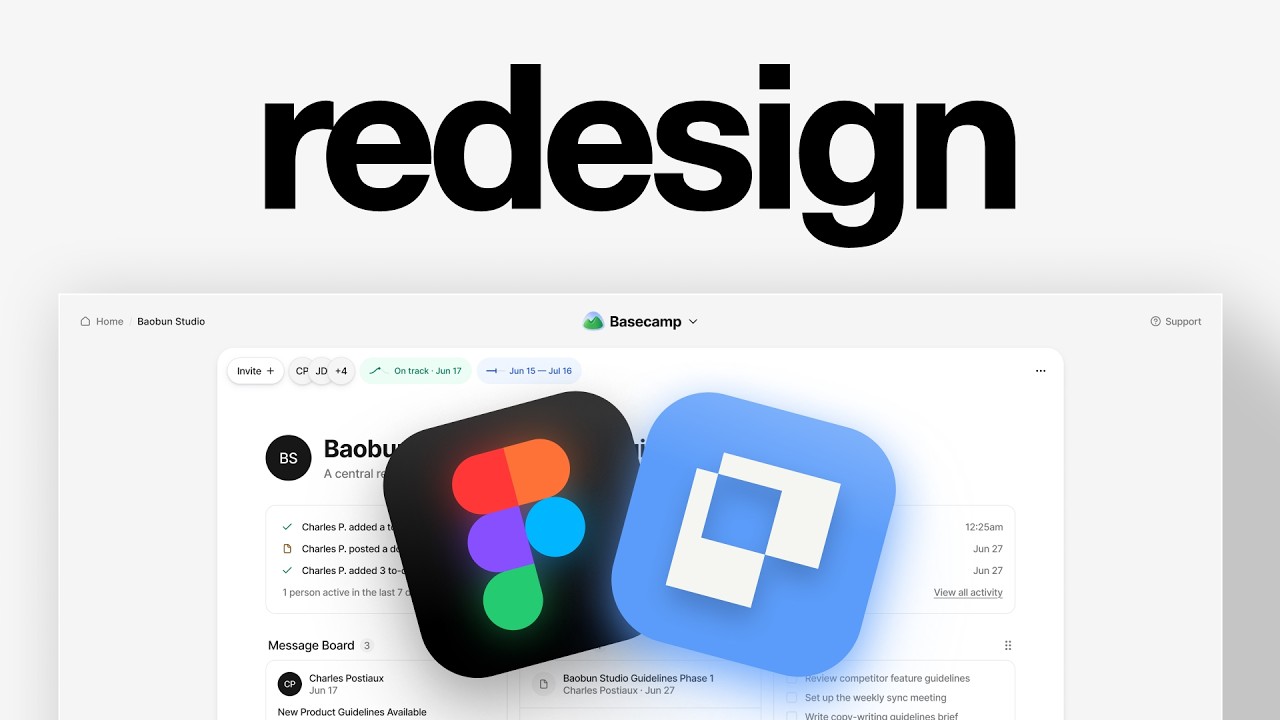
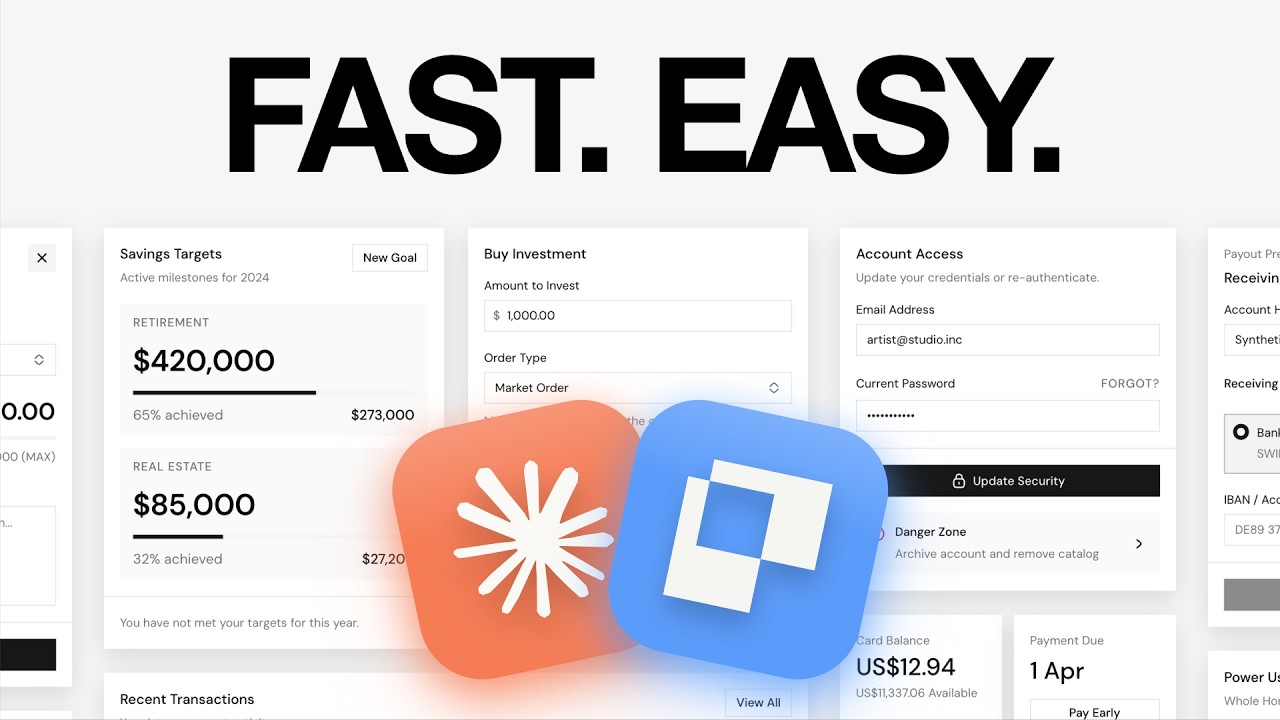
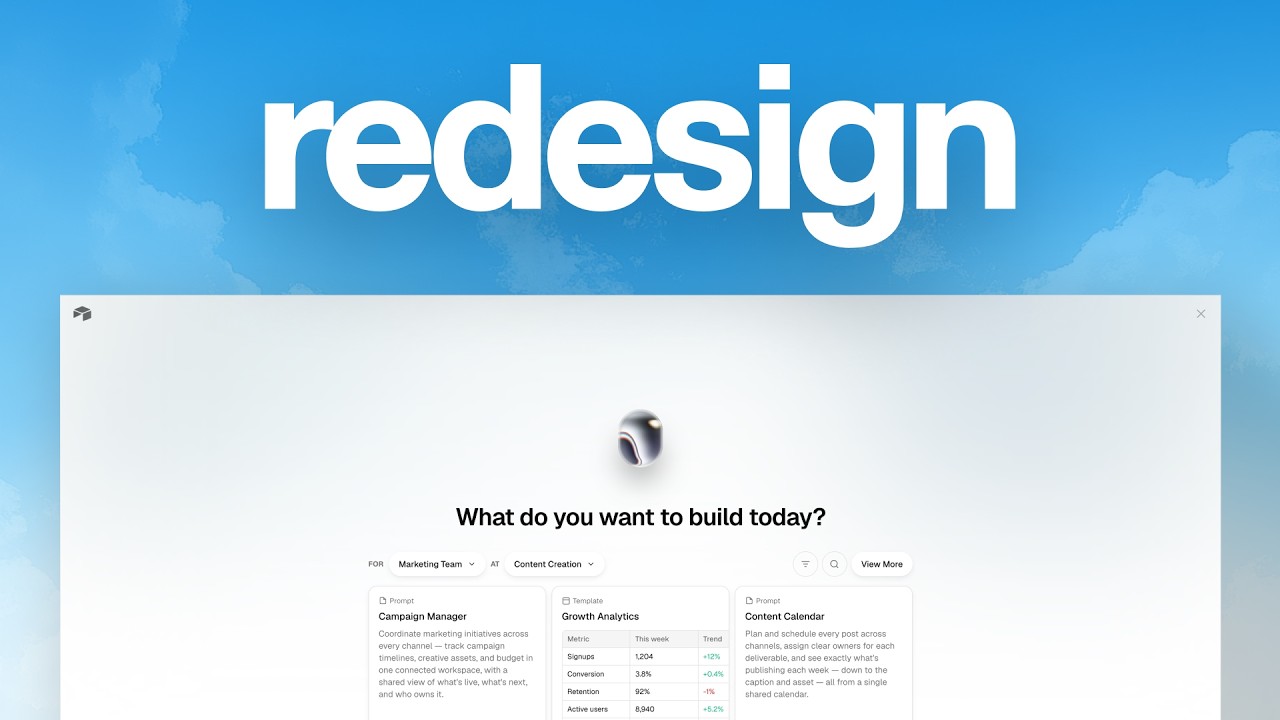
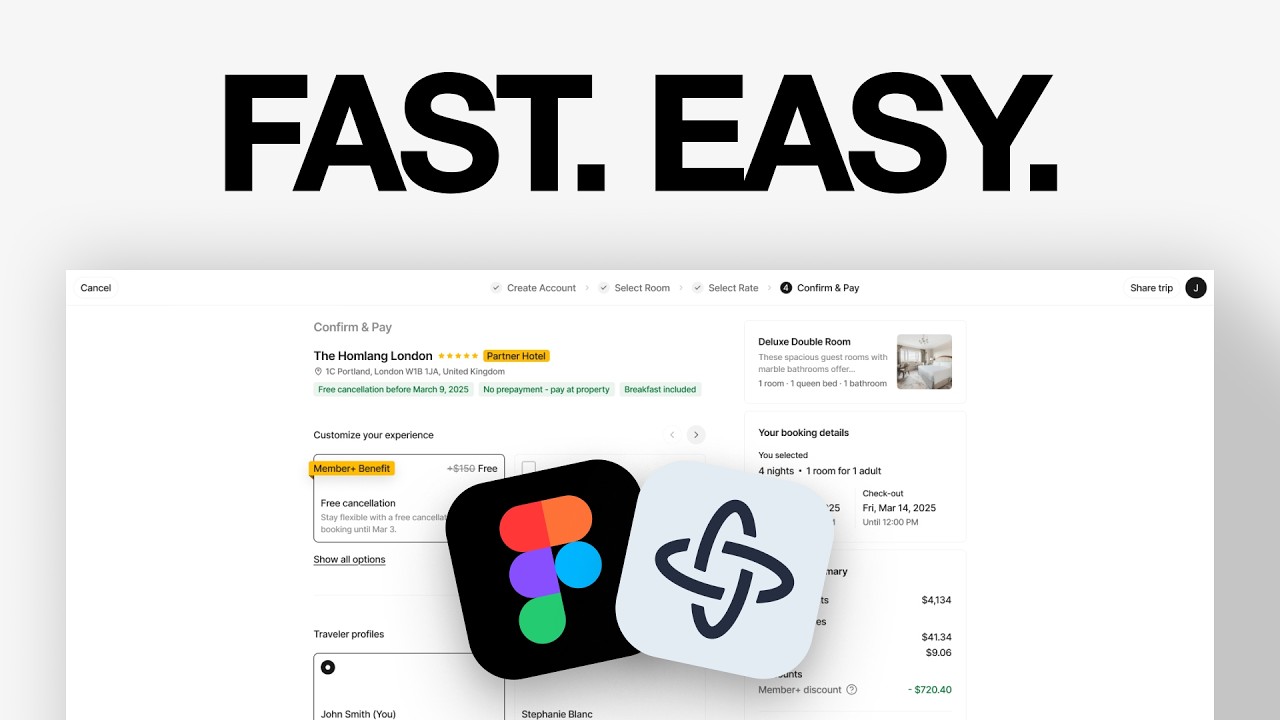
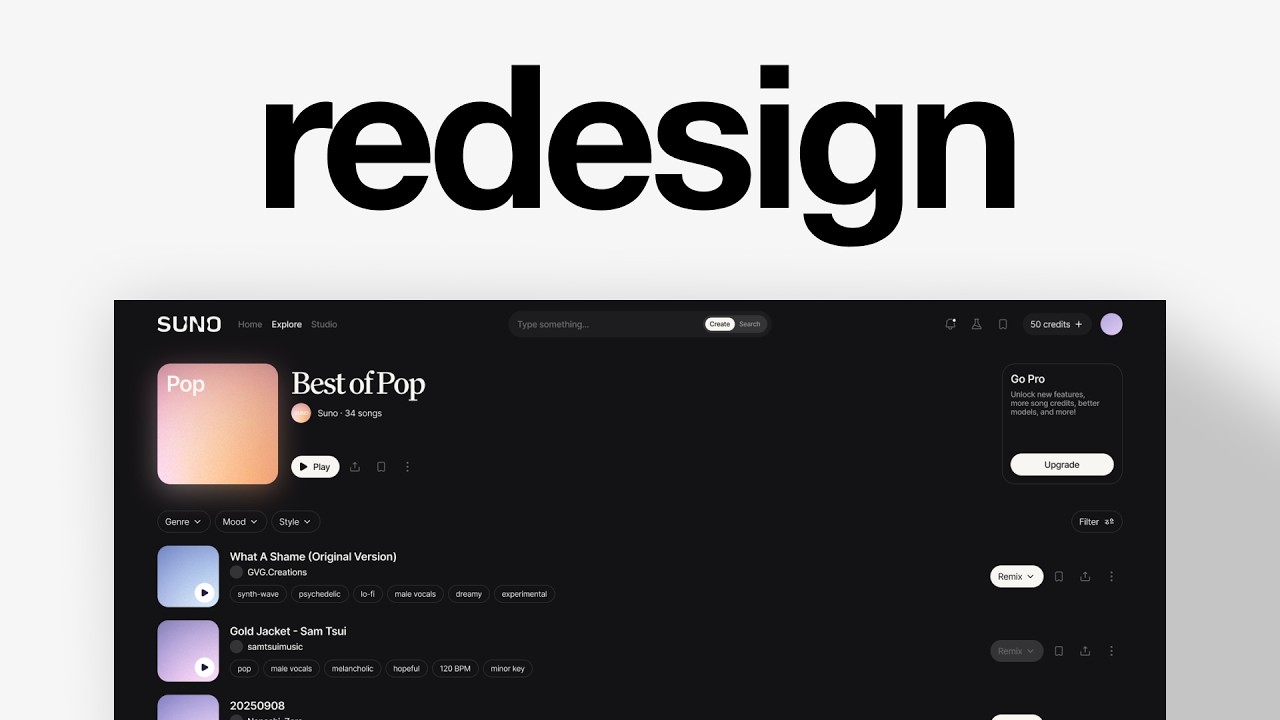
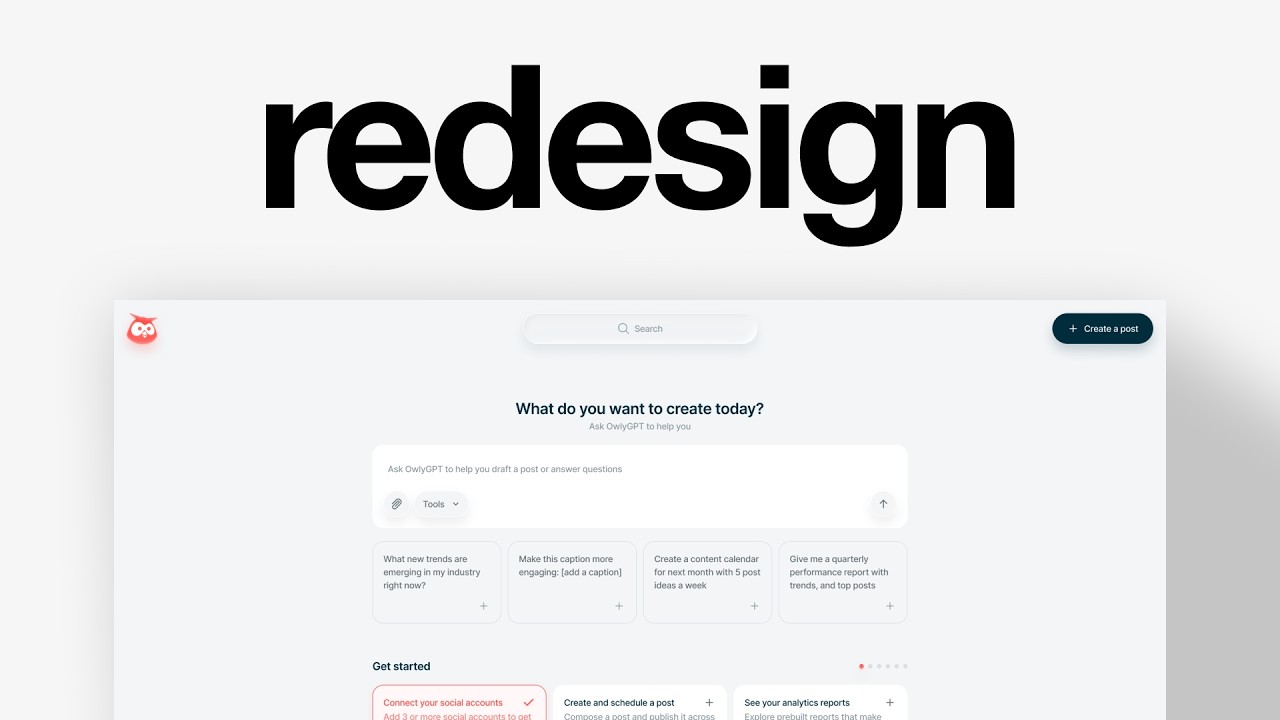
Charles Postiaux shows how to redesign app screens from mobbin.com in Figma, tweaking layouts, colors, and typography to create concept exercises fast. He posts these on Dribbble to build a following and attract freelance clients, treating each redesign as training in spacing and visual hierarchy.
Chapters
I have designed for companies worth over $2 billion, reaching $25,000 a month as a solo designer. And I'm going to show you how I design consistently to post online and grow my following, even when I don't have any motivation, so that you can too. So the key, the strategy is that we're going to find real designs and use them as inspiration to create concept designs from them. And that's really good because We don't need to think about the overall layout or about the copy, the specific copy and all the icons. We can just take that information from real designs and then rethink them as a new concept. When I create those design concepts, I don't take the— I don't say that it's mine. I don't say that I created it from the start. And so to do that, we're going to go to mobbin.com, which I use all the time. There's a link in the description. It's an affiliate link. So if you don't want to click on it, you don't have to. And it's really good because it has so many different web apps and mobile apps as well. I just go into the web tab and then I can just look at a lot of different design inspiration web apps from actual products, which I think is really good because a lot of what you see online is not real. And so I like to go with the real ones. And so for example, here, Slide, and I can look at a lot— like they have all of the screens possible from the product. And I can just look at any of them and pick one and think, oh, okay, that's good. I like this one. I think it could be good to redesign it. I think I have some ideas that could be interesting. And even if you don't have ideas, like you could just learn how they made those designs. Like there are product teams behind those. And so you could just copy those and train. You don't post it. You don't send say that it's yours, but you can just train and understand how they created those. Think about the spacing, the typography, the colors, etc. So whenever I like a design from this, then I can just right-click, copy the screen, and then I can head over to Figma. I have the screen copied, and then all I have to do is go to like a created frame that I usually post for Dribbble. And then inside the frame, I just try to do a redesign of it. So all I do, for example, if I want to make something, I just Slide it in the middle, and then I just create a frame like here. Really rough, but you get the idea. Like around here, and then I'm like, okay, so the sidebar is going to be probably around here, and then there are going to be like this notebook kind of thing around here. And then I try to organize it. I'm gonna organize the information, and then I try to come up with a redesign like this one here. So for this reason, I was like, maybe it could be really cool to have this bright color palette for the design. A bit more, a bit bolder would be cool. And then I thought, oh, maybe the navigation could be like those kind of blobs, blobs thing here. And then the cards, instead of just being floating in the middle of nowhere and looking a bit more traditional in its aesthetic, I was like, maybe we could do something a bit more unique, more like floating cards. That's just how I come up with— I didn't know what I wanted to design when I started it, you know, like literally I just saw this. I was like, okay, let's try to redesign it. And all I did was just again, create a frame around it, then make a block for the sidebar, then try to be like, okay, maybe then I knew that, okay, maybe the navigation, I want to do something special. So the navigation could be here. And then I was like, then the rest is like all of this. So then I was like, oh, maybe it should be the updates should be there. And then there should be a block here for get started. And then I was like, I don't really like that. So maybe this could be the whole page and then I could have the smaller ones. Like here, that would be like the get started. And so you just iterate and you try to figure out whatever you like, what format you prefer, what aesthetic resonates with you. And I think that's the goal. And that's how I'm able to design so much more than if I had to rely on my own imagination, because it would run out in a day. So this way I can just, again, like the goal for me as a designer is not so much to think about the copy itself. Or the icons itself. It's to think about the overall layout, the structure, the UX, the flow, the what you want to express in your designs. And that's what I want to do is you go from this to this. Some people might like it, some other might not. But this way I can also post it online and see if do people like it? Do they resonate with that style or not? Sometimes clients can find me on Dribbble and they're like, oh, I like this style. I like this redesign that you did, or I like this design concept that you did. It happens almost all the time. It's because they like one or two or three designs that I did that they decide to reach out to me. And so I think that's a great way for anyone to design more consistently, even if they don't have any inspiration. Make sure to leave a like and subscribe if you like this video. And also YouTube thinks you will like this next video. So, you know, give it a watch, give it a try. Thank you so much for watching.