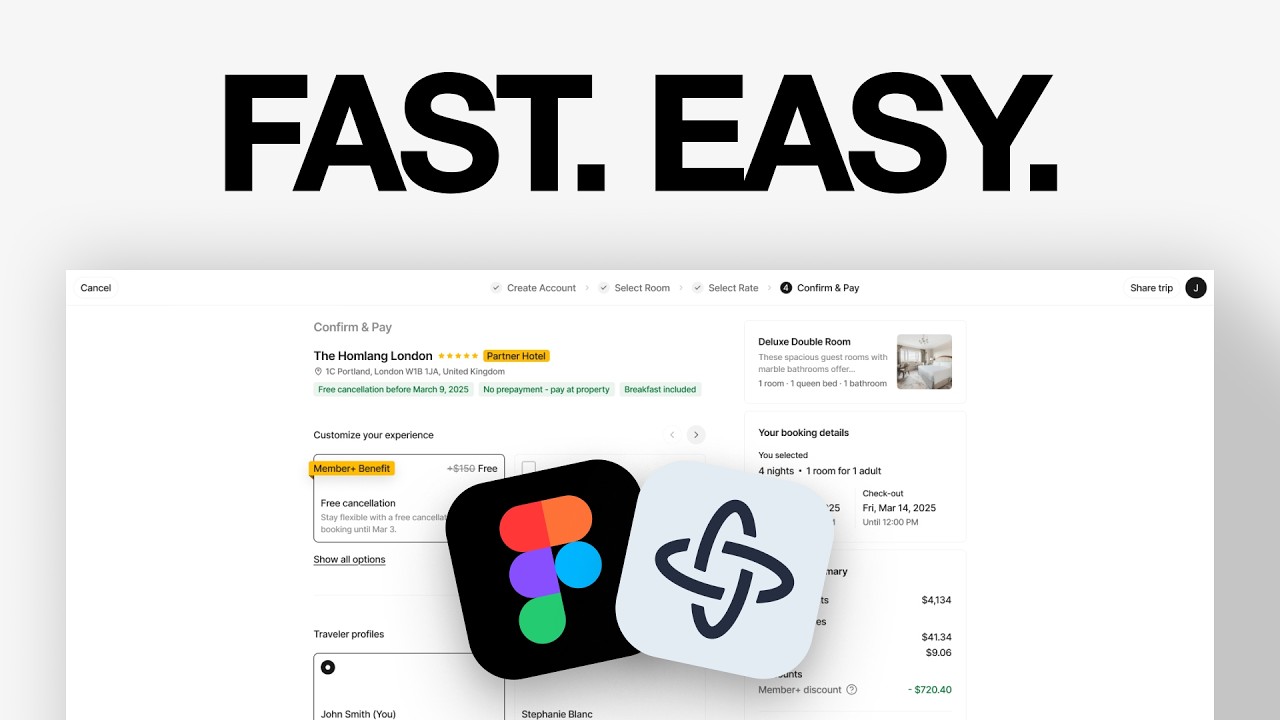
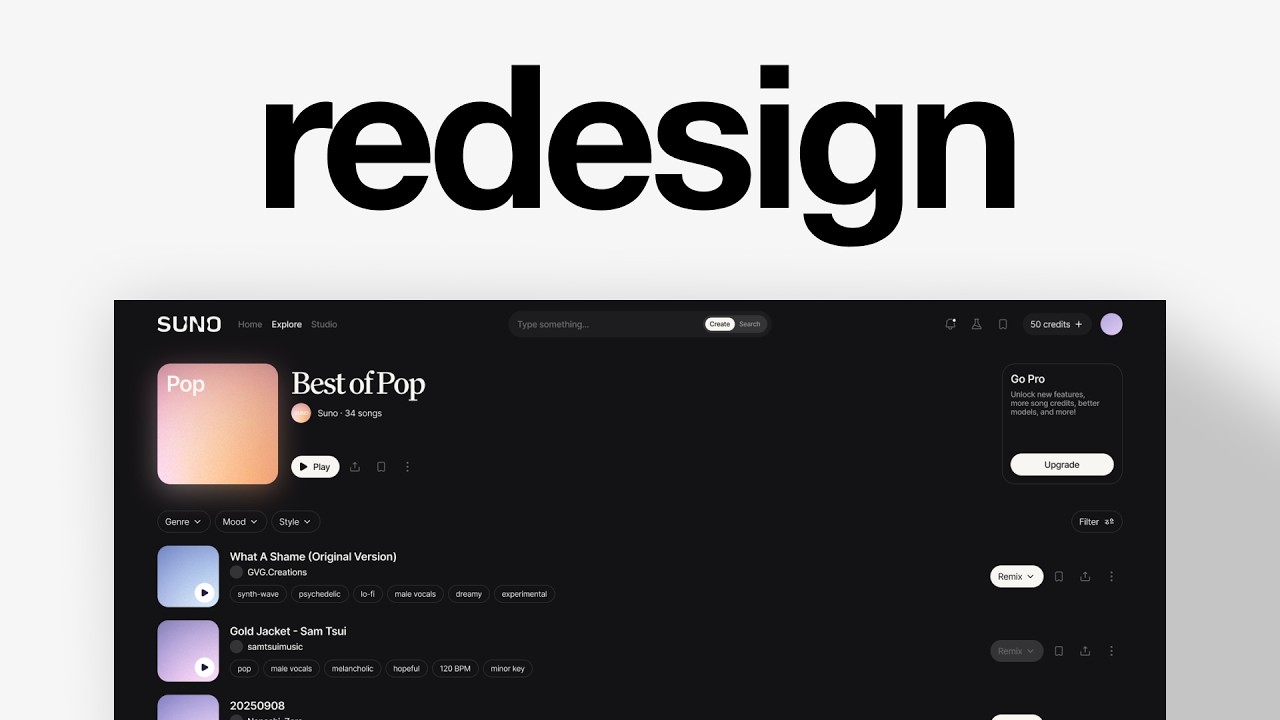
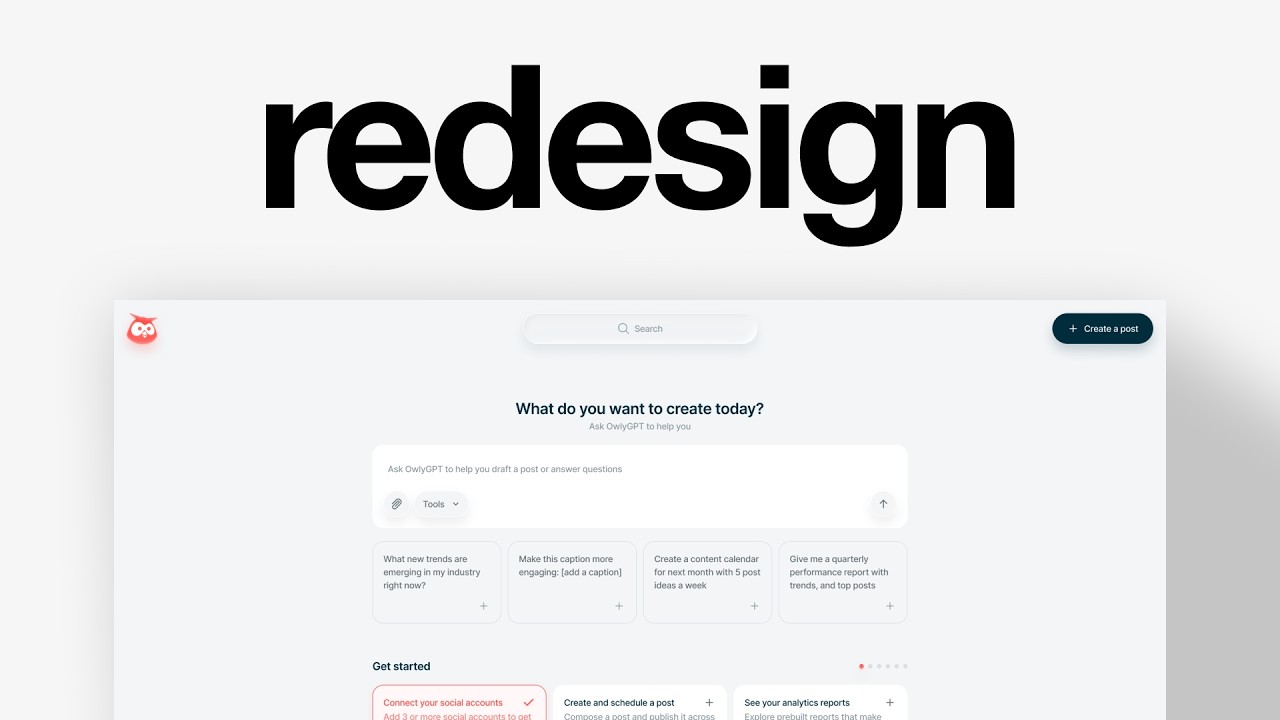
A solo designer who's worked for billion-dollar companies shows how to source real UI examples from moby.com, import them into Figma, break them into components, and rebuild them as portfolio pieces. He argues design taste and strategic thinking, not originality, separate humans from AI.
Chapters
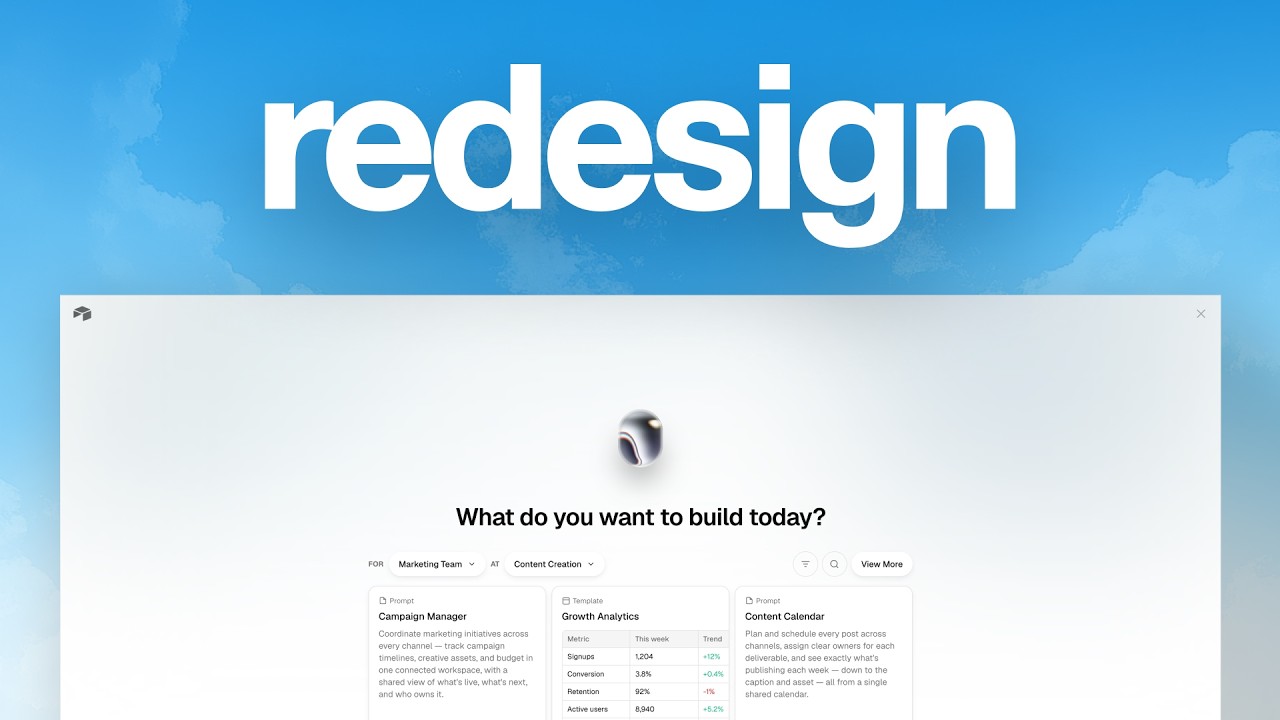
I have designed for companies worth over $200 billion, reaching $30,000 a month as a solo designer. And in this video, I'm going to tell you how to design so fast it feels illegal so that you can post online, grow your following, and find clients even when you don't feel like it. The strategy is that we're going to use designs from real products as a foundation to our work and come up with our own concepts. I love this strategy because it saves us a lot of time. We don't need to come up with like new ideas every time we want to design something. And it's also a great resource to learn industry standards for specific flows or features that we maybe don't know about. And so I'm on moby.com. It's a great platform that I use every day. There's a ton of design for like desktop, mobile apps, and now they also have websites. I know there are other platforms out there, but that's the one that I'm using. Okay, and so how do I use it to create concepts and to design a lot more than other people? First, all I need to do is just to look at products, look at the designs, and see if there's anything that sparks an interest. For me, like for example, if I love flow editing designs and I want to make, I don't know, like a piece of portfolio about it or case study about it, I can take a design like this and think, okay, what would I do differently? What is something that makes sense strategically or a new design on a new UX that I think would be better for this? An example that I did recently was for Air. When I look at their website, for example, I'm like, that's such a cool website. That's a cool branding and logo. I would like to bring some of that to the product. And so that's what I did. I just copied a design here, then I go on Figma and I just drop it there. If you have also a professional subscription on Figma, you can probably use Figma Make. Copy there, create a design from the reference, keep the dimensions 1920 by 1200 pixels, something like that. And it's going to create something like here. It did this. It's not the best. I think it could help some people as well to like go faster. And you can imagine if you have to replicate this whole design with all of those icons, the text, it can be a nightmare. Like it can take several hours to do that if you're really conscious about it and you want to make a design system for it. I usually try to keep it light on this. And I also like to start from a white canvas. And so all I do, for example, once I have this is I create a frame around it, 1920 by 1200. And then my job or my process is going to be about destructuring what the design is about. I can see like the sidebar navigation here. I can see the top section as well with like some search related to the board, some CTAs at the top, and then the main Canva right here. And then you can also go deeper, right? Like, okay, there is like this navigation here and then you have like the headline with some secondary actions here. Then there is the board, a component. You can go really, really deep into the product and into that design. And so for me, that's kind of like the process, how I start with it. And you can see from What I've done for this redesign is I started with like outlining how I would think about, okay, how do I redesign this? What's the goal? What's the strategy behind it? This strategy is really good because you can, you know, use it to post online. You can use it to build your portfolio. You can also train your design skills because in my opinion, the only way to grow as a designer is if you don't have a mentor or you don't have work, it's just to copy from other designers who are better than you. And To me, that's the easiest way to do that. It's also an amazing way to improve your design taste and your strategic thinking, because in my opinion, these are the only 2 skills that are going to help you stand out against AI. And again, I don't know any other better way to do it because you already have a design made. You don't need to think about what's the copy about, what's the page about, what's the industry, what is the layout, what's the navigation. You already have all of that. So now all you have to do is kind of like build your own little library of components, of design references to improve your taste as a designer. And then think about the strategic aspect of it. Why is it this way? You question everything and you try to think about and strategize, what could I do differently? What could be one way to modify this design and make it better? That's what I did for Air and this redesign. I thought, okay, maybe we can make it lighter. Maybe we can focus more on the board itself. Maybe navigation could be secondary. It doesn't mean it's the best option. And people might say, well, navigation UX-wise is not the best. And that's fine. I'm just giving one different option. And that's amazing because then you have a rationale. You can explain why option B and not option A. That's what people pay and that's what people value when they hire designers. Because nowadays, you know, in 4 hours you can have a design up and running. You can have features up and running. You can create a new web app like that in an afternoon. So now it's all about the taste that you have as a designer that you bring in and the rationale and strategic thinking behind your decisions. And also remember that the goal isn't to steal other people's work and say that it's yours. The goal, if you share online those designs and those ideas, is to say that it's a concept and also say where it comes from. And who knows, maybe the people who make those, you know, who make the website or the product are going to see it and love it and hire you for something. That's it at the end of the video. I really hope you liked it. Make sure to leave a like and subscribe, and I'll see you for the next one. Bye.