Colin Brown shows how to create training videos on any topic using Perplexity and Google NotebookLM. He searches for 20-30 URLs on a subject, imports them into NotebookLM, and generates a polished video with one prompt. The demo uses corporate versus government accounting as an example.
Chapters
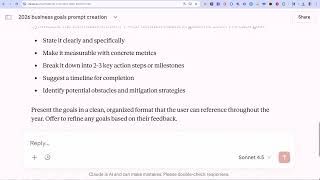
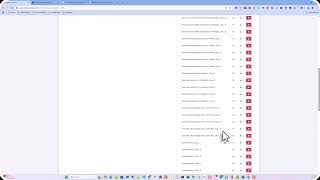
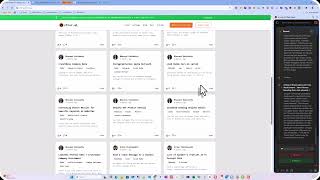
I'm always looking for a practical use for AI, and I have one here today just for you. I'm going to show you how to create video training completely on autopilot. So let's dive in. First, I'm going to hop on over to Perplexity simply because it's a great tool for searching the web, and I put in this particular prompt. In this case, I'd like to learn how the regular business accounting differs from government accounting. Please find the 20 to 30 resources online that teach this. No product pages, just give me the URLs only. Then it goes ahead and it gives me, in this case, 20 online sources that talk about and explain the differences of corporate accounting and government accounting. I then go ahead and I copy these links, and then I hop on over to NotebookLM. Now NotebookLM is from Google and is currently free. You can go to notebooklm.google.com. You'll get to this page right here. You're going to click on create a new notebook, and then all you have to do, you can see that you could use various sources. In this case, you could use Google Drive, you can use website links or YouTube links, or you can just copy some text that you have available. In this case, all we're going to do is we're going to click on website. From here, we're going to paste in the URLs that we copied over from Perplexity. Click on insert and it takes off and it's learning from these sources that we have just researched or that Perplexity has researched. And then we can go ahead and we can give it some instructions. We can tell it to give us a video overview, give us a mind map, a quiz, flashcards, reports, or audio overview. In this case, I would click on video overview. You can select either explainer or brief, and then you can choose the style. In this case, I'm just going to have it choose automatically, so auto select. And then I would give it some instructions, which were probably the best way to start would use the original instructions over here, and I just paste those right in and then click Generate. When it gets done, we have this video, and the quality of the material is quite amazing. So let's take a look and see what it created.
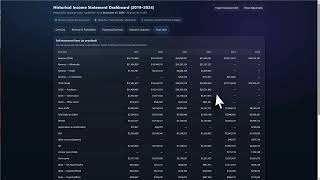
All right, let's dive into something that, you know, affects every single one of us but can feel super confusing— accounting. Specifically, we're going to crack the code on why your city's financial books look nothing like, say, Apple's. It's like they're from two different planets. Let's get into it. I mean, have you ever actually wondered about this? You see a slick corporate report, and it's all about profits, losses, and making shareholders happy. Then you glance at your town's budget, and whoa, it's this dense document full of funds and appropriations and compliance checks. It feels like they're not even playing—
When you're done, you can click on download. You can show the prompt., and you can also share it with others. So use this method to basically teach you or anyone that might need it anything on any particular topic you can imagine, and you'll get a highly professional result. Take advantage of this great AI tool from Google. It's notebooklm.google.com.