Convert a cURL command to Python using OpenAI's Code Canvas. Paste the cURL, select "Port to Python," and get a requests library script. The demo queries wallet balances on Arbitrum, showing how to swap addresses and re-run the script to check different accounts.
Chapters
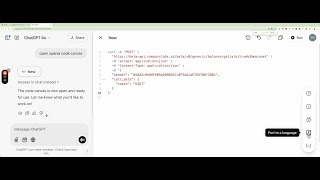
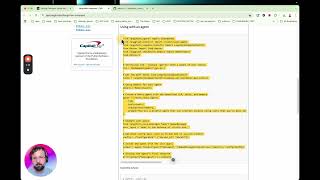
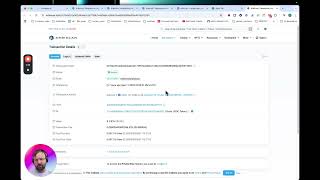
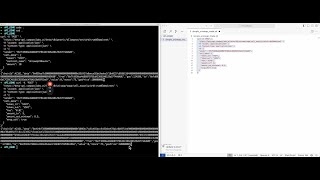
So in this video, um, I'm going to show you how to convert these cURL, um, programs into Python programs. Um, now the API is in a state of change, um, we're constantly updating it every day and we hope to support more languages and make it easier to use as the days progress. But this should help people get started quickly. So if we copy and paste this curl, now I'm just going to execute a simple program, get a balance from a wallet. And if we go to ChatGPT and if you type in open, OpenAI code canvas, and it, ChatGPT will open the sandbox. Now let's paste the curl in here. ChatGPT will then study the curl for a second. And if you click this thing down here, let's make it a bit bigger. Port to a language. We want to port to Python. And then ChatGPT will convert this into Python. And you can see that it's almost identical. So we've got the endpoint. We've got some headers. And we've got the JSON request body. And it just uses one library, requests. So, and now we're going to copy and paste this into our favorite editor, Curse, and here it is. Let's run it. Okay, so this can be run by clicking the Run button, and we can see the output in the command line down here. Let's run it again. And you can see that this, um, account has zero USDT on the Arbitrum chain, on Arbitrum mainnet. So let's find an account that does. So, um, I'm going to ask Cursor to replace the sender with this wallet address, which is, um, which I know contains USDT on Arbitrum. Then we click Apply, and then, um, We're going to accept. Okay, now we're going to run the program again, and this one has $42 in it.