Connor walks through Transact, Compass Labs' new zero-fee API interface for Uniswap and Aave. The demo shows setting token allowances, swapping USDT for USDC by picking the cheapest fee tier, and checking balances after the trade completes on MetaMask.
Chapters
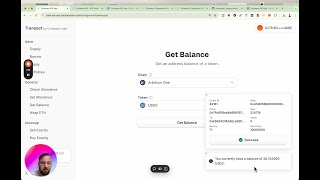
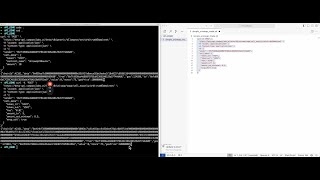
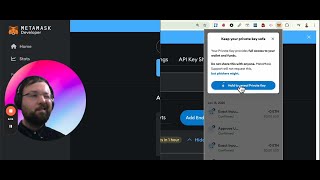
Hello, how's it going? My name's Connor and I'm proud to introduce you to Transact by Compass Labs. And Transact is a user interface that accompanies our new API which has zero fees and works on Uniswap and Aave at the moment, but it's still in beta. So for each of our API endpoints, and we provide an accompanying user interface in Transact, so Let's see if we can sell some USDT in Uniswap. Now before we do this, we need to set an allowance for USDT, so let's do this. Now if you click Select Token, a drop-down menu will appear, and then you can use the keyboard and type in the token you want. So let's select an allowance for $10 of USDT, and let's sign our transaction. Let's confirm our transaction. It automatically connects to MetaMask. Now let's sell this USDT in Uniswap. Sorry, USDT, USDC. And let's sell us in the pool with the cheapest fee level. And we're going to sell— maybe we'll sell $5 of it. Now this amount out minimum protects us from bad transactions. So if there's a really bad rate, let's click sell exactly. Now the transaction won't go through until you check it on MetaMask. So does this look okay to me? It does. I receive basically $5. Woohoo! And now we can check our balance on using the get balance endpoint. So let's go to USDC, get balance. Now I've already been buying some this morning, so that makes sense.