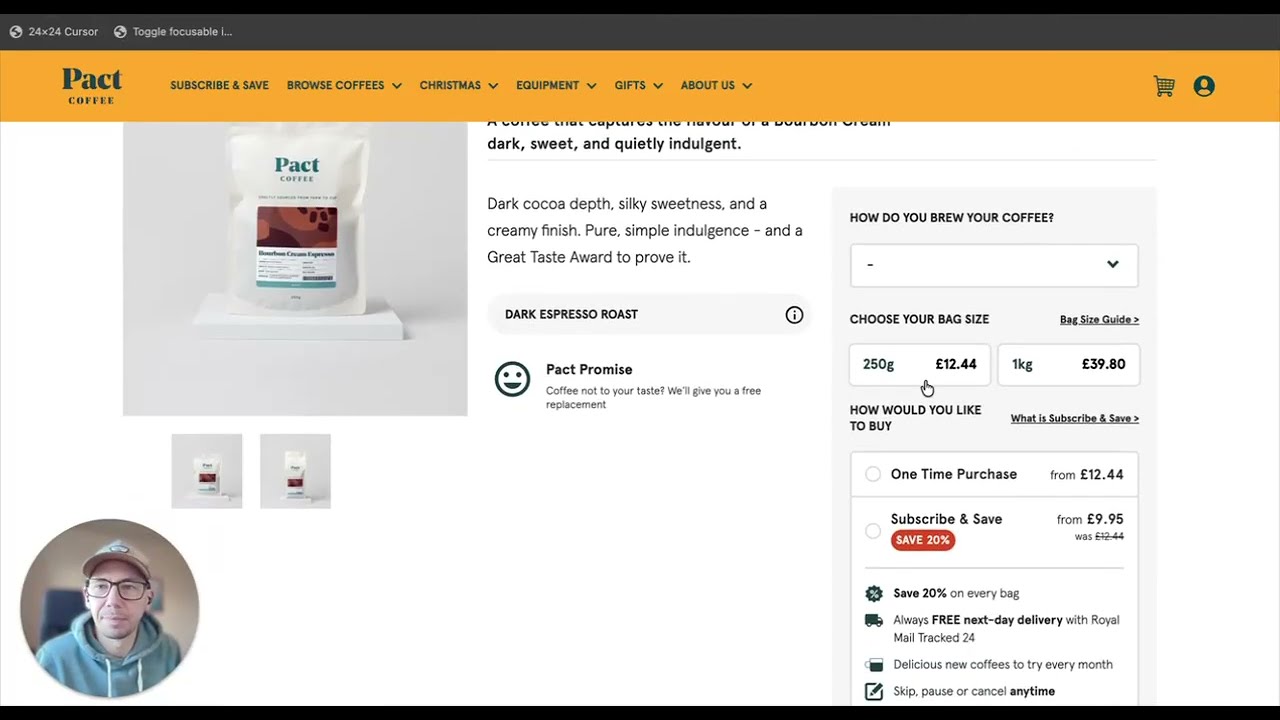
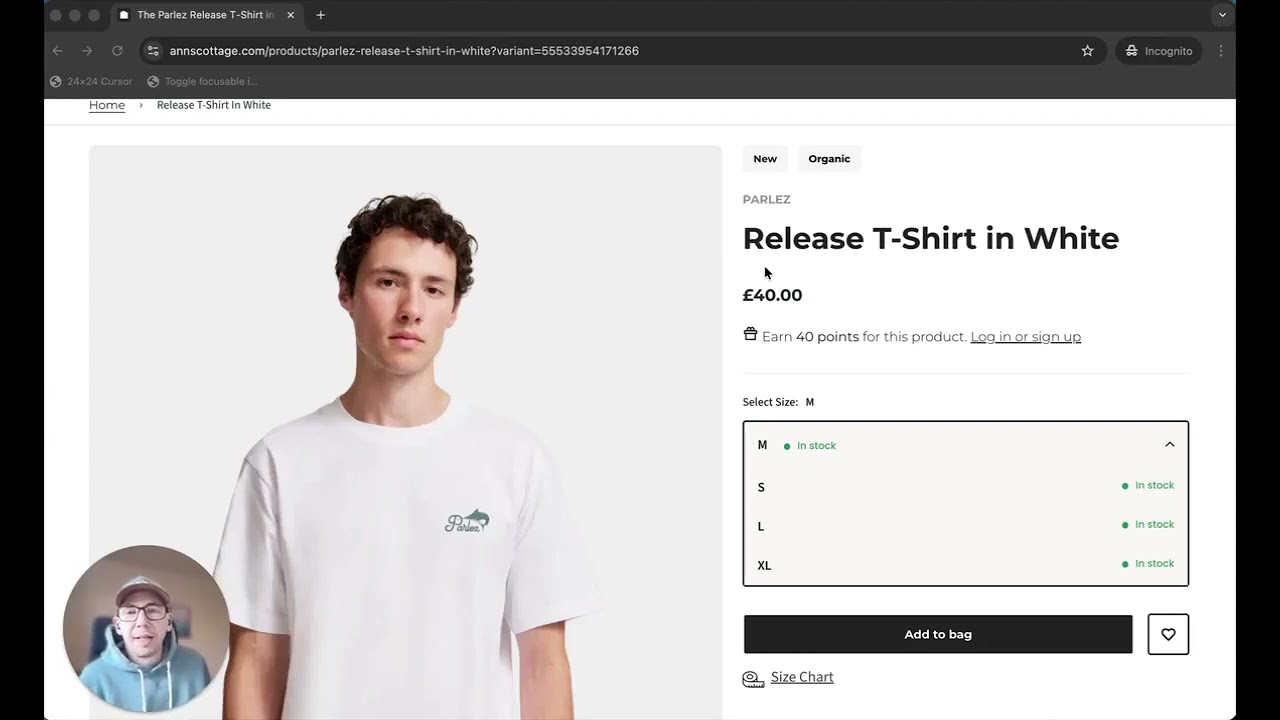
Dave Davies shows how custom product selectors on e-commerce sites fail for keyboard users and screen reader users. A coffee product page has no visible focus indicator and option controls that can't be selected without a mouse, blocking purchase entirely. Testing with just a keyboard reveals what mouse testing misses.
Chapters
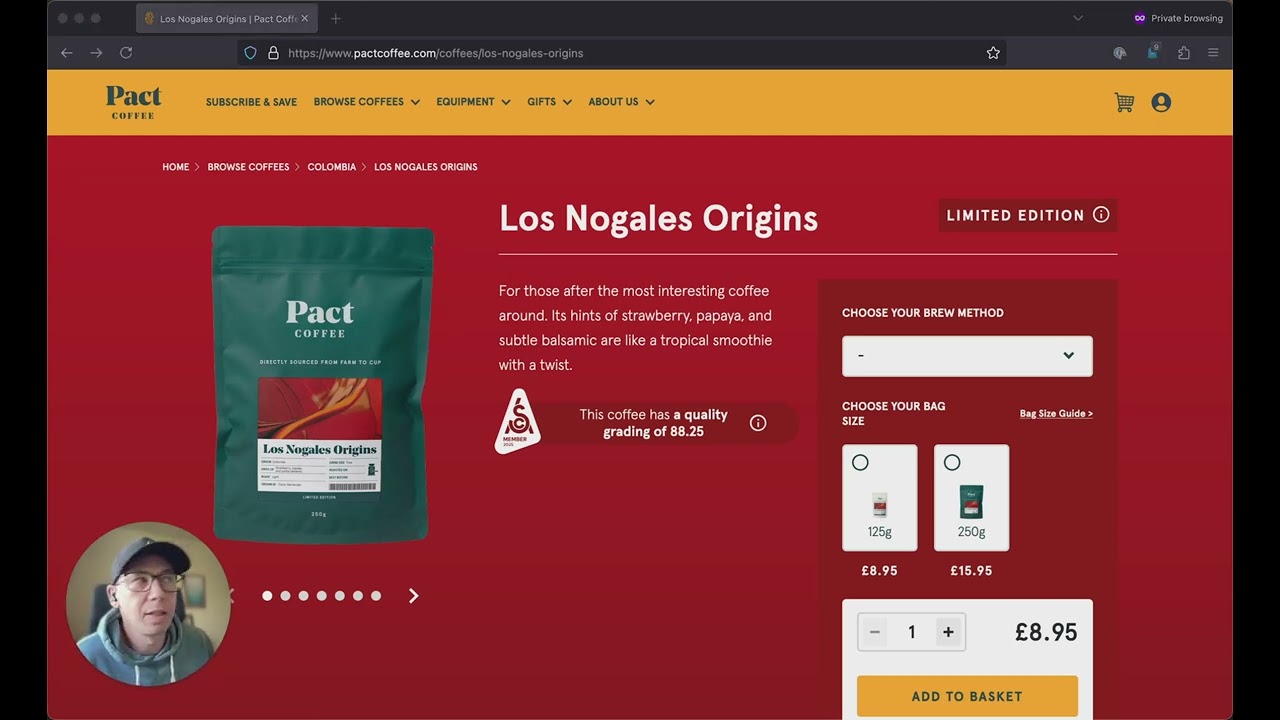
Product pages often need multiple options, and these options need selecting before the product can be added to the cart. So it's very important to make sure that those options are always accessible to everybody, whether they're using a mouse or a keyboard or a screen reader. And it sounds obvious, but that's often not the case on many product pages. So let's take a look at the product options for this coffee, find out what's going wrong and why it matters. Now, when you're testing your own product pages, the easiest way to get started is to put your mouse aside and use your keyboard to try and add the product to your cart. If you can't reach something then it's generally the case that your customers won't be able to either. So let's start using the keyboard and see where we get to. Now, the first thing I notice here is that although I'm tabbing through the page, there isn't a visible focus state. So there's no focus ring around the focusable elements on the page. And that's the first problem, because I can't tell where I am. So I've created a small tool which will highlight all of the focusable areas, and it will show the order that they appear as well. And you can see when we turn this on, it shows all of the links, all of the, the menu items, and the buttons. But it doesn't highlight this area. And that's because these are custom-built elements that, although they have a click handler on in JavaScript, they're not accessible by the keyboard. And that's a problem because they're not accessible to a keyboard. Anybody who can't use a mouse for any reason can't now buy this coffee because until I've selected all of these options, I can't add it to my cart. And if I can't get to these options without a mouse, then it's impossible for me to add them in. Now, this is never intentional on the business's part, but it is quite easy to fix. And it's a problem that would quite quickly have been spotted if there was user testing on this product page using a keyboard and not a mouse.