A Shopify store adds items to cart but leaves keyboard focus on the product page instead of moving it to the modal. Automated tools miss this, but it breaks navigation for keyboard users and frustrates them. The fix is simple.
Chapters
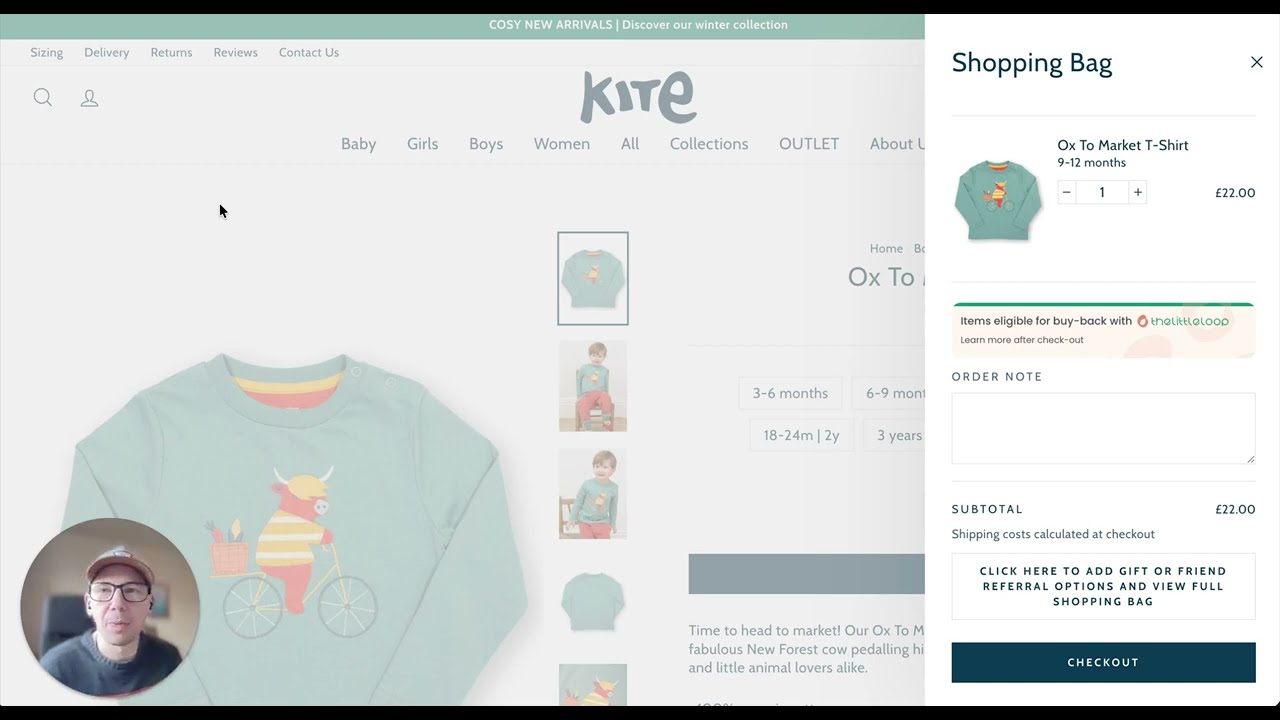
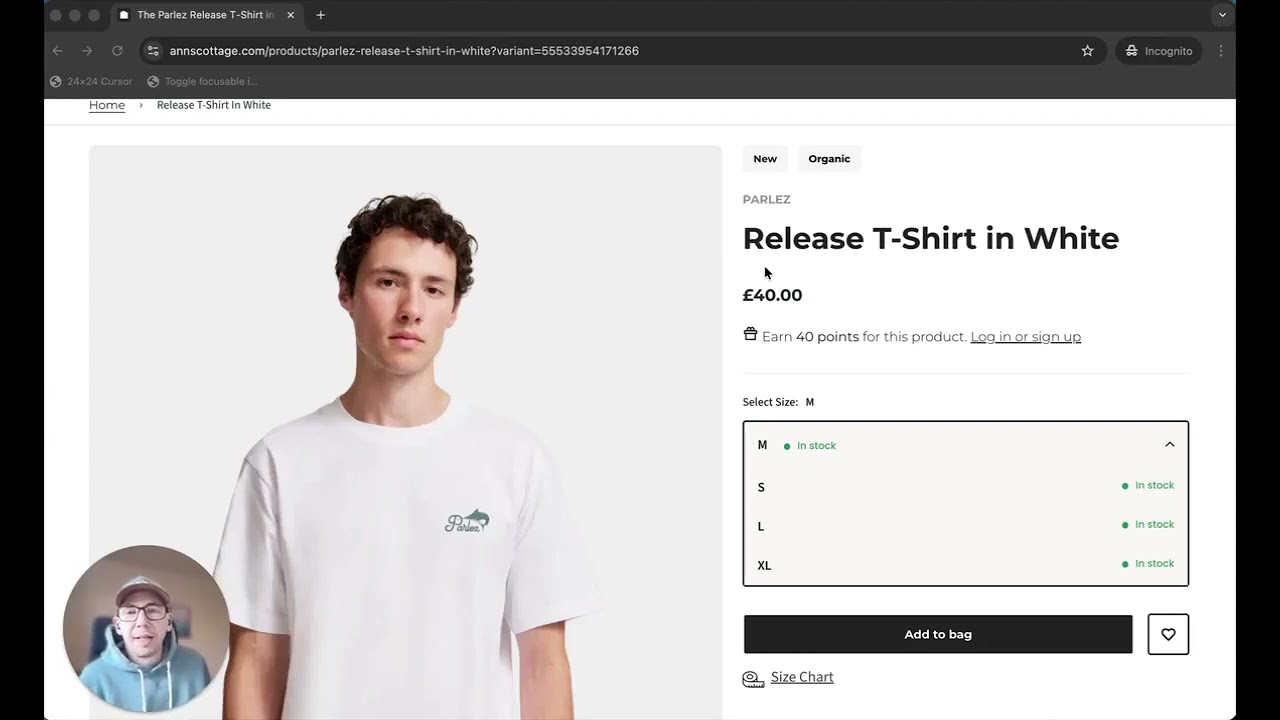
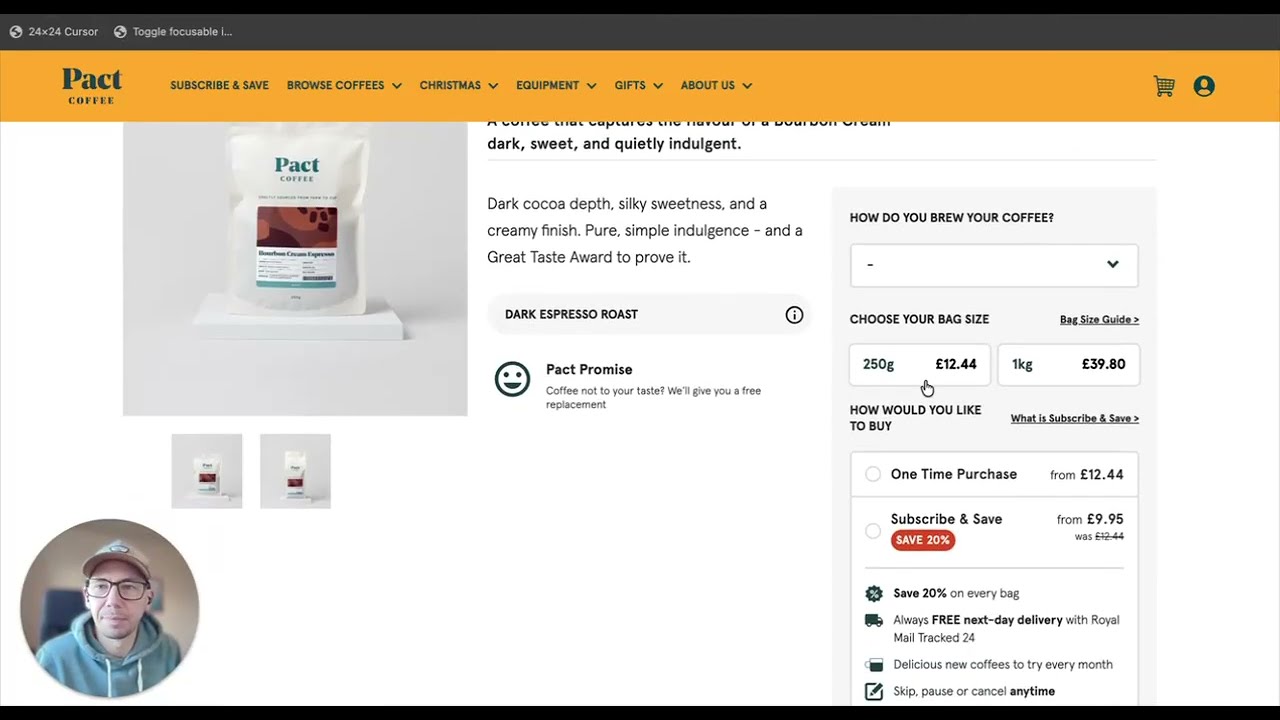
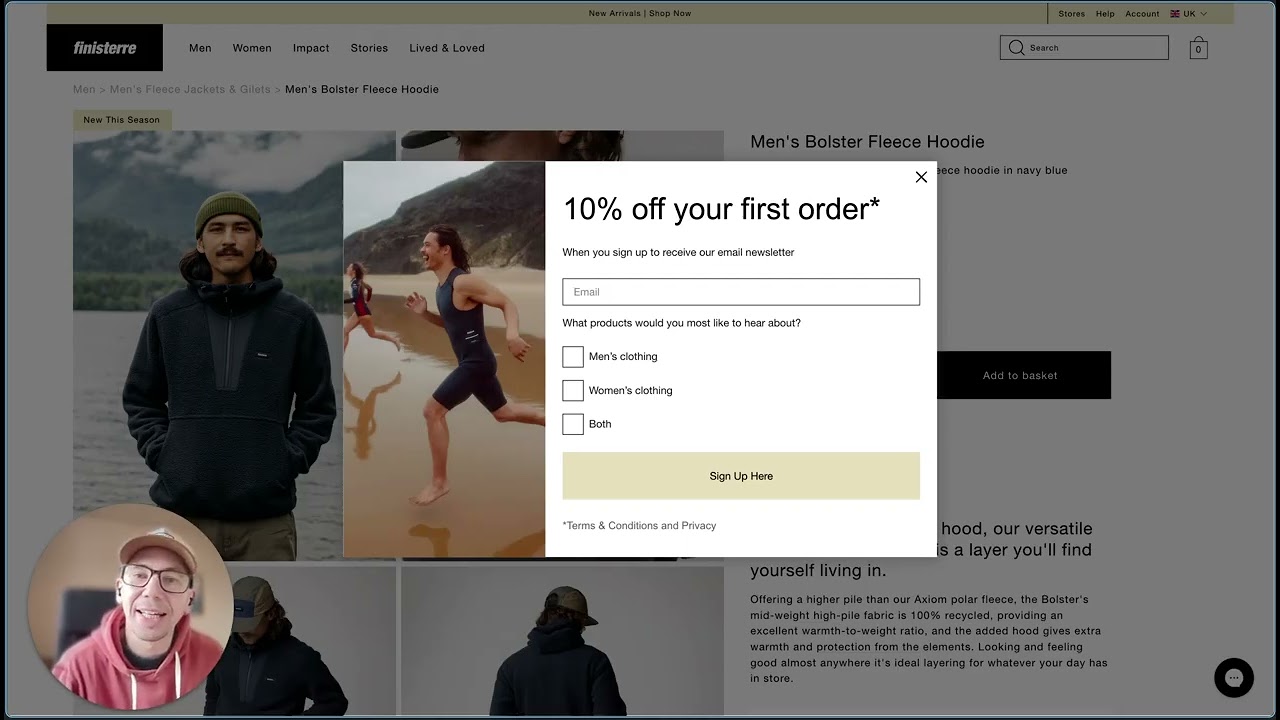
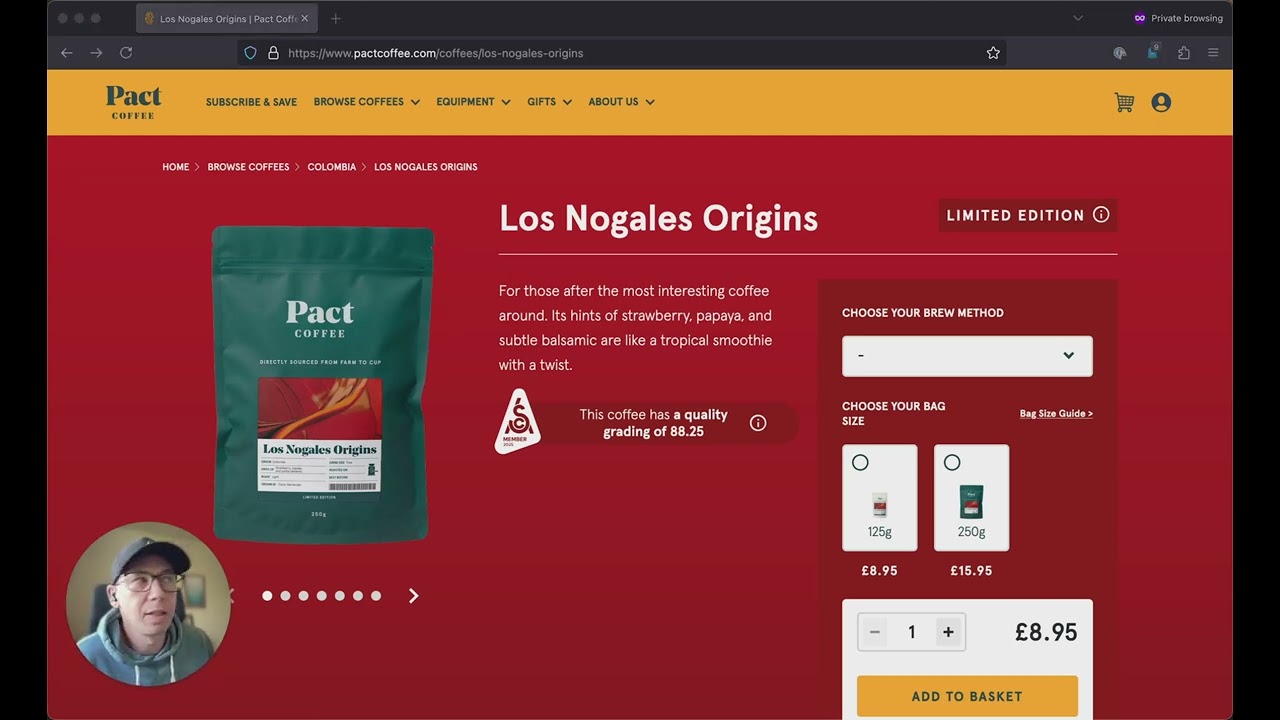
If you're testing your online store with a keyboard, and you know you should be, then do you know what happens once you add any item to your shopping cart when you use your keyboard? Let's have a look at these 2 Shopify stores and have a look at what works and what can be improved. So on this website, If I want to buy a new water bottle, I can use my keyboard to add this one to my shopping cart. And then we see the nice cart modal flies in. And visually, that's where I'm looking now. But if I tab through with my keyboard, then the focus is still on the product page, which means visual focus is on the cart, but my keyboard focus isn't. Let's compare that to this website. I want to add a new jumper to my shopping cart using the keyboard. I can add it to the cart, and when I tab, I'm in the right place visually. I'm looking at my shopping bag, but also with the keyboard, I'm there as well. And we've actually got a good focus trap, which means that I'm now stuck in this area until I choose to get out of it. And that's actually a good thing. This is a really straightforward one to get right, but it's also a really important one as well. This is an accessibility issue that isn't going to get picked up by Google Lighthouse, but it's a very straightforward one to fix. It just adds smoothness to the experience. And if the focus is not taken into the shopping bag, then it adds frustration. And it's another chip away at the trust that people have in using your online store.