Dave Davies shows how a custom dropdown that works with a mouse fails for keyboard users, blocking them from selecting sizes and buying products. Automated tools miss this because the button is valid but the options inside lack keyboard interaction. Replace it with a native HTML select element, or if you need custom styling, ensure options are focusable and support arrow-key navigation.
Chapters
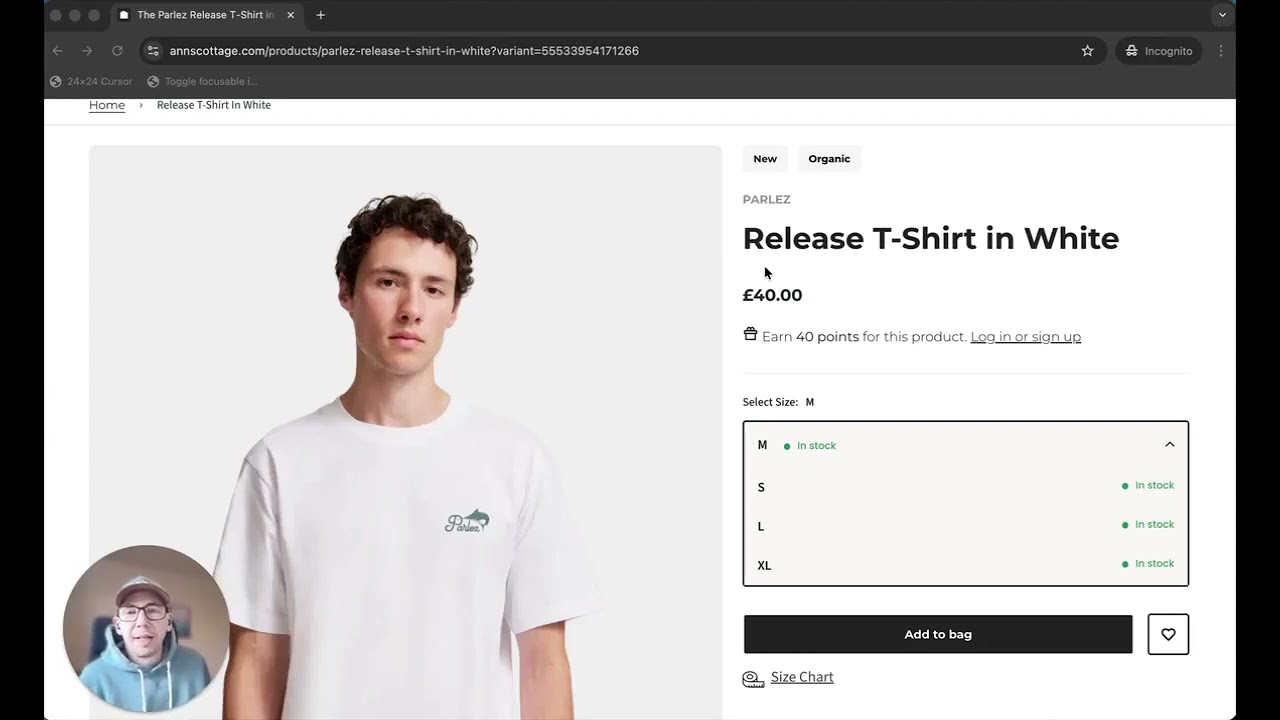
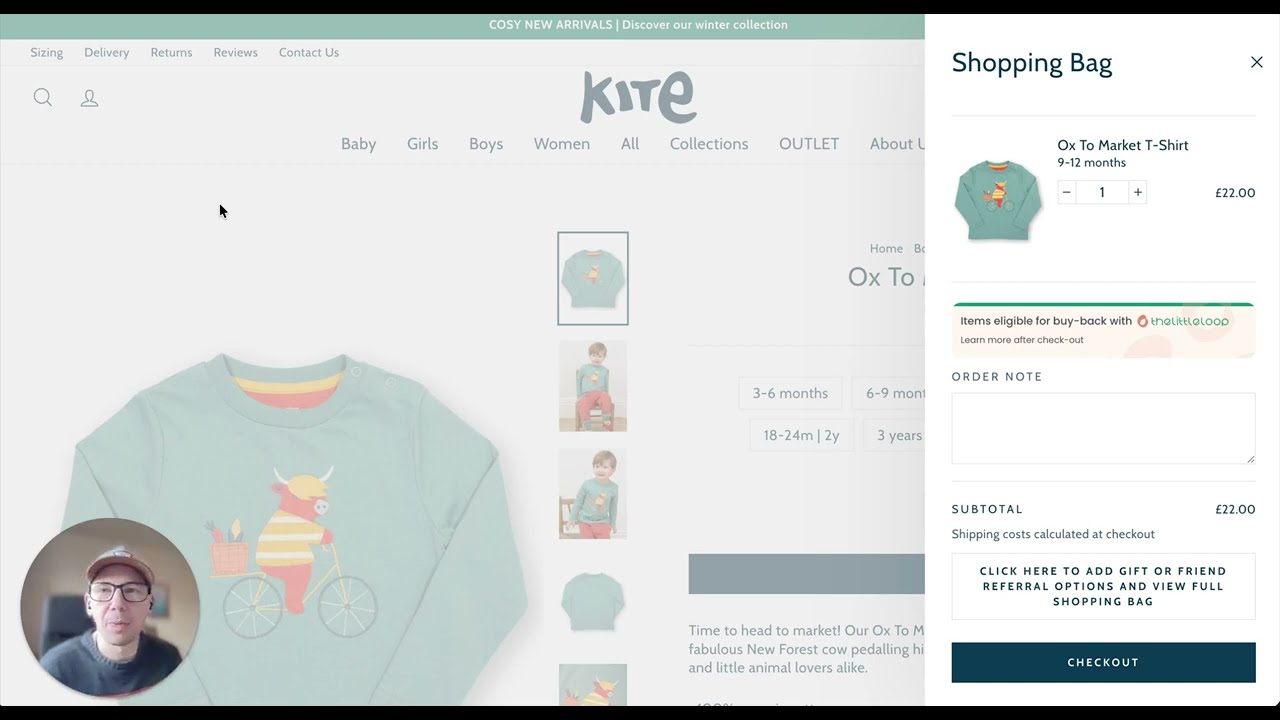
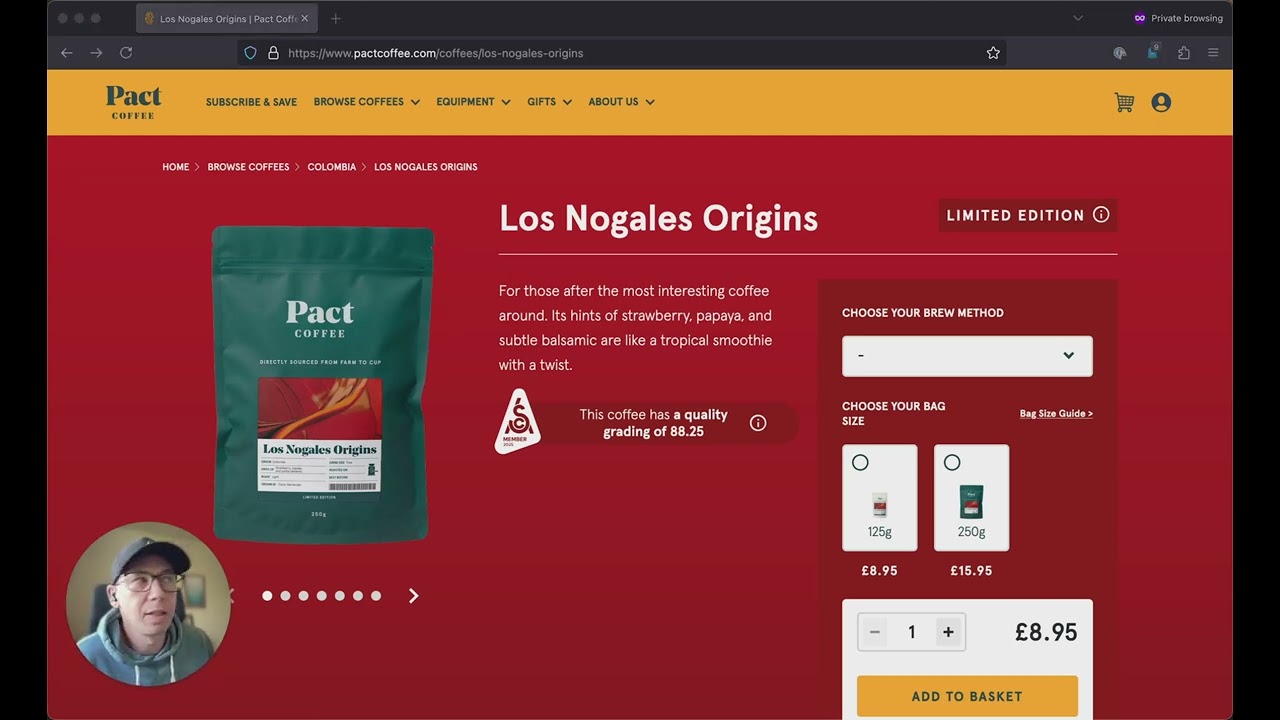
I was looking over this product page recently, and on the whole it looks like a nice standard product page. Gives you everything you would expect to see on a product page. And if you ran it through Google's PageSpeed Insights or a Lighthouse tool or any automated testing, it would probably bring up some low-hanging fruit which is fairly easy to pick up and to fix. One of the things that an automated tool won't pick up is this customized dropdown down here. We'll have a quick look at it. We can open it and select our size, and with a mouse it works absolutely fine. But when I use the keyboard, although I can open the dropdown, I can't actually select an item using my keyboard. And an automated test won't pick this up because the button to open the dropdown is absolutely fine, it's valid, but it's when the dropdown opens and you see these product options where the process starts to break. So because that breaks the complete process, I can't choose a size, and if I can't choose a size with the keyboard, then I can't add it to my cart. Now how could this be fixed? One easy way to fix this is to replace this entire dropdown with a native select dropdown that comes with the browser. No one has ever lost a sale from using the native dropdown, and a native dropdown or select element has so many benefits. It's got consistent keyboard support, it works with assistive technologies, it works on mobile, doesn't break if JavaScript doesn't load. And importantly, it's been tried and tested by many, many accessibility professionals. Your designer might not like it, but it's a solid choice. But if you do have to build a custom dropdown, then it has to behave like the real thing. It has to have focusable options. It has to have arrow key navigation. A screen reader needs to announce the selected element, and it needs to follow the same pattern as the select dropdown that comes native with the browser. And very importantly, you need to do user testing. User testing with a keyboard would have picked this issue up fairly quickly, and this is by paying attention to the full journey from product to checkout really matters. A small barrier like this won't appear in automated tests, but it will stop people from buying. Fixing it is pretty straightforward, and it's one of the easiest ways that you could do to improve your conversions without even having to increase traffic to your site.