A short YouTube tutorial by Saleh Amiralai explaining how to create and update group banners for a Live Launch Event (LLE). The speaker demonstrates an initial, challenge-focused banner and an offer/pitch banner, points viewers to graphic templates they can copy and modify, and advises swapping the group banner (and profile/cover banners) — notably switching to the live launch offer banner on day two after the pitch. The video also notes updating banners across platforms (profile and Facebook page).
Chapters
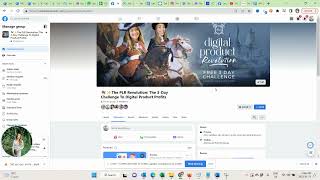
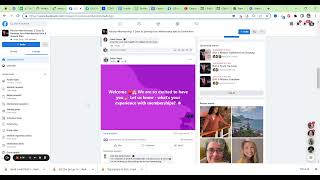
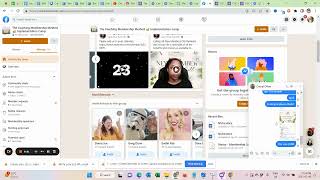
In this video we talk about creating and updating your live launch event group banner. So let me quickly show you here. This is my last live launch event and as you can see I have an offer pitch banner here. But we do not want to start with this banner. So I quickly want to show you the banner that we started with.
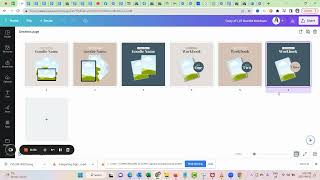
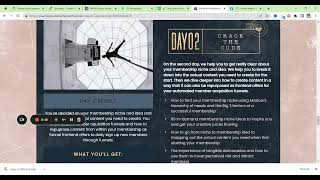
Which is this one. Right? So we started with a banner that reflects the challenge and when you come here to the resource you have graphic templates.
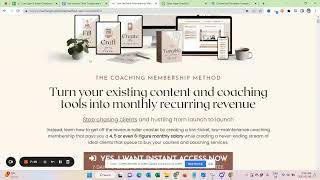
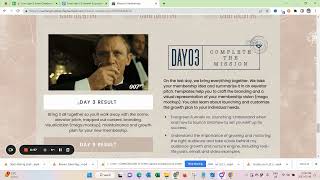
That feature this. So just make a copy, modify it and then you have your group banner ready. I'll say this again later in the dashboard, but on day two you would want to switch out the banner after the pitch to your live launch offer banner. And I personally also use the banners on my profile. I have now since changed it back but simultaneously with the group banner I also updated my.
Cover banner. For some reason I can't see it now but I also updated my cover banner to first the group banner and then the live lounge event banner. And I also did the same on my Facebook page. So you can see now I have to still change it back.
But basically I also followed along here and updated the banner in according to first the challenge.
And then the offer. And I like see here I did the same for the last time as well. So like to on my personal profile and my page have those banners switched up too. Alright, that's it for now.