Saleh Amiralai walks through how to design event banners in Canva and schedule live events for a challenge. The tutorial covers template selection, customization, and event setup from start to finish.
Chapters
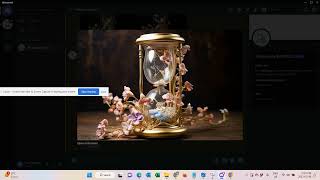
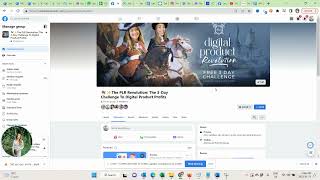
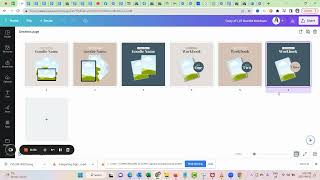
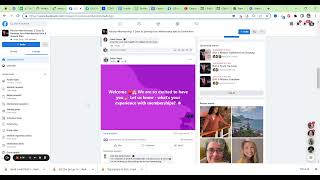
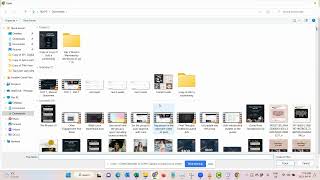
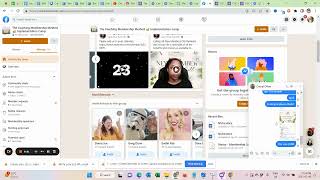
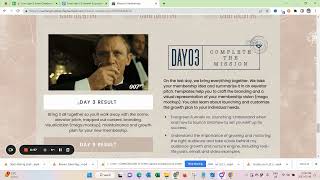
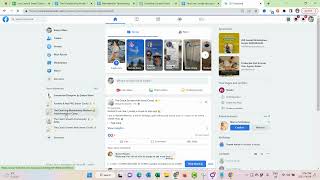
Okay, my lovely members, let's talk about creating your live event banners and setting up your live events for your challenge. So whenever you go live to deliver your training or to answer questions during the live launch, we would actually want to set up an event where we can invite people to join us live. And this is what this looks like. And in here we have provided Canva templates for you. So you just want to customize them to always reflect the theme of the specific day. And ideally, those look a little bit different from day to day, so people can really distinguish it and they also have kind of the numbers of the day. So I have this as well already created and downloaded for this membership. So I just quickly want for this live launch event, not this membership for this life launch event. So sorry, it's been a long day and here's the how they look for me. So I just quickly share with you how to set up the event so you'd want to be in our challenge group. Click here, then here. Create an event.
Online.
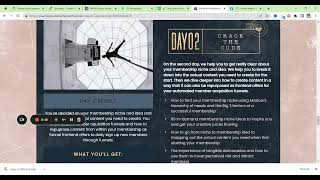
Now I already set up day one. Now I want to set up day two. Crack the code. So this is the theme of day two. Day two is for me on Sunday. I start at 9am.
But that's because I'm here in Austria. So.
You know, more ideal is something in the afternoon. Okay, so now but you know, that's also like a good advice is you do it when you can. And we're going to upload our videos anyways to the YouTube channel and push it out to email list. I'll show you all of this. So it's not that bad if you can't have the perfect time. Okay, then next.
Other.
Next. Now we want to describe it and there we can just go to our sales page.
And then we also want to highlight the outcome, the result and what they'll get.
What you learn and then what you kept here. I want to have my spy emoji and then I want to have my famous green check mark emoji that I'm using 50 times every single day.
At least. And then the green checkbox emoji.
I'm so tired today already. It was such a long day. Six hours of life coaching and then two one to ones and then.
Serving in the group and working on the challenge. So.
I need a pillow. Okay, what you got? Perfect. Then next.
Upload the COVID image.
So right now it's just our coaches in here. So I'm going to invite people that wants to join.
For now, this is fine.
And I'm gonna also do this with the third event.
And that's basically it for this point. Good work. See you in the next one.